Illustrate Project Stages with Step Pyramid

Product Description
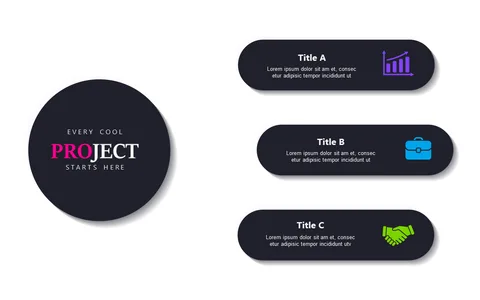
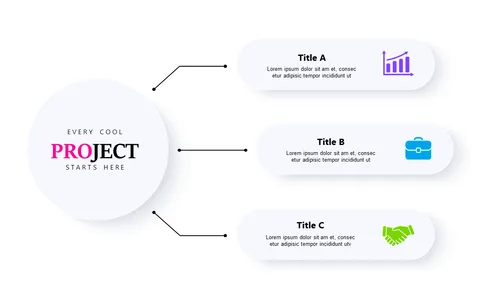
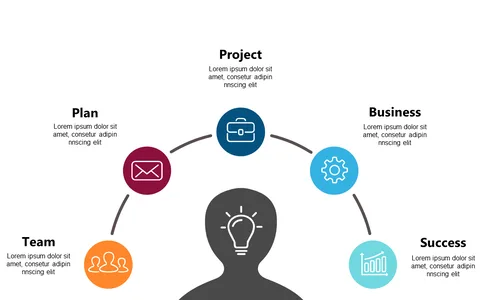
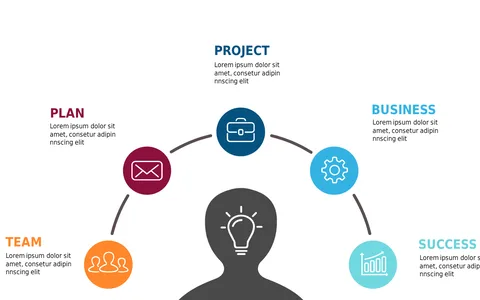
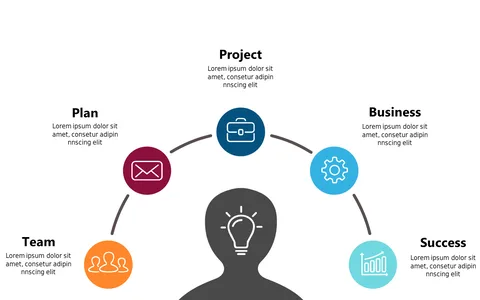
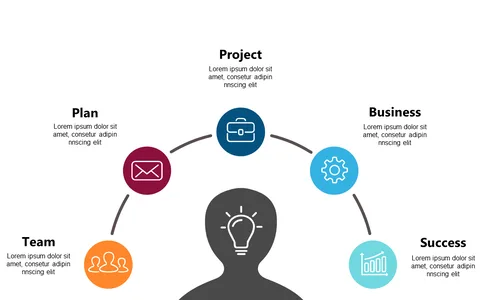
Managing a project often means dealing with overwhelming information, especially when it comes to breaking down phases for your team. This slide presents a step pyramid layout that visually organizes project stages, making it easier for everyone to understand their roles and responsibilities.
Customizing each step means you can tailor the content to fit your unique project narrative. This slide is perfect for project managers in technology or construction who need to present complex workflows during team briefings or stakeholder updates. Imagine walking your team through each phase of a software development cycle or explaining the stages of a building project—this layout keeps everyone on the same page and engaged.
For just $0.99, you can instantly download this slide and get started. It’s easy to edit in both PowerPoint and Google Slides, allowing you to make adjustments in just minutes to suit your project’s needs.
$0.99 – Purchase Checkout
Added to cart