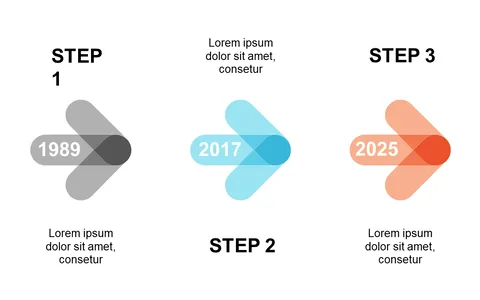
Circular Steps Layout for Clear Workflows
Product Description
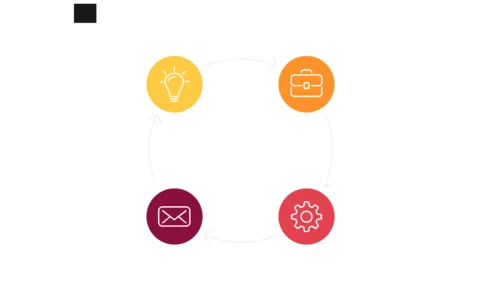
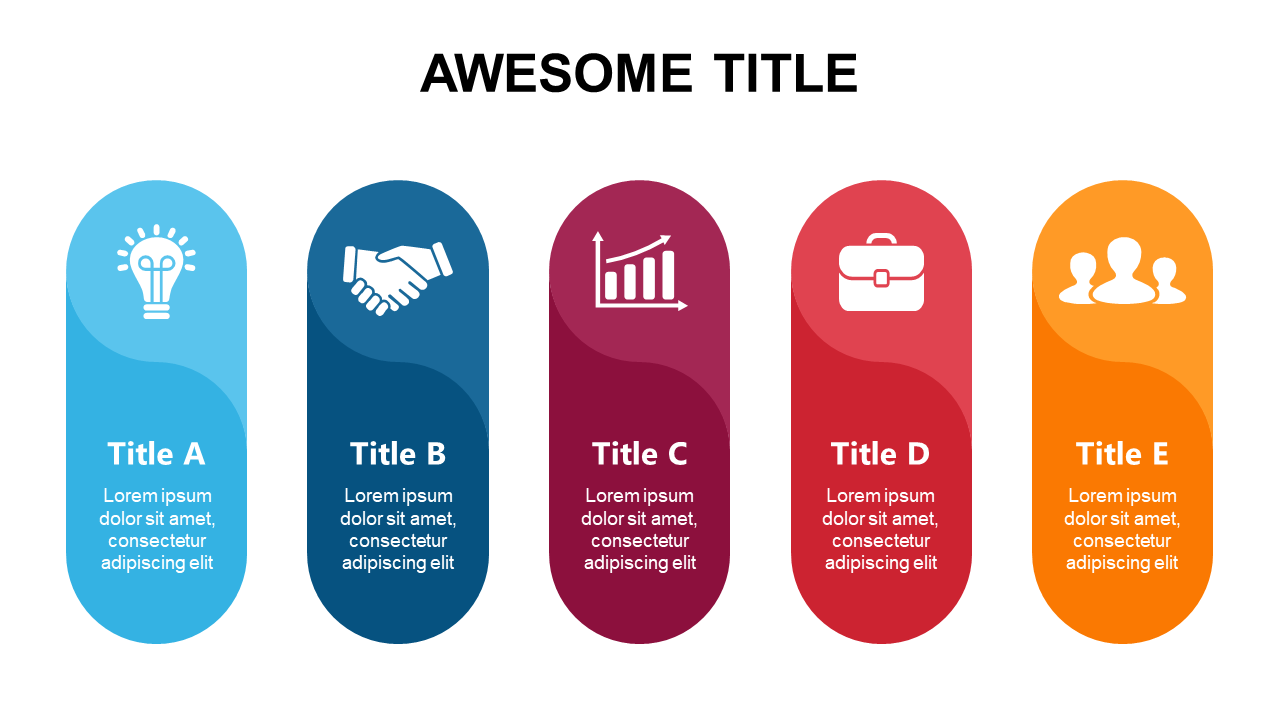
Complex workflows can often leave your audience confused, making it difficult to convey your message effectively. This circular steps layout helps you cut through the noise by presenting each stage of your process in a clear and engaging manner, ensuring that every step is understood.
Project managers and team leaders in industries like software development or marketing will find this slide invaluable when running project kick-off meetings or workflow reviews. Use it to illustrate customer journey maps, product development stages, or even employee onboarding processes.
For just $0.99, you can instantly download this slide and start tweaking it to fit your specific needs. It’s fully editable in both PowerPoint and Google Slides, making customization a breeze.
$0.99 – Purchase Checkout
Added to cart