SlideSwift
By Category
💼Business 📊Infographics □Minimal 🕐Timelines ✨Neumorphic 🗑Diagrams 🔄Flow Charts ✨Glassmorphism 🎨Creative 🌍Abstract 🔄Cycle Diagrams 💎Isometric 🖼Illustrations 📱Social Media 🗺MapsBy Slide Type
🚀Pitch Deck 📌Roadmap 🔍SWOT Analysis 📅Timeline 📈Gantt Chart 🏢Org Chart 📋Funnel ⚖Comparison 📄Case Study 📋Agenda ⭐Icons & Lists 👏Thank You
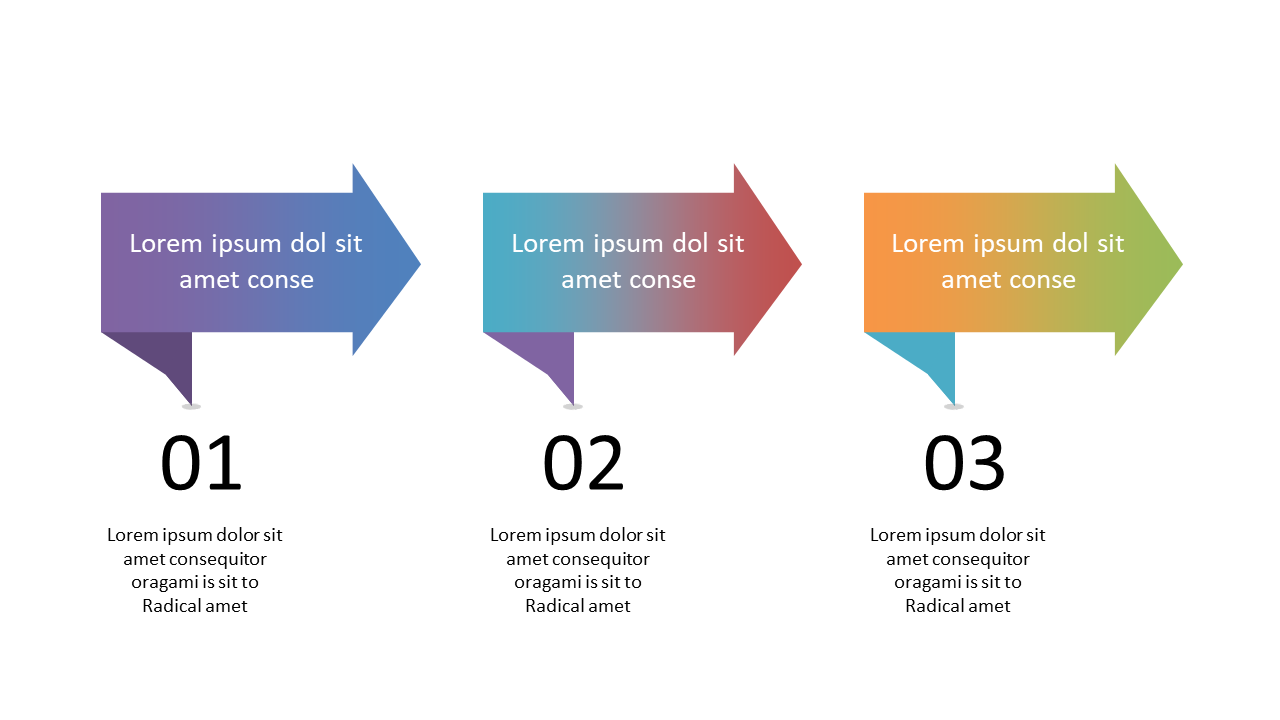
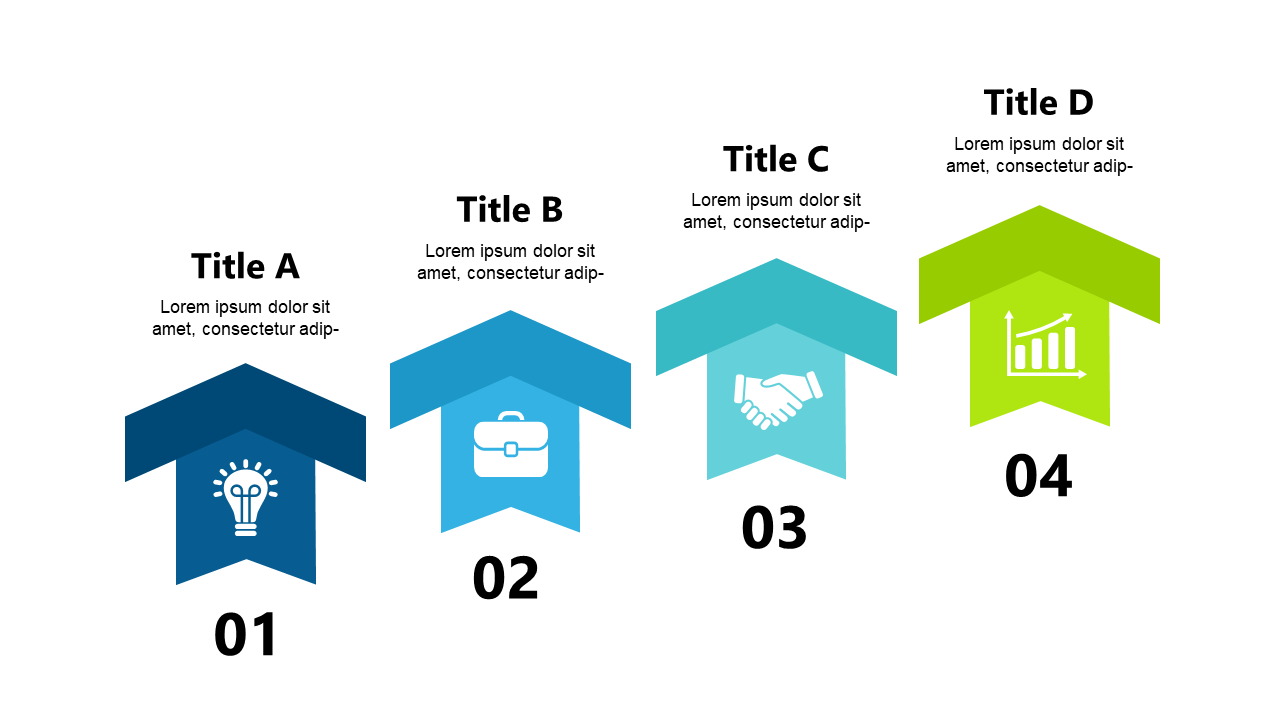
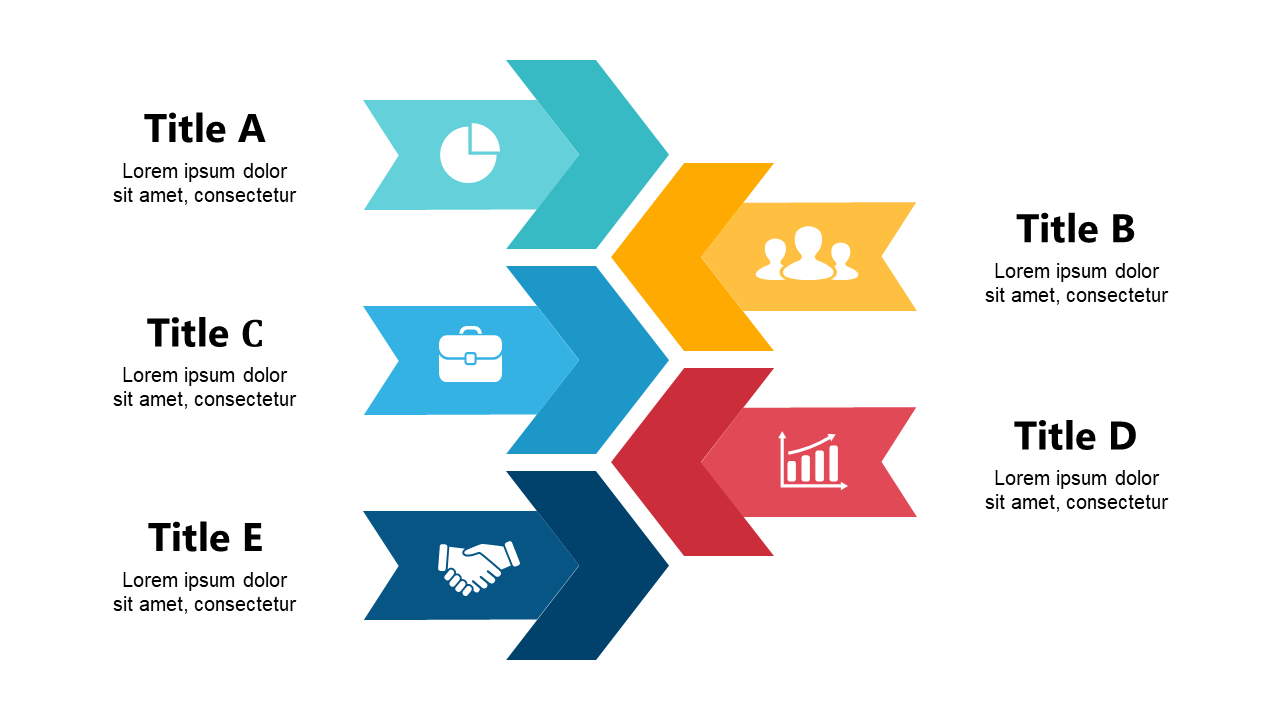
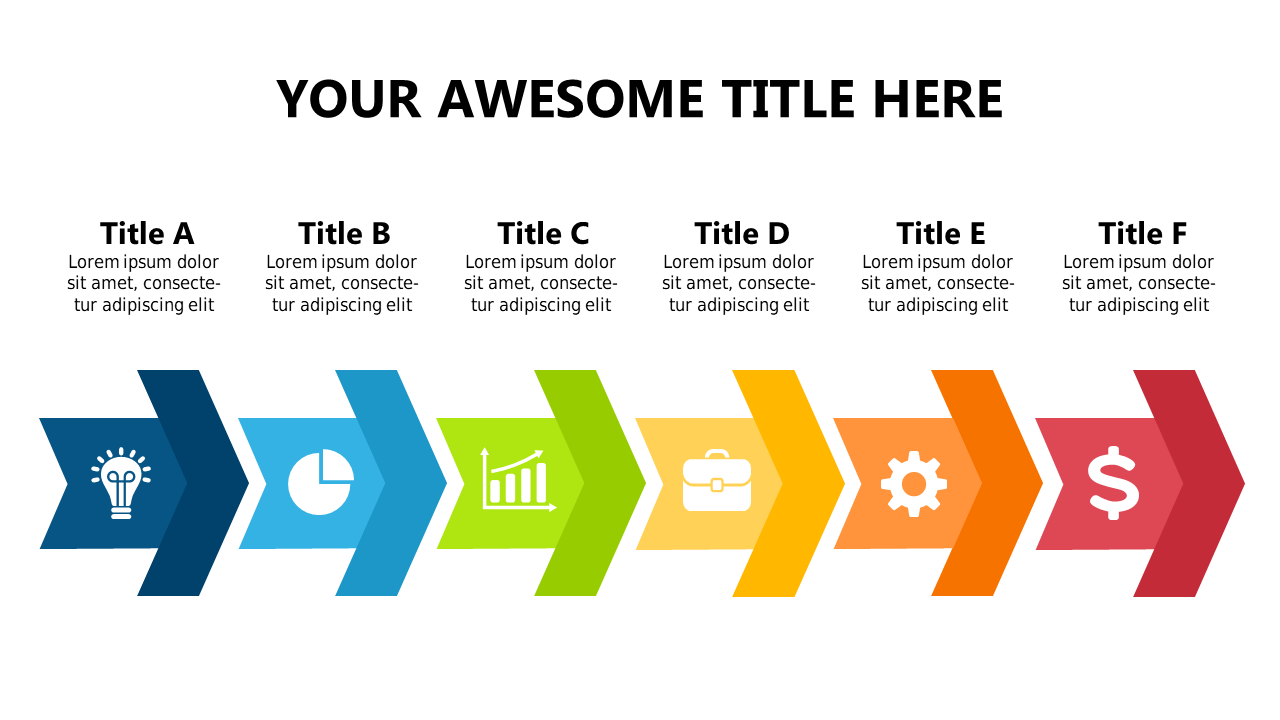
When you’re juggling multiple projects, clarity is key. This colorful arrow layout lets you break down complex processes into manageable steps, making it easier for your audience to follow along. Each arrow is clearly numbered and customizable, so you can easily adjust it to fit your content. For project managers, this slide is ideal for presenting updates during meetings, ensuring everyone is on the same page. Process engineers can use it to detail workflows, allowing for a transparent view of each stage in the process. Operations managers can showcase operational steps or improvements in a straightforward manner, helping teams stay focused on goals. The design is fully editable, so you can change colors and text to align with your branding. $0.99 — add this single slide to any deck from the SlideSwift Slide Library. No subscription needed. Mix slides from any category to build your perfect deck. Fully compatible with Microsoft PowerPoint and Google Slides — swap colors, fonts, icons, and text in minutes to match your brand guidelines or corporate deck theme without any design experience.
Add more from this category to your custom deck