Illustrate Workflows with Circular Steps Layout

Product Description
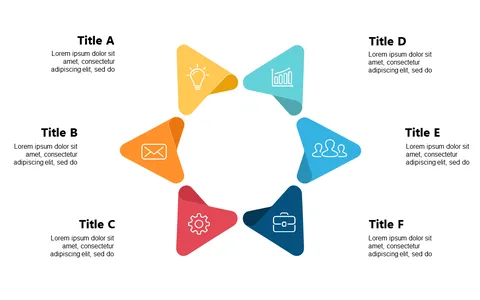
In today’s fast-paced work environment, illustrating workflows clearly can be a daunting task. This circular steps layout connects each phase of a process, helping your audience follow along effortlessly and gain a better understanding of the workflow.
This slide is ideal for operations managers presenting process improvements, training coordinators guiding new employees through procedures, or consultants outlining workflows in client meetings. It’s an effective tool for anyone who needs to lay out complex information in an accessible way.
For only $0.99, you can download this slide instantly and customize it in PowerPoint or Google Slides. Editing is quick and straightforward, so you can have a professional presentation ready in no time.
$0.99 – Purchase Checkout
Added to cart