SlideSwift
By Category
💼Business 📊Infographics □Minimal 🕐Timelines ✨Neumorphic 🗑Diagrams 🔄Flow Charts ✨Glassmorphism 🎨Creative 🌍Abstract 🔄Cycle Diagrams 💎Isometric 🖼Illustrations 📱Social Media 🗺MapsBy Slide Type
🚀Pitch Deck 📌Roadmap 🔍SWOT Analysis 📅Timeline 📈Gantt Chart 🏢Org Chart 📋Funnel ⚖Comparison 📄Case Study 📋Agenda ⭐Icons & Lists 👏Thank You
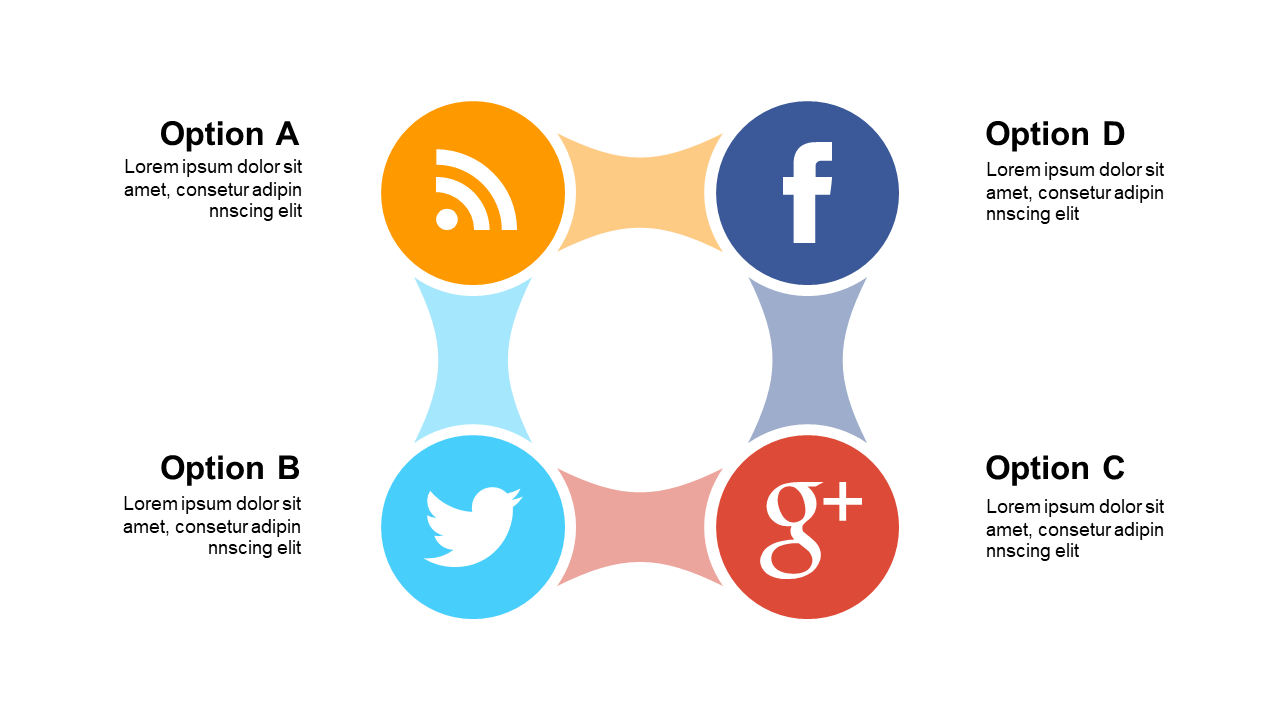
When faced with the need to communicate intricate designs, architects often struggle with conveying complex ideas clearly. This slide offers a circular puzzle diagram layout, divided into segments, allowing for a visually engaging representation of interconnected phases. Each segment can be easily edited to fit your content, making it a versatile addition to your PowerPoint presentations. As an architect, you can use this slide to outline project phases or design elements, ensuring your audience grasps the full picture. For consultants, this slide serves as a perfect tool to illustrate strategic plans or frameworks, helping clients visualize outcomes effectively. Operations managers can also benefit by applying this layout to depict workflow phases or processes, providing clarity in team discussions. Customization is straightforward, allowing you to modify colors and text to align with your brand or theme. $0.99 — add this single slide to any deck from the SlideSwift Slide Library. No subscription needed. Mix slides from any category to build your perfect deck.
Add more from this category to your custom deck