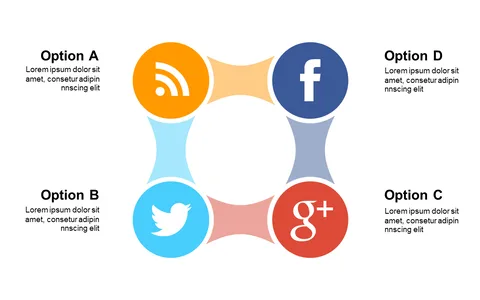
Illustrate Phases with Circular Puzzle Layout

Product Description
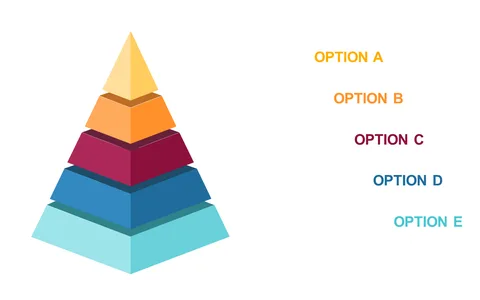
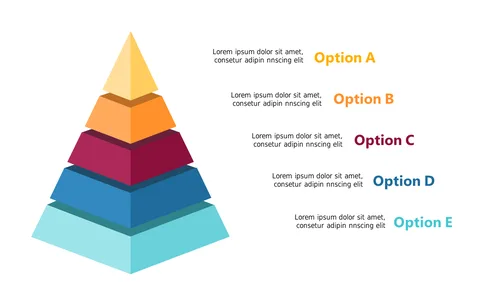
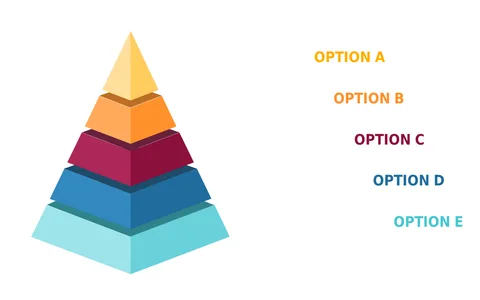
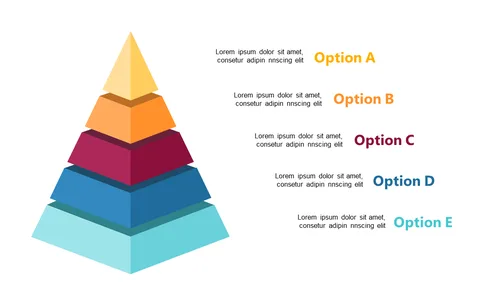
Conveying the complexities of phases or processes can often lead to confusion when using traditional linear layouts. You need a fresh approach that captures attention and illustrates relationships among different components effectively. The circular puzzle layout is designed to present your ideas in a visually appealing way, ensuring clarity and engagement.
This slide is perfect for project managers outlining project phases during team meetings or educators explaining interconnected concepts in a classroom setting. Marketing professionals can also use it to depict the stages of a campaign, while product designers can illustrate the iterative phases of their design process.
Each editable segment allows you to customize the content according to your specific audience. For just $0.99, you can download this slide and get started right away. It’s ready for immediate editing in PowerPoint and Google Slides, so you can fit it seamlessly into your presentation in no time.
$0.99 – Purchase Checkout
Added to cart