Illustrate Phases with Circular Progress Steps

Product Description
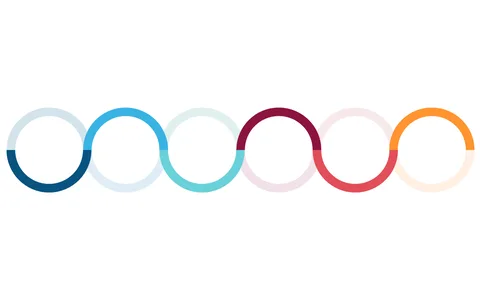
Communicating the different phases of a project can be a challenge, especially when you need to keep your audience engaged. This slide helps you break down complex processes into clear, visual segments, using circular progress steps that naturally guide viewers through each stage. It’s a great way to ensure your team understands where you are in the project timeline.
You’ll find this slide particularly useful if you’re a project manager preparing for stakeholder meetings, product reviews, or team check-ins. Its design allows you to showcase the flow of your project, making it an ideal choice for anyone in tech, engineering, or marketing looking to present their progress effectively.
Whether you’re running sprint meetings or project kick-offs, this slide will enhance your presentations. For just $0.99, you can instantly download this slide, and it’s fully editable in PowerPoint and Google Slides. Make your presentations shine without the fuss—simply customize the text and colors to make it your own in a matter of minutes.
$0.99 – Purchase Checkout
Added to cart