✦ Slide Picker: Pick individual slides from 7,486+ designs — $0.99/slide. No subscription. Mix any category. Explore → | ✏ Edit Online After Purchase — No software needed
Home›Arrows & Steps›Circular Process Options Diagram PowerPoint Template (Corporate Green)

Circular Process Options Diagram PowerPoint Template (Corporate Green)

☀ Light 🌙 Dark
Preview PDF
Preview 1
Preview 2
Preview 3
Preview 4
Preview 5

Product Description

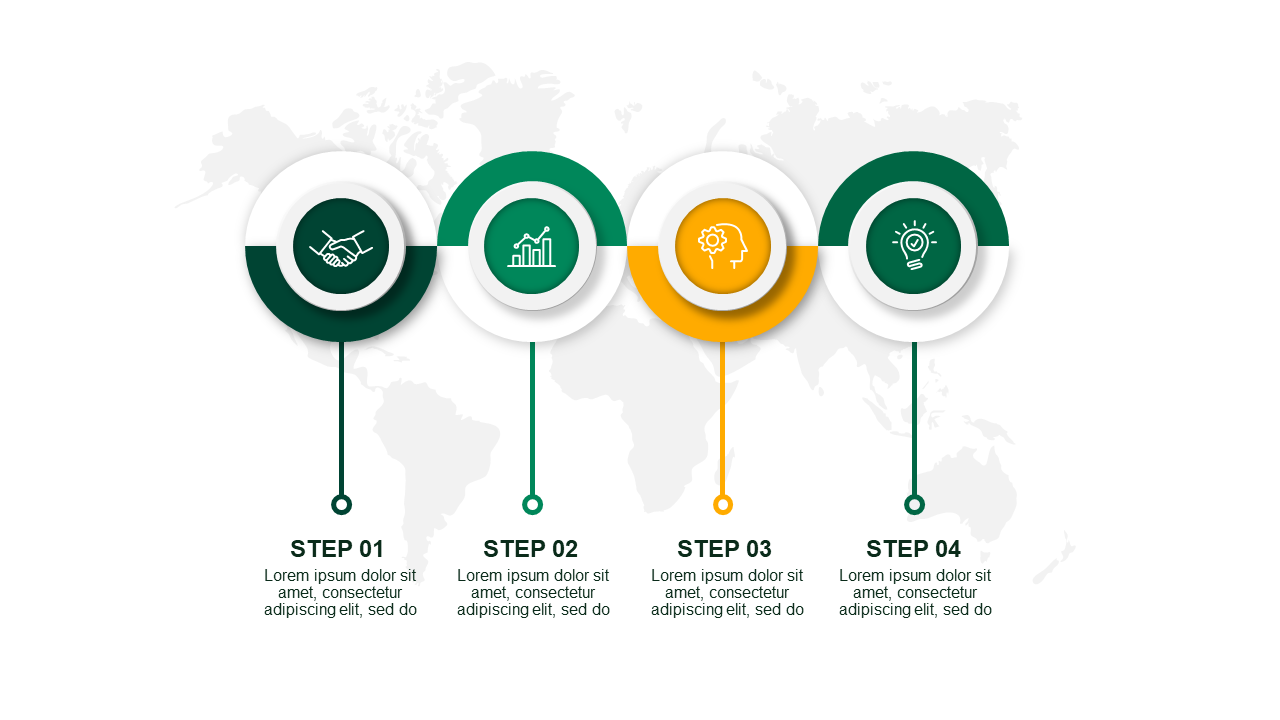
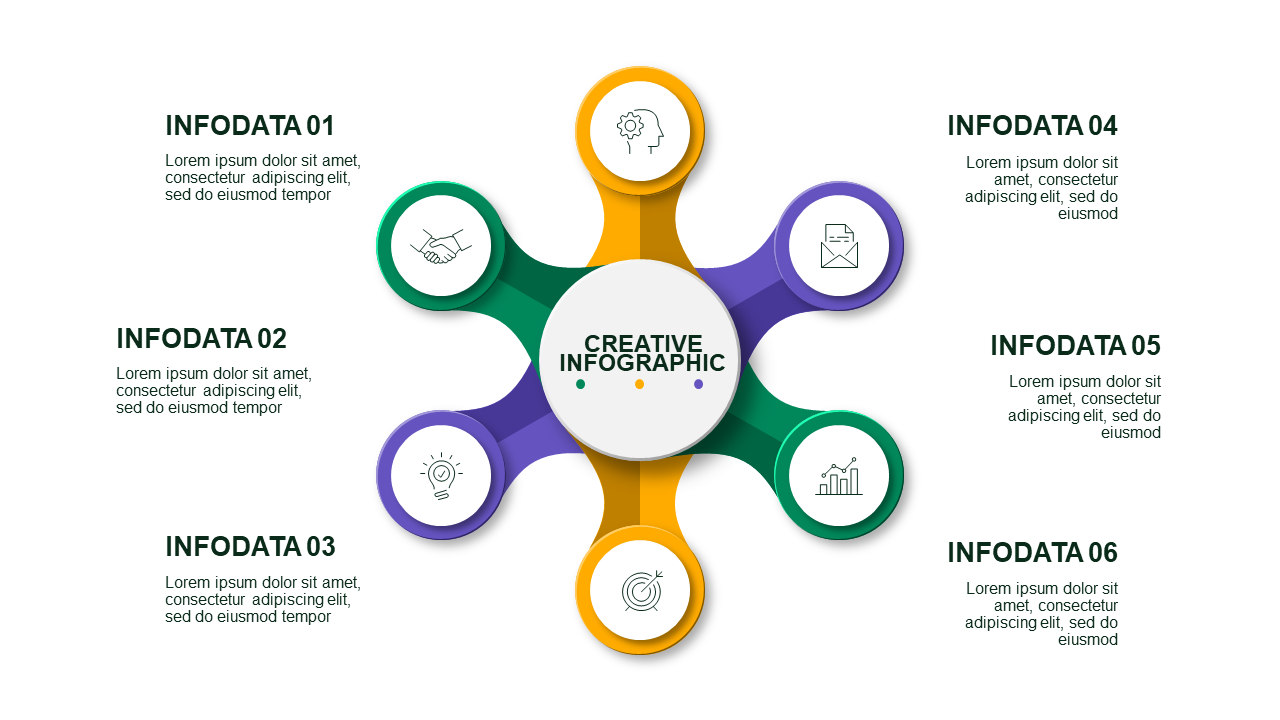
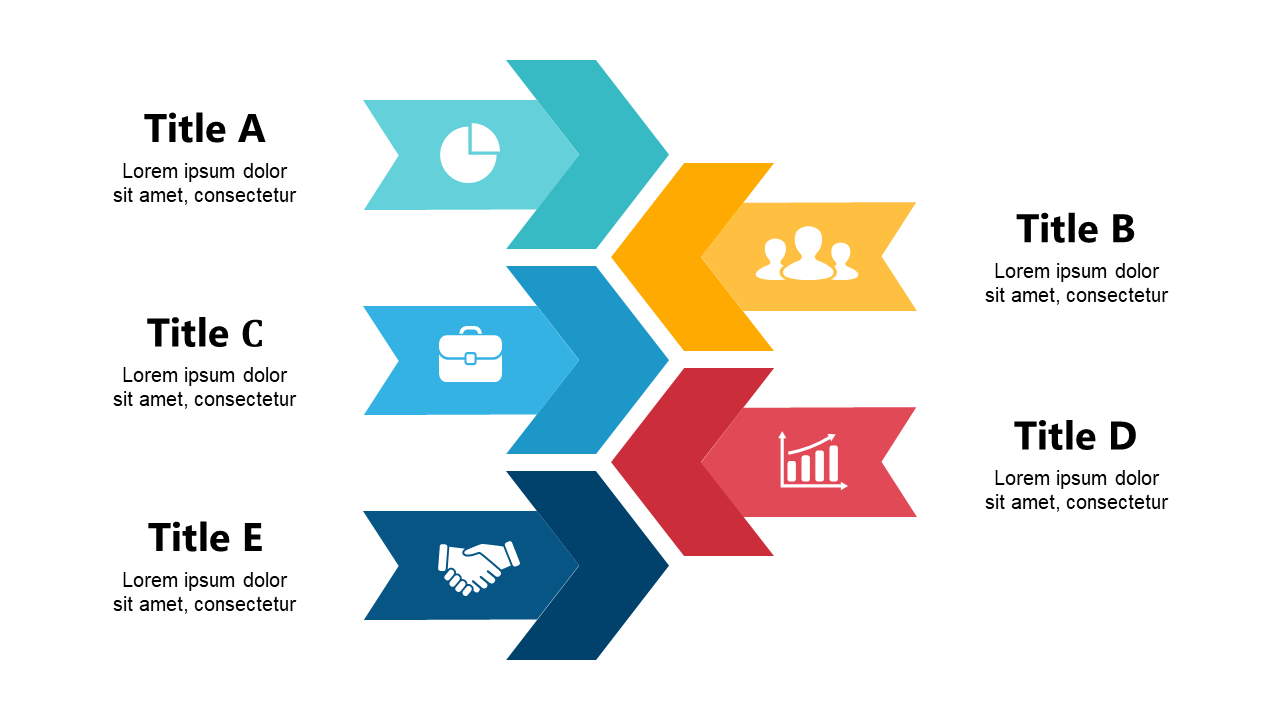
Are you facing a tight deadline for your next client proposal? It’s tough to put together an engaging presentation that clearly outlines your ideas, especially when you’re up against the clock. This Circular Process Options Diagram PowerPoint Template is here to help you communicate your complex processes effectively with ease while saving you time.

With 19 slides crafted with a professional default color palette, this template gives you the tools you need to create impressive visuals in no time. You can choose from various layouts, including circular diagrams for showcasing processes, flow charts for decision-making, and a timeline slide to outline project milestones. Each slide is ready to edit, ensuring you can customize your content while maintaining consistency across the deck. You’ll also find text boxes and icons designed to highlight key points, making your information easy to digest for your audience.

This template is perfect for busy professionals like marketing managers preparing a client proposal, consultants designing a strategic plan, or team leaders organizing a project update. No matter your role, you’ll find these slides help clarify complex ideas into visual formats. For only $3.99, you can instantly download these slides and start editing in PowerPoint. Transform your presentations today and make a lasting impression with minimal effort.

$3.99
One-time purchase · Instant download

🛡 7-Day Money-Back Guarantee

Theme
☀ Light 🌙 Dark
Category Arrows & Steps
Color Corporate Green
Format PPTX / Google Slides
Slides Light: 19 slides
Aspect Ratio 16:9 Widescreen
Last Updated Sep 3, 2026
Downloads 0+
Not sure yet?
Preview all slides (PDF)
Opens a PDF preview of all slides (19 slides) · you get an editable .pptx file (Light theme) after purchase

Frequently Asked Questions