✦ Slide Picker: Pick individual slides from 7,486+ designs — $0.99/slide. No subscription. Mix any category. Explore → | ✏ Edit Online After Purchase — No software needed
Home›Animated Photo Slides›Circular Process Infographic Presentation – Light – Royal Purple

Circular Process Infographic Presentation – Light – Royal Purple

☀ Light 🌙 Dark
Preview PDF
Preview 1
Preview 2
Preview 3
Preview 4
Preview 5

Product Description

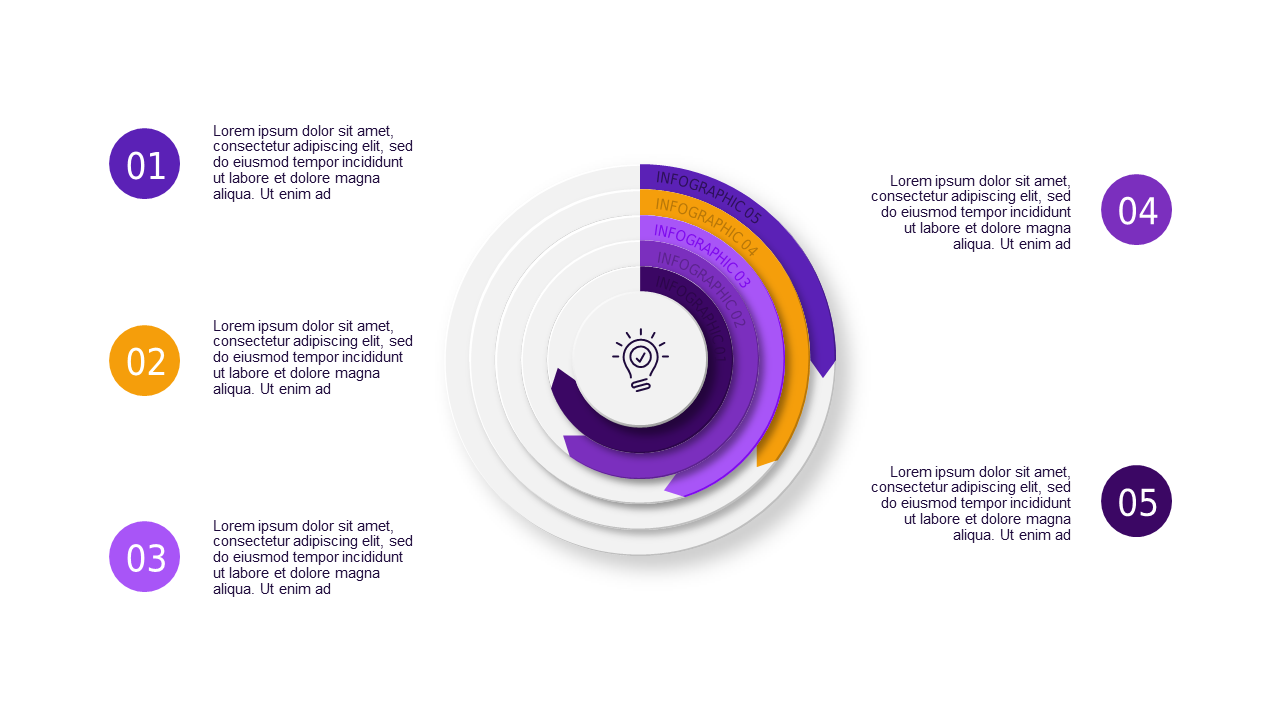
Have you ever found yourself rushing to create a visually appealing presentation only to end up with generic slides that lack impact? If the pressure of a looming board meeting is weighing on you, the Circular Process Infographic Presentation can save you time and stress. This template transforms complex cyclical concepts into clear visuals that your audience will easily understand.

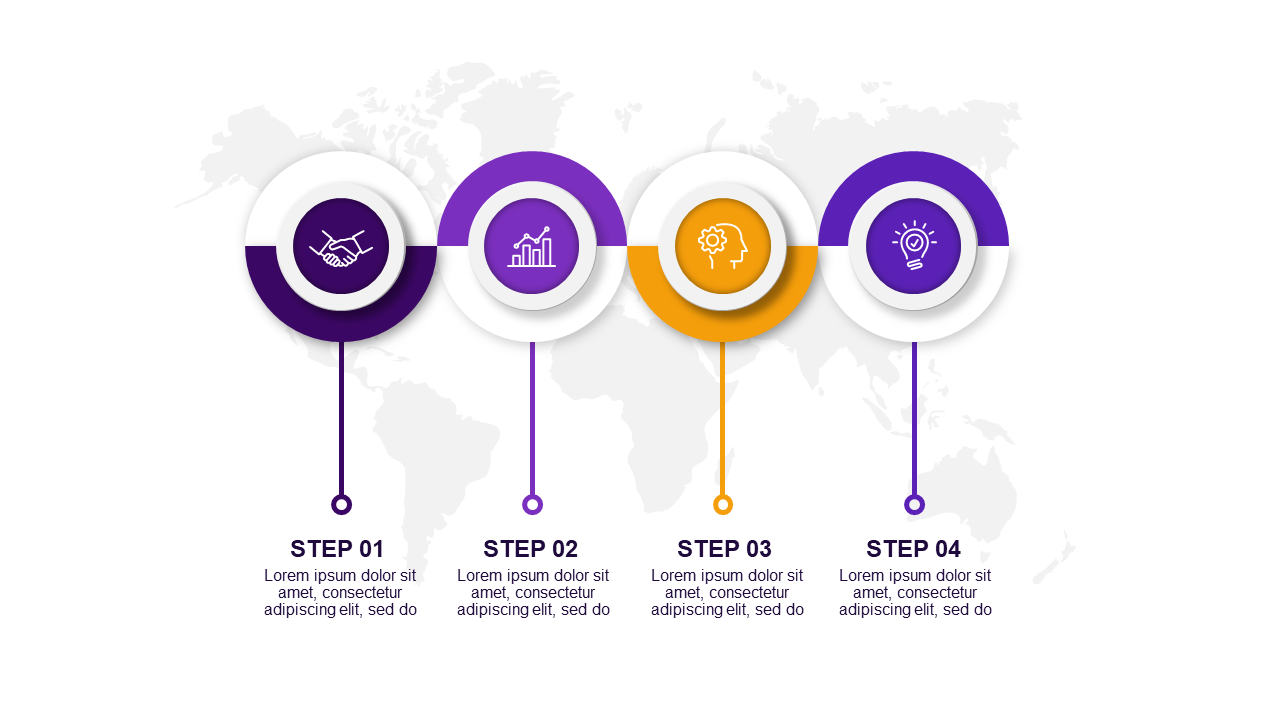
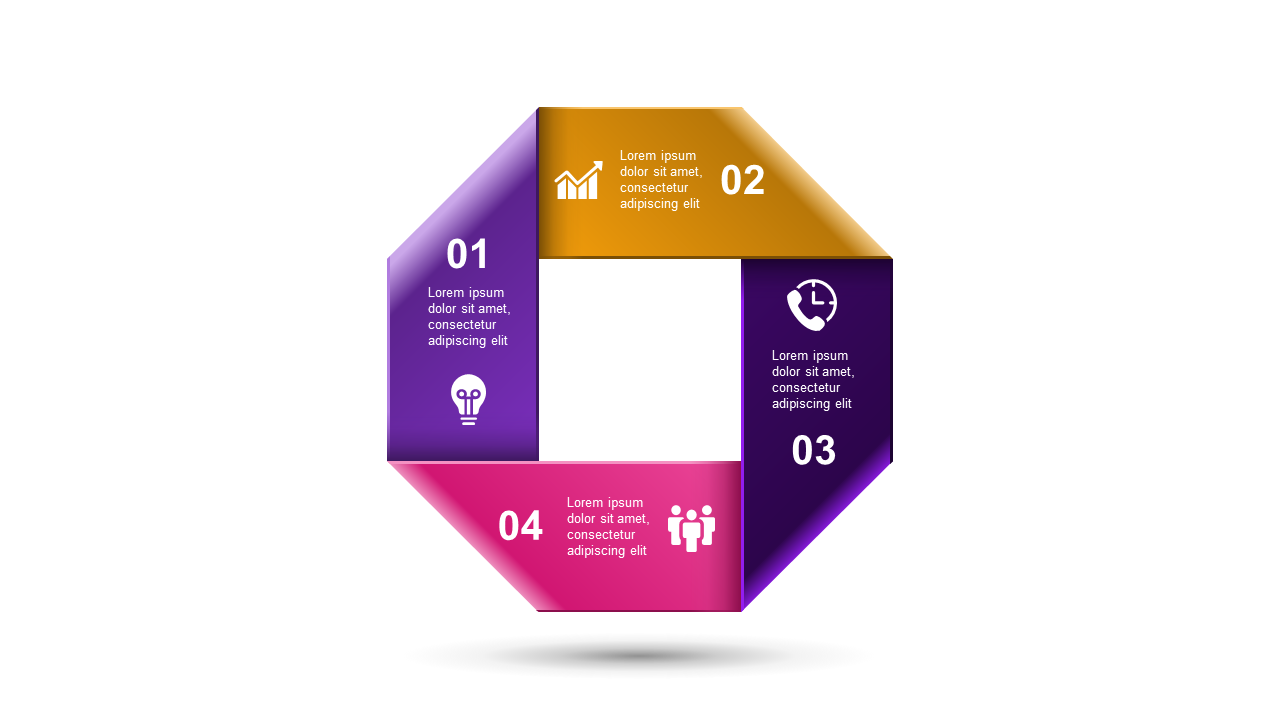
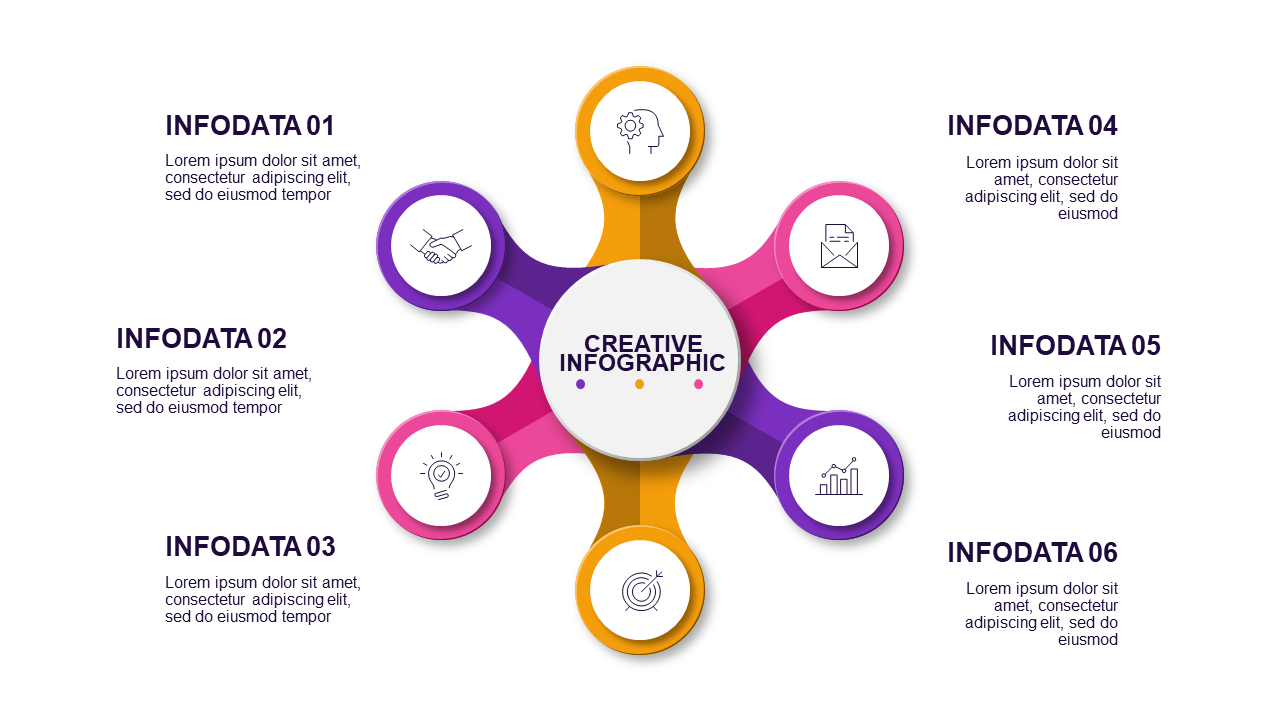
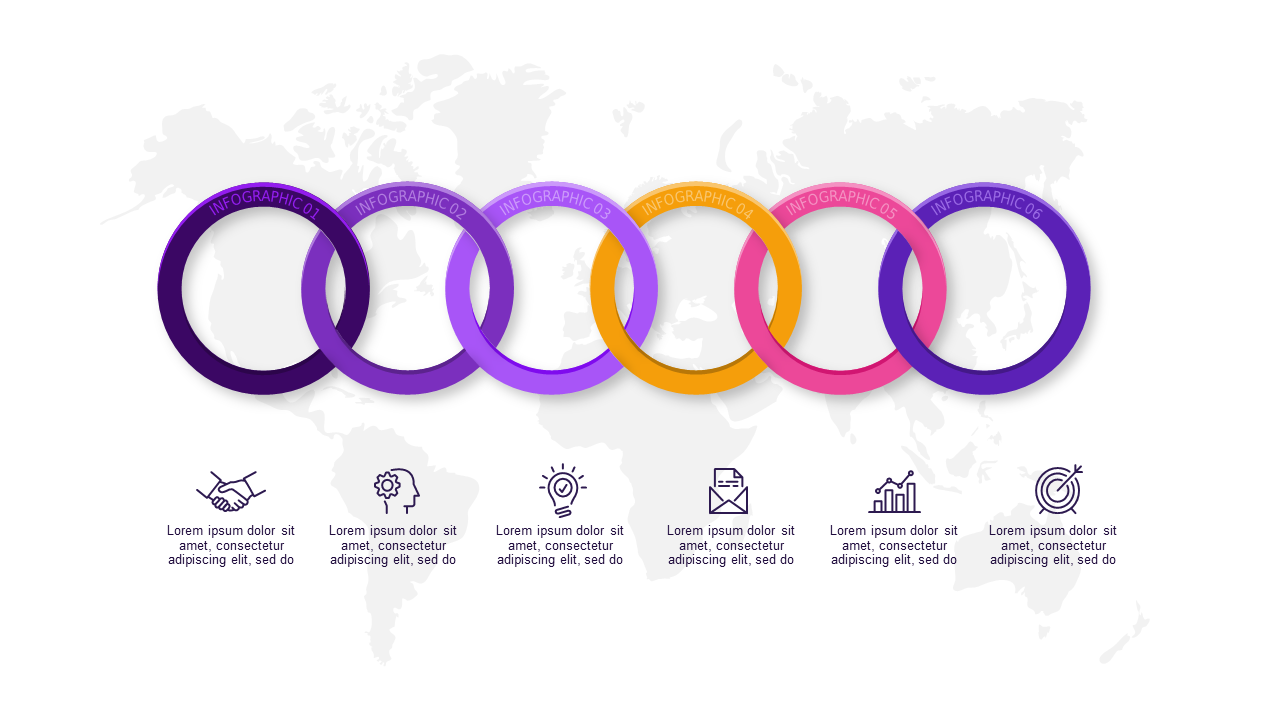
Inside, you’ll find 19 professionally designed slides featuring a vibrant Royal Purple color palette against a light background. With various layouts, including process diagrams, flowcharts, and infographics, you can illustrate your points effectively. Each slide is ready for your unique content, allowing you to mix and match elements effortlessly. Whether you need to showcase a marketing strategy or depict project timelines, these slides make it easy to get your message across.

This presentation is perfect for professionals like business consultants preparing for a client proposal, marketing managers gearing up for a quarterly review, or startup founders pitching to investors. You can grab this essential template for just $5.99, with instant download available, so you can quickly edit your slides in PowerPoint and impress your audience in no time.

Tags:
$5.99
One-time purchase · Instant download

🛡 7-Day Money-Back Guarantee

Theme
☀ Light 🌙 Dark
Color Variant
Color Royal Purple
Format PPTX / Google Slides
Slides Light: 19 slides
Aspect Ratio 16:9 Widescreen
Last Updated Jun 7, 2026
Downloads 0+
Not sure yet?
Preview all slides (PDF)
Opens a PDF preview of all slides (19 slides) · you get an editable .pptx file (Light theme) after purchase

Frequently Asked Questions