SlideSwift
By Category
💼Business 📊Infographics □Minimal 🕐Timelines ✨Neumorphic 🗑Diagrams 🔄Flow Charts ✨Glassmorphism 🎨Creative 🌍Abstract 🔄Cycle Diagrams 💎Isometric 🖼Illustrations 📱Social Media 🗺MapsBy Slide Type
🚀Pitch Deck 📌Roadmap 🔍SWOT Analysis 📅Timeline 📈Gantt Chart 🏢Org Chart 📋Funnel ⚖Comparison 📄Case Study 📋Agenda ⭐Icons & Lists 👏Thank You
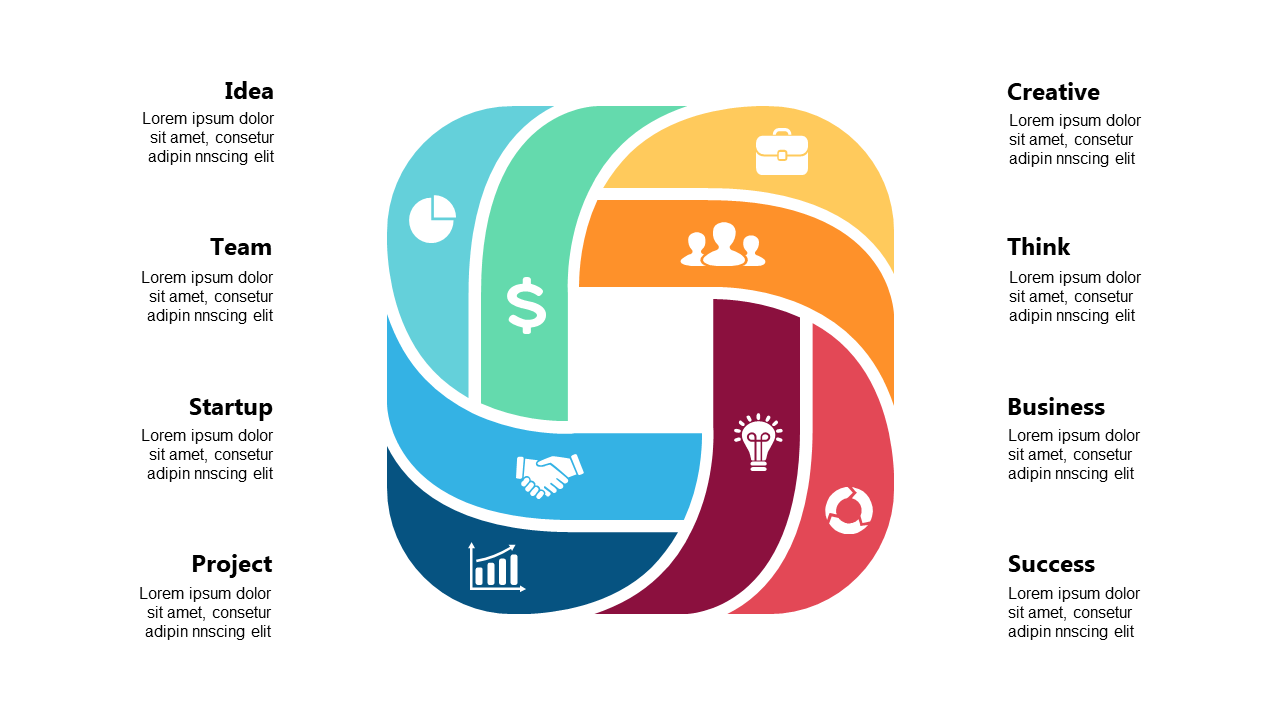
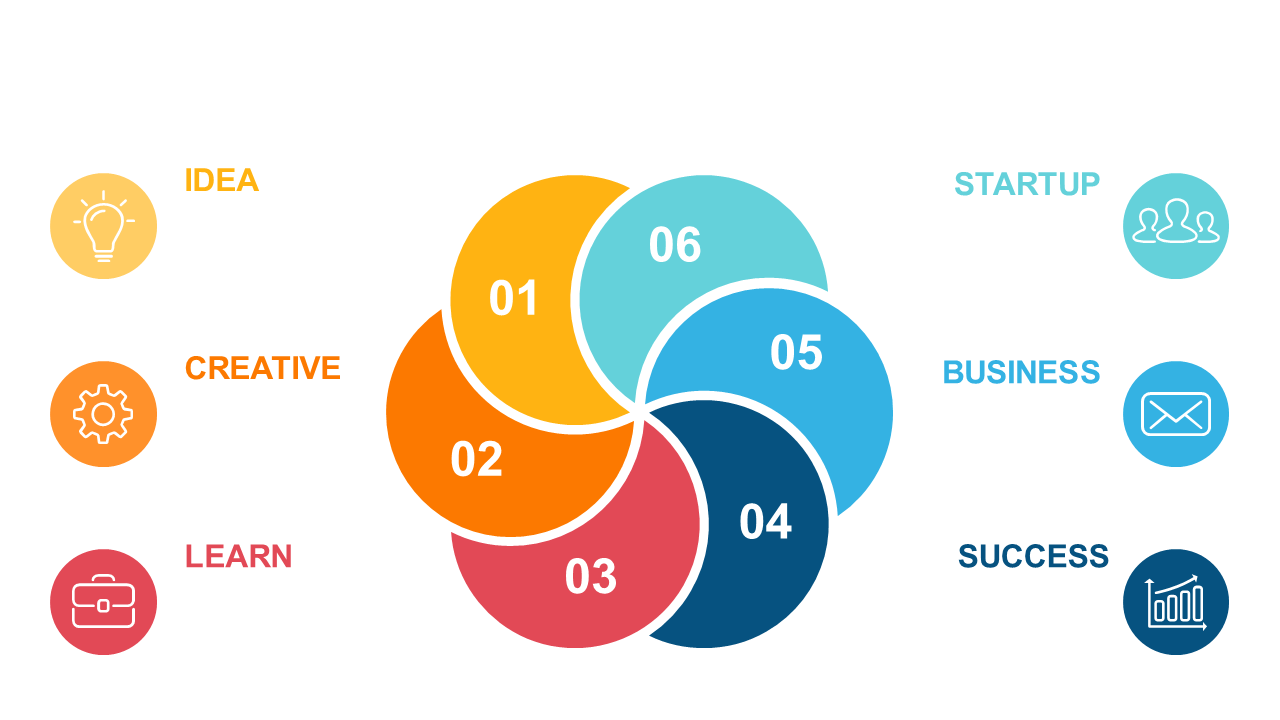
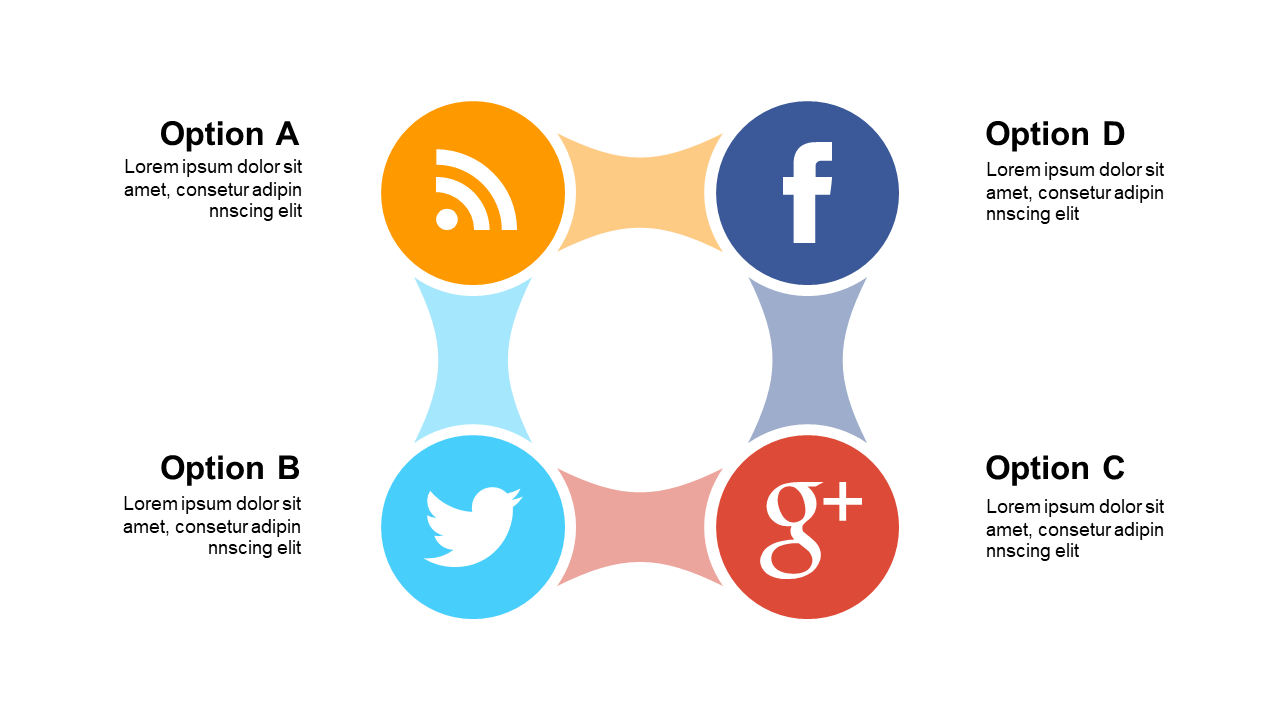
Managing workflows can be complex, especially when conveying processes to your team. This circular process diagram simplifies that task, allowing you to present intricate workflows visually. With segmented sections and engaging icons, it’s designed to catch your audience’s attention while ensuring clarity. Operations managers will find it invaluable for showcasing process improvements in team meetings. Business analysts can leverage this diagram to highlight data flow and project timelines, making insights easily digestible for stakeholders. Architects can utilize it to present project phases, ensuring everyone understands the design process. The slide is fully customizable, allowing you to modify colors, icons, and text to align with your brand’s identity. This flexibility makes it easy to adapt for various presentations and audiences. $0.99 — add this single slide to any deck from the SlideSwift Slide Library. No subscription needed. Mix slides from any category to build your perfect deck. Fully compatible with Microsoft PowerPoint and Google Slides — swap colors, fonts, icons, and text in minutes to match your brand guidelines or corporate deck theme without any design experience.
Add more from this category to your custom deck