✦ Slide Picker: Pick individual slides from 7,486+ designs — $0.99/slide. No subscription. Mix any category. Explore → | ✏ Edit Online After Purchase — No software needed

Home›Process Flow›Illustrate Processes with Circular Diagram in PowerPoint

Illustrate Processes with Circular Diagram in PowerPoint

✨ Slide Library 🛡 7-Day Money-Back Guarantee ✏️ Edit in Slide Editor 🔒 Available after purchase PowerPoint Google Slides

Product Description

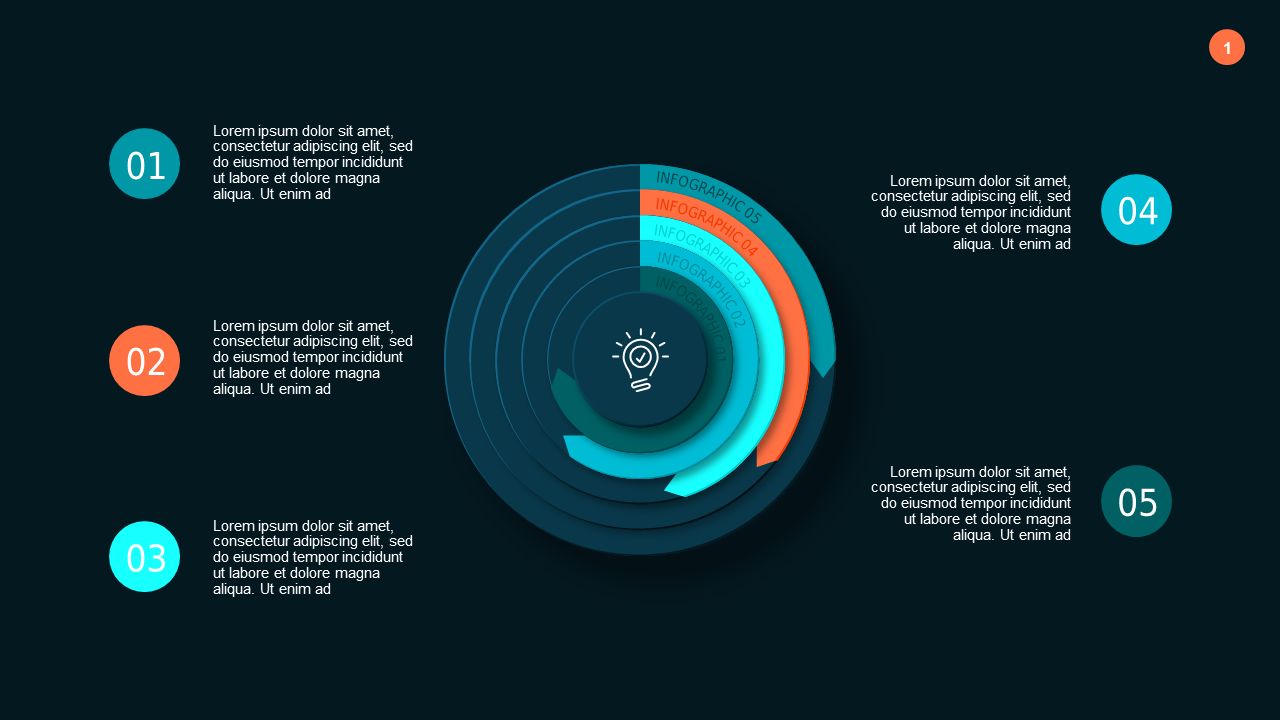
Illustrating processes in a way that keeps your audience engaged can be quite the challenge. This circular diagram slide offers a clean and compelling way to lay out your information, making it easier for viewers to follow along with the steps you’re discussing.

This template is perfect for marketing coordinators outlining campaign stages, project managers discussing timelines, or trainers explaining operational routines. It’s suitable for any professional who wants to ensure that their audience grasps the flow of information presented.

For just $0.99, you can download this slide instantly and edit it in PowerPoint or Google Slides. It’s ready for you in minutes, allowing you to focus on delivering a polished and effective presentation.

$0.99 – Purchase Checkout

Added to cart

✅ Instant delivery ✅ Fully editable ✅ PowerPoint & Google Slides
Category:
$0.99
Per slide · No minimum · Pay only for what you pick
Checkout →
✓ $0.99/slide No minimum order
✓ Mix any category No subscription
✦ Upgrade to Full Deck
Get all 38 Process Flow slides
$3.99 one-time
Circular Process Flow Infographic PowerPoint Template Dark (Teal Modern) Circular Process Flow Infographic PowerPoint Template Dark (Teal Modern) Circular Process Flow Infographic PowerPoint Template Dark (Teal Modern)
🌗Light & Dark themes both included
✏️Edit in browser — no software needed
🔍Preview all 38 slides in PDF before buying
🛡7-Day Money-Back — zero risk
⚡Instant download — lifetime access

More Process Flow Slides

Add more from this category to your custom deck