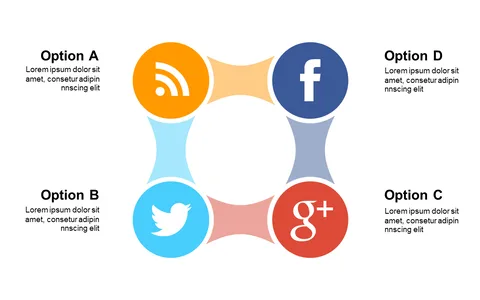
Engage with Circular Multi-Section Indicator Layout

Product Description
Communicating your ideas can feel overwhelming, especially when you have multiple points to convey to your audience. A cluttered slide full of text often leaves your listeners confused rather than engaged.
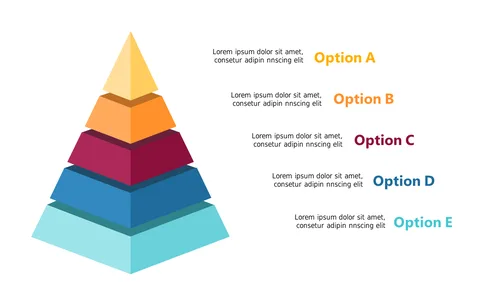
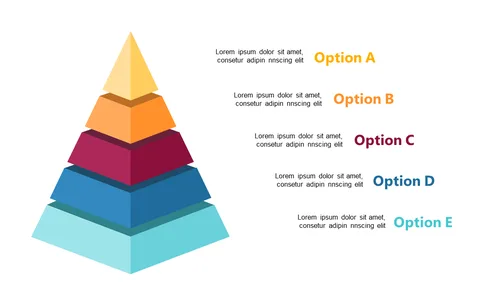
This circular multi-section indicator layout solves that problem by providing a visually appealing way to showcase various concepts with clarity. This slide is perfect for marketing managers presenting campaign strategies, project coordinators summarizing project phases, or educators discussing key learning outcomes. Imagine using this layout during your next team meeting or client pitch to keep your audience focused and engaged, allowing you to convey important information without losing them in the details.
At just $0.99, you can instantly download this slide and start editing it to fit your needs in PowerPoint or Google Slides. You’ll have it ready to go in minutes, making your presentations more effective and visually engaging.
$0.99 – Purchase Checkout
Added to cart