Highlight Key Concepts with Circular Icons
Product Description
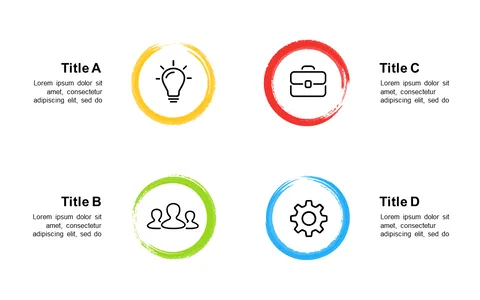
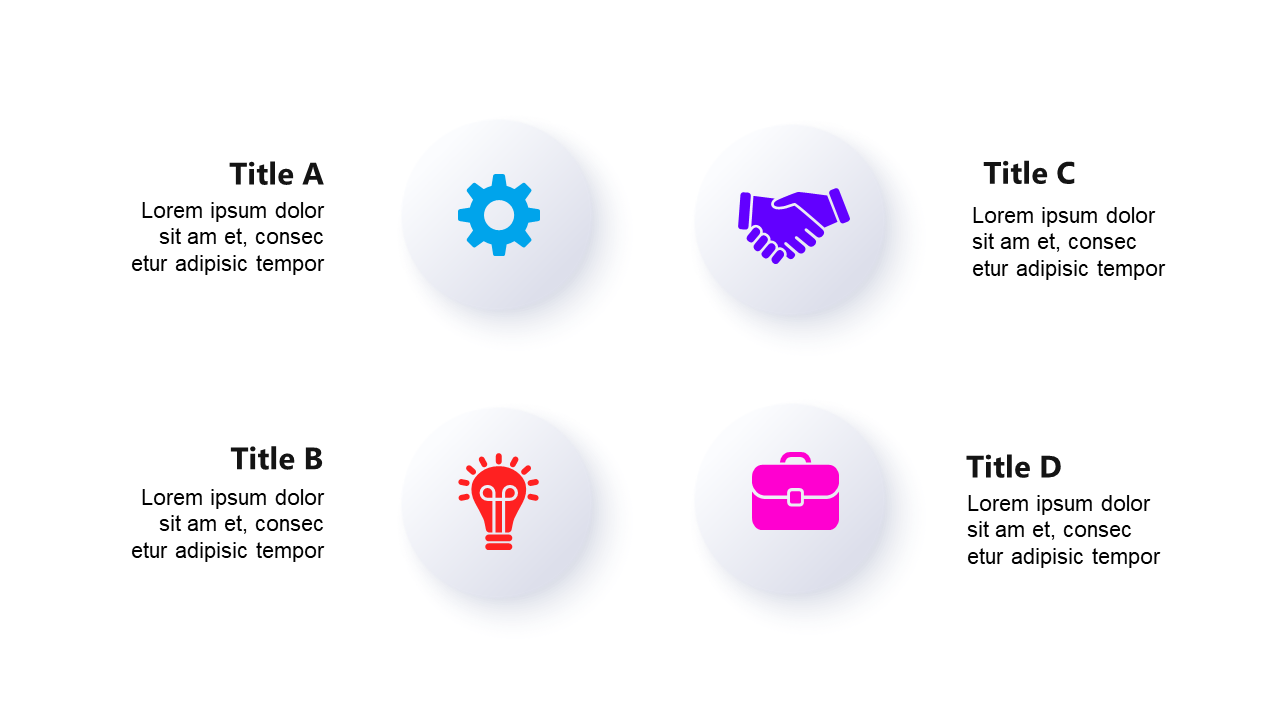
Communicating your ideas clearly can sometimes feel overwhelming, especially when you want to highlight multiple key concepts at once. With a layout that uses circular icons, you can present information in a way that is both organized and visually appealing, helping your audience grasp your main points without feeling lost in a sea of text.
This design is perfect for marketing managers presenting new campaigns, educators summarizing curriculum topics, or product developers showcasing features during a product launch. Whether you’re in a team meeting brainstorming ideas or delivering a presentation to potential clients, this slide will keep your message clear and engaging.
For just $0.99, you can download this slide and start editing it in PowerPoint or Google Slides in minutes. With customizable icons, titles, and text, you can tailor it to fit your specific needs effortlessly.
$0.99 – Purchase Checkout
Added to cart