SlideSwift
By Category
💼Business 📊Infographics □Minimal 🕐Timelines ✨Neumorphic 🗑Diagrams 🔄Flow Charts ✨Glassmorphism 🎨Creative 🌍Abstract 🔄Cycle Diagrams 💎Isometric 🖼Illustrations 📱Social Media 🗺MapsBy Slide Type
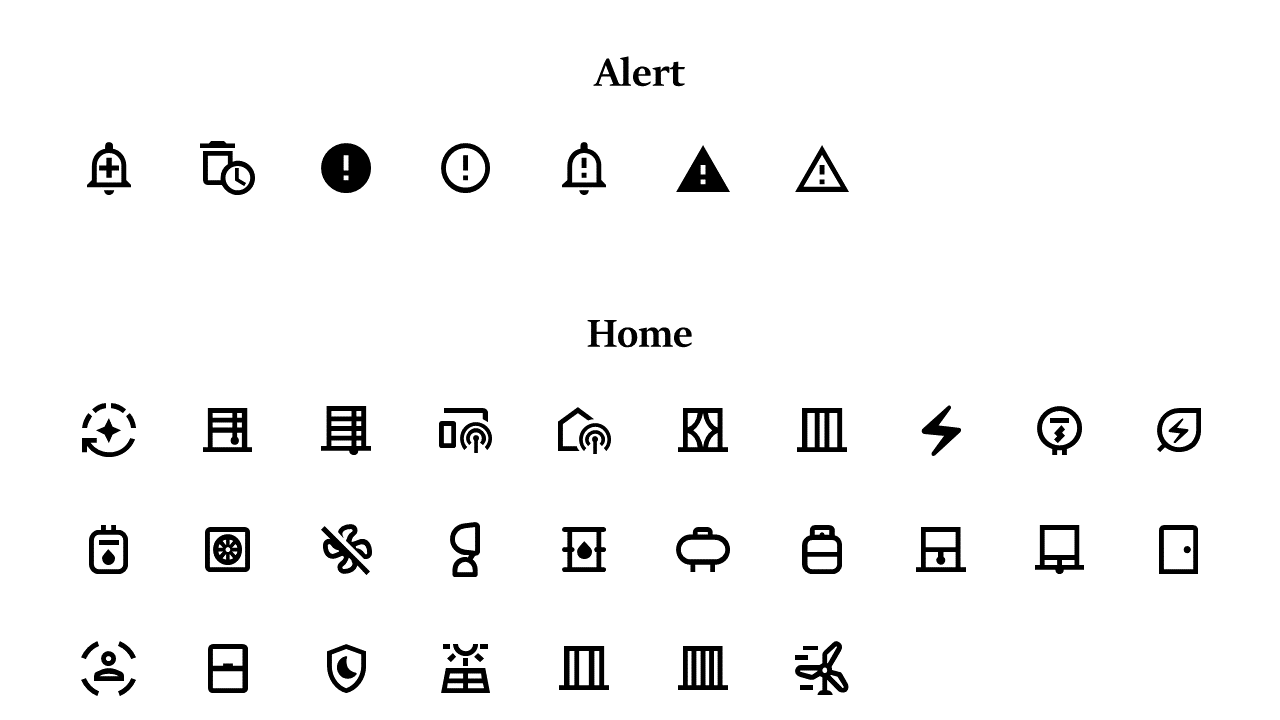
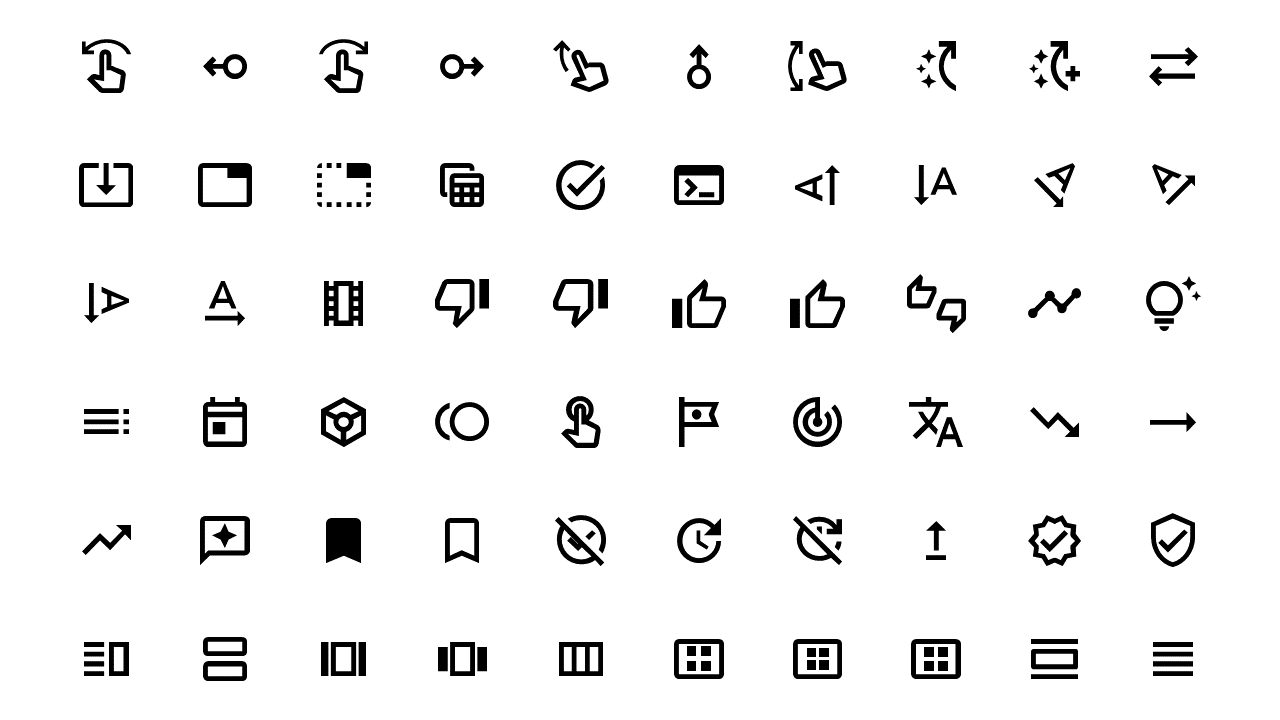
🚀Pitch Deck 📌Roadmap 🔍SWOT Analysis 📅Timeline 📈Gantt Chart 🏢Org Chart 📋Funnel ⚖Comparison 📄Case Study 📋Agenda ⭐Icons & Lists 👏Thank YouIn a fast-paced digital environment, capturing your audience’s attention is key. Many presentations fall flat without engaging visuals that communicate core ideas effectively. This slide presents a grid of icons split into two distinct categories: Alert and Home. The icons are thoughtfully designed, making them perfect for visualizing app functionalities or features in your next PowerPoint presentation. As a visual designer, you can use this slide to showcase important elements of your project with clarity. If you’re a marketing manager, this slide can help you illustrate complex concepts simply and effectively, making your campaigns more relatable. For content creators, the icons provide a swift way to enhance stories or presentations, ensuring your audience remains engaged. Each icon is fully editable, allowing you to adjust colors and sizes to match your brand’s style. $0.99 — add this single slide to any deck from the SlideSwift Slide Library. No subscription needed. Mix slides from any category to build your perfect deck.
Add more from this category to your custom deck