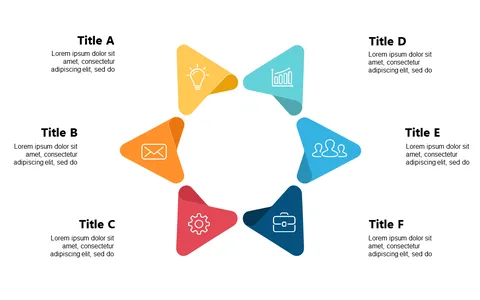
Present Sequential Steps with Circular Icon Layout

Product Description
Navigating through complicated workflows can often leave your audience lost and disengaged. If you find yourself struggling to present sequential steps clearly, this circular icon layout organizes your information in a way that leads your audience through each stage comprehensively.
This slide is ideal for operations managers, training facilitators, and project leads who need to convey processes during workshops, briefings, or performance reviews. By providing a clear visual representation of each step, you can enhance understanding and retention among team members and clients alike.
At just $0.99, this slide is an instant download and is easy to customize in both PowerPoint and Google Slides. You can quickly modify the titles and descriptions to suit your specific process, ensuring that your presentation is not only insightful but also tailored to your audience.
$0.99 – Purchase Checkout
Added to cart