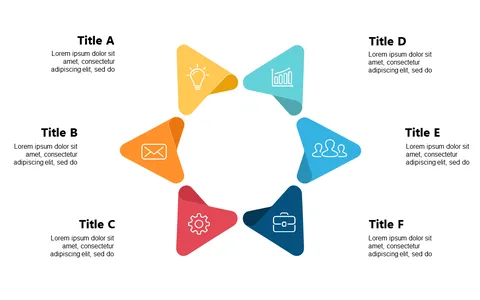
Visualize Workflows with Circular Icon Step Layout
Product Description
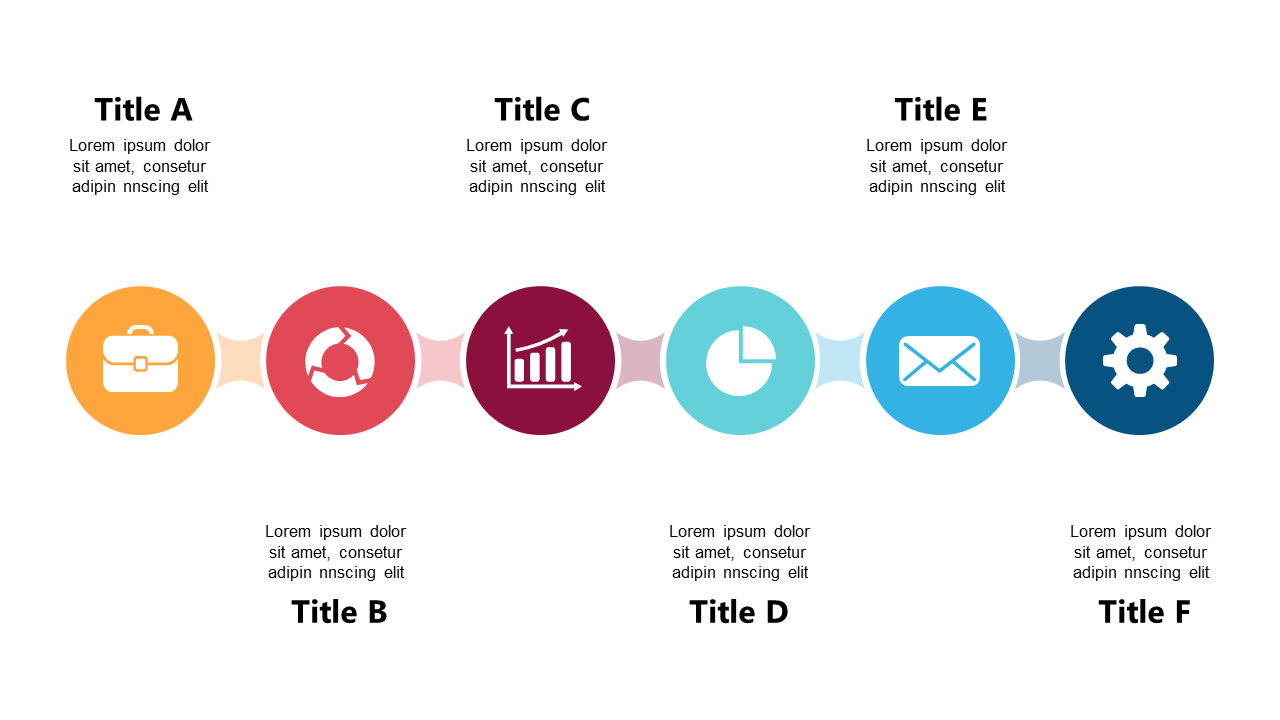
Communicating workflows effectively is crucial in any professional setting, and a linear representation often falls short in delivering clarity. If your audience struggles to grasp the flow of steps in your process, this circular icon step layout provides a visual solution that simplifies understanding.
Business analysts, team coordinators, and product managers will find this layout invaluable during presentations that require process clarification, such as status updates and team training sessions. By using this slide, you can visually depict a workflow that everyone can easily follow, minimizing confusion and enhancing focus.
For just $0.99, you can download this slide instantly and edit it quickly in PowerPoint or Google Slides. Tailor the content to your specific workflow needs in minutes, making it a practical option for busy professionals looking to improve their presentations.
$0.99 – Purchase Checkout
Added to cart