SlideSwift
By Category
💼Business 📊Infographics □Minimal 🕐Timelines ✨Neumorphic 🗑Diagrams 🔄Flow Charts ✨Glassmorphism 🎨Creative 🌍Abstract 🔄Cycle Diagrams 💎Isometric 🖼Illustrations 📱Social Media 🗺MapsBy Slide Type
🚀Pitch Deck 📌Roadmap 🔍SWOT Analysis 📅Timeline 📈Gantt Chart 🏢Org Chart 📋Funnel ⚖Comparison 📄Case Study 📋Agenda ⭐Icons & Lists 👏Thank You
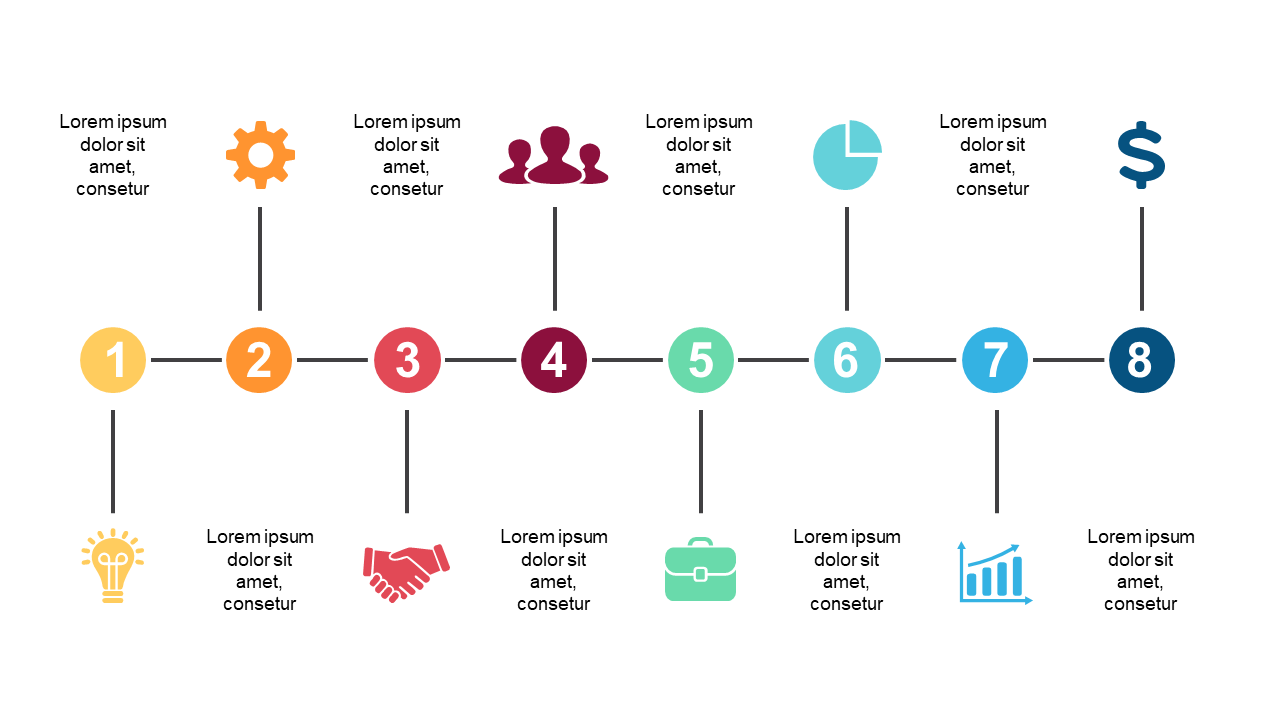
Every team lead knows that presenting a process can be a challenge—how do you make it engaging? This slide offers a circular flow design that clearly illustrates three steps, making complex information easy to digest. With distinct sections and icons representing each step, your audience will grasp the flow of information instantly. For an operations manager, this slide can effectively showcase how a new workflow will enhance efficiency, allowing for a straightforward presentation that leaves no room for confusion. A project manager can utilize it to outline phases of a project, helping to keep the team aligned on goals and timelines. Customizing this slide is a breeze; you can easily adjust colors and text to fit your branding and messaging. $0.99 — add this single slide to any deck from the SlideSwift Slide Library. No subscription needed. Mix slides from any category to build your perfect deck. Fully compatible with Microsoft PowerPoint and Google Slides — swap colors, fonts, icons, and text in minutes to match your brand guidelines or corporate deck theme without any design experience.
Add more from this category to your custom deck