Distribute Content Effectively with Circular Layout
Product Description
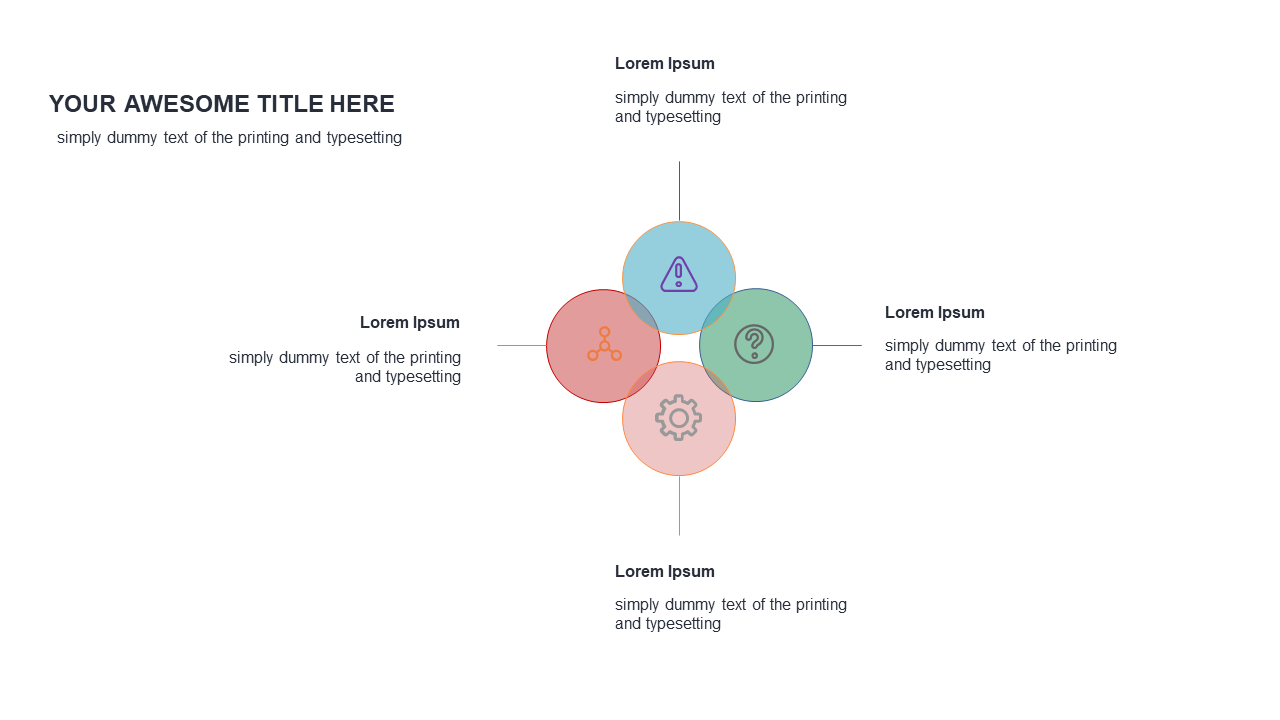
Conveying multiple ideas in a cohesive way can feel overwhelming, especially when you have so much information to share. This circular layout helps you present your thoughts with clarity by placing a central concept at the heart, surrounded by related ideas, icons, and text. It takes the guesswork out of visual organization, allowing you to focus on your message.
This slide is perfect for marketing managers crafting campaign proposals, educators summarizing key learning objectives, or team leaders presenting project updates. Whether you’re giving a training session or pitching new ideas during a team meeting, this layout simplifies the complexity of multi-concept presentations.
You can download this slide for just $0.99, and it’s ready for instant use in PowerPoint or Google Slides. Editing is a breeze, so
you can customize it to fit your specific needs in just minutes.
$0.99 – Purchase Checkout
Added to cart