Showcase Workflows with Circular 6-Step Diagram

Product Description
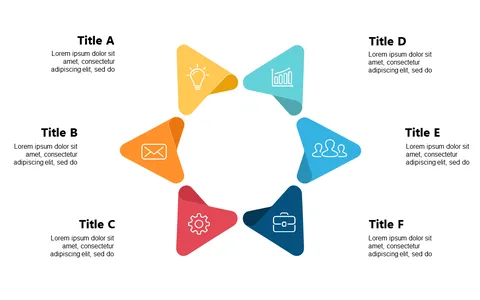
Presenting workflows can often lead to confusion, especially when the steps are complex and intertwined. A well-designed circular 6-step diagram helps clarify each stage, allowing your audience to grasp the entire process with ease.
This visual tool transforms intricate information into a digestible format that keeps everyone on the same page. Project managers, business analysts, and training coordinators can utilize this slide to explain everything from new software implementations to employee onboarding processes. In team meetings or training sessions, this diagram visually outlines the necessary steps, ensuring that everyone understands their roles and responsibilities moving forward.
For just $0.99, you can download this slide instantly and customize it to fit your specific needs. It’s fully editable in both PowerPoint and Google Slides, making adjustments simple and quick.
$0.99 – Purchase Checkout
Added to cart