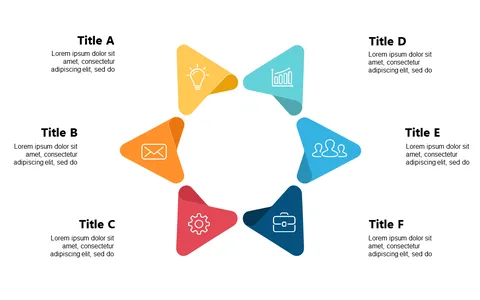
Visualize Workflows with Circular 6-Part Layout

Product Description
Managing multiple projects can become overwhelming when you attempt to convey complex workflows clearly. You want your audience to grasp the entire process without feeling lost, and this circular 6-part layout ensures that happens.
It breaks down intricate processes into manageable sections that are visually engaging. This slide is ideal for project coordinators mapping out team responsibilities, workflow managers explaining operational steps, or marketing professionals detailing campaign processes. If you’re in product development, this layout will effectively illustrate your project phases in presentations.
For only $0.99, you can download this slide right away, fully editable in PowerPoint and Google Slides. Customize it to fit your brand and immediately enhance your presentation workflow.
$0.99 – Purchase Checkout
Added to cart