SlideSwift
By Category
💼Business 📊Infographics □Minimal 🕐Timelines ✨Neumorphic 🗑Diagrams 🔄Flow Charts ✨Glassmorphism 🎨Creative 🌍Abstract 🔄Cycle Diagrams 💎Isometric 🖼Illustrations 📱Social Media 🗺MapsBy Slide Type
🚀Pitch Deck 📌Roadmap 🔍SWOT Analysis 📅Timeline 📈Gantt Chart 🏢Org Chart 📋Funnel ⚖Comparison 📄Case Study 📋Agenda ⭐Icons & Lists 👏Thank You
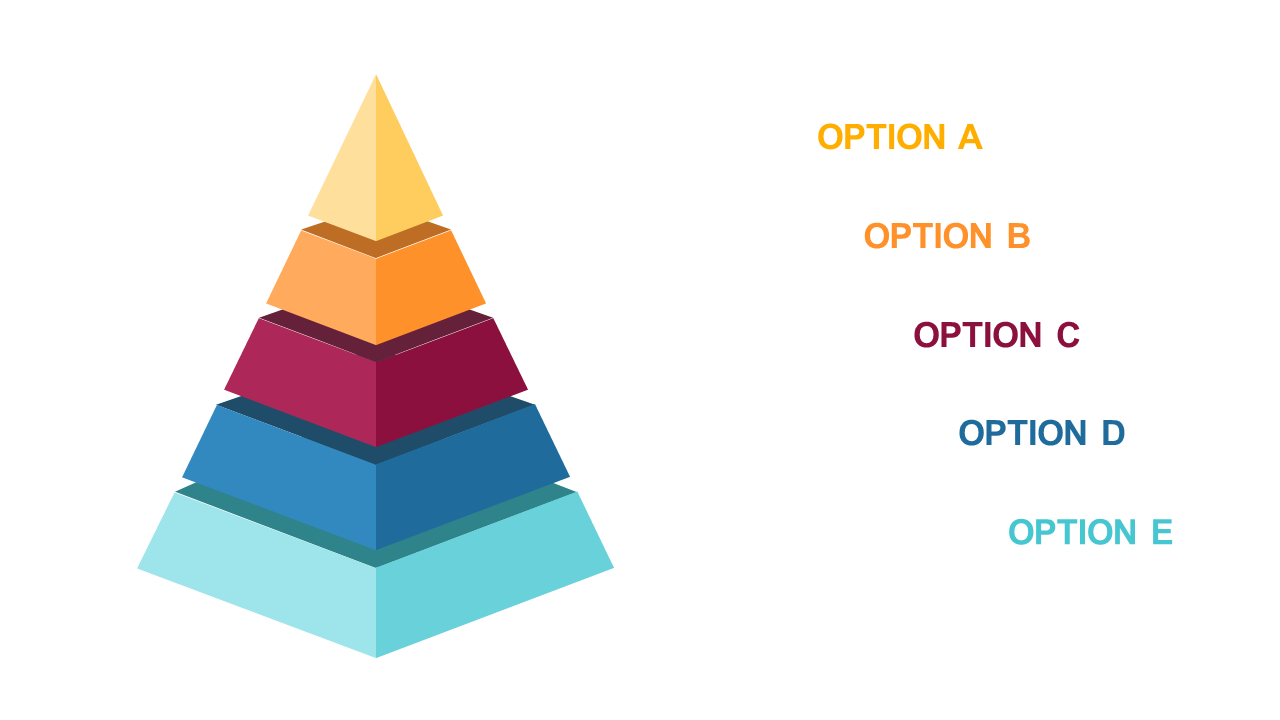
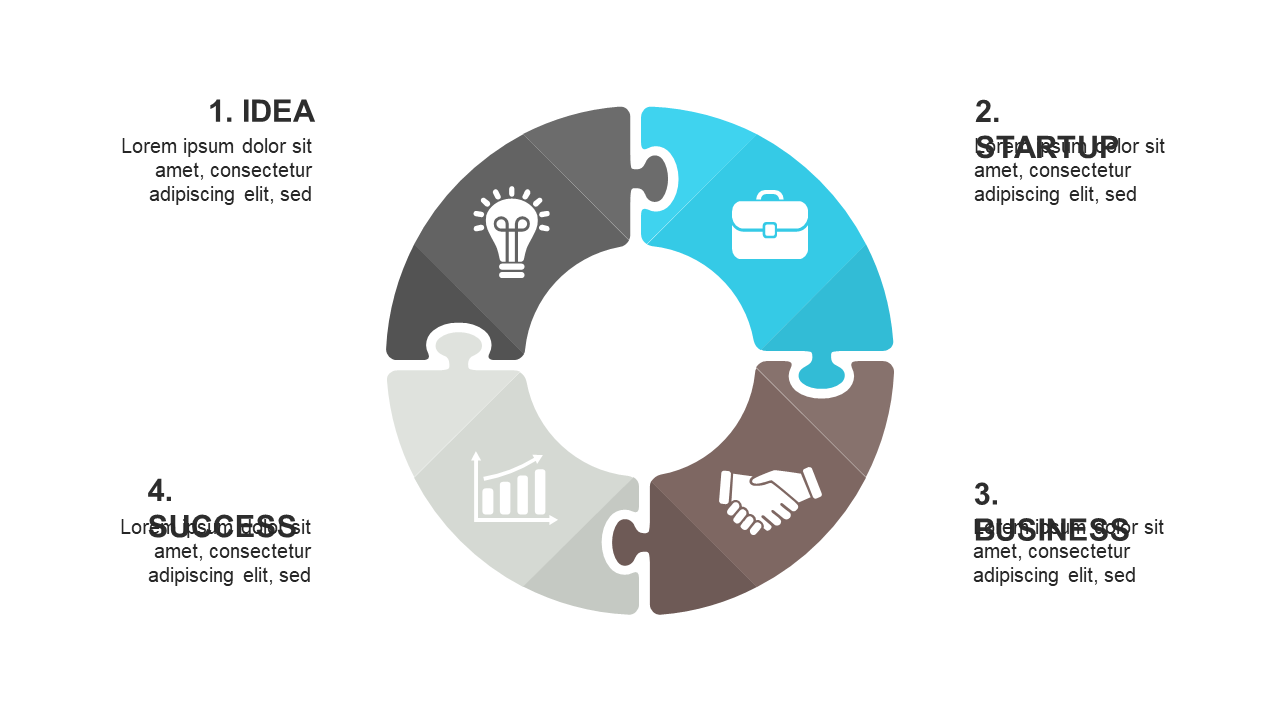
When presenting intricate ideas, clarity is essential. Architects frequently face the challenge of making complex designs understandable to clients and stakeholders. This circular 5-section diagram offers a visually appealing way to represent interconnected themes or concepts in your PowerPoint presentations. Each section is distinct and includes an icon, making it easy to communicate your message at a glance. As an architect, you can use this slide to outline project phases, showcase team roles, or illustrate design features effectively. For consultants, this slide can help in mapping out strategies and solutions during meetings, ensuring that every aspect is covered without overwhelming the audience. Operations managers will find this diagram useful for illustrating workflows, processes, or team collaborations, making it easier to align everyone on goals. Plus, you can easily customize the colors and icons to fit your brand or specific needs. $0.99 — add this single slide to any deck from the SlideSwift Slide Library. No subscription needed. Mix slides from any category to build your perfect deck.
Add more from this category to your custom deck