Visualize Concepts with 4-Quadrant Icon Layout

Product Description
Communicating multiple ideas at once can often feel overwhelming, both for you and your audience. When you try to present several concepts in one go, it can lead to confusion and misinterpretation.
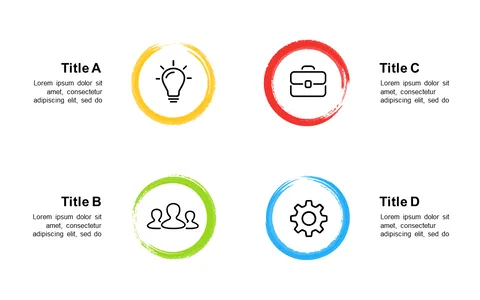
This 4-quadrant icon layout simplifies that challenge, offering a structured way to present complex information clearly. This slide is perfect for project managers in tech looking to break down project phases, or marketing specialists who need to communicate campaign strategies efficiently. Whether you’re leading a team meeting to explain product features or conducting a workshop, this layout helps keep everyone on the same page without losing focus.
For just $0.99, you can download this layout and have it ready to customize in minutes. It’s easy to edit in both PowerPoint and Google Slides, so you can tweak the icons and descriptions to fit your specific needs effortlessly.
$0.99 – Purchase Checkout
Added to cart