Visualize Processes with Circular Flow and Icons

Product Description
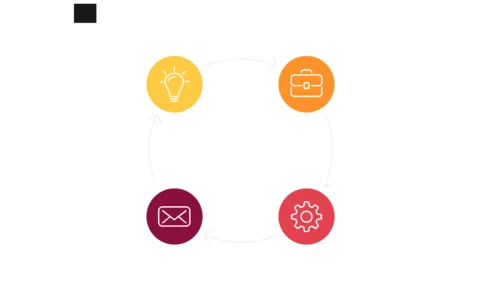
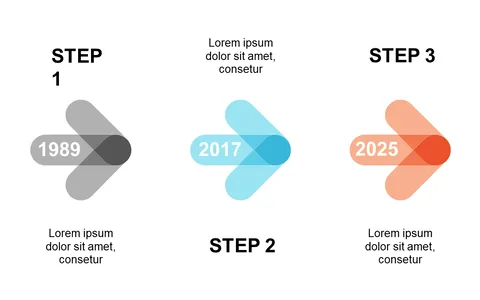
Visualizing a process can often feel like a daunting task, especially when you’re trying to make each step clear and engaging. If you find traditional lists too linear and uninspiring, consider a circular flow approach that keeps your audience engaged while they follow along. This layout provides a dynamic way to present processes with labeled connectors and icons for clarity.
Project managers can use this slide to illustrate project milestones during team meetings, while business analysts can visualize workflows for process improvements. It’s also ideal for operations directors who need to explain standard operating procedures in a way that everyone can easily grasp.
The visual appeal of the circular design makes it perfect for any setting where clarity is essential. At just $0.99, this slide is ready for instant download and is easy to edit in PowerPoint and Google Slides. Tailor the colors, text, and icons to fit your brand and needs within minutes.
$0.99 – Purchase Checkout
Added to cart