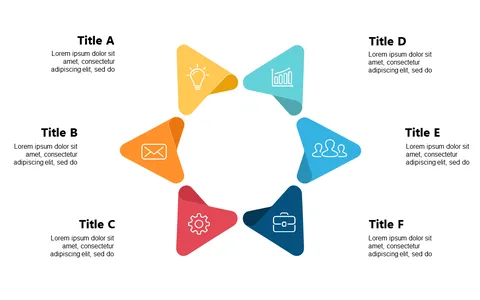
Present 6-Step Processes with a Circular Layout

Product Description
When trying to present complex processes, having clarity in your visuals can make all the difference. A circular layout allows you to showcase each step in a way that’s easy for your audience to follow, ensuring no detail gets lost in translation.
This slide is perfect for project managers leading team meetings, marketing professionals explaining campaign flows, or educators outlining lesson plans. Whether you’re presenting to clients or updating your team, this layout helps you convey information clearly and concisely.
For just $0.99, you can download this slide and start customizing it right away. It’s fully editable in both PowerPoint and Google Slides, so you can make it your own in just minutes.
$0.99 – Purchase Checkout
Added to cart