SlideSwift
By Category
💼Business 📊Infographics □Minimal 🕐Timelines ✨Neumorphic 🗑Diagrams 🔄Flow Charts ✨Glassmorphism 🎨Creative 🌍Abstract 🔄Cycle Diagrams 💎Isometric 🖼Illustrations 📱Social Media 🗺MapsBy Slide Type
🚀Pitch Deck 📌Roadmap 🔍SWOT Analysis 📅Timeline 📈Gantt Chart 🏢Org Chart 📋Funnel ⚖Comparison 📄Case Study 📋Agenda ⭐Icons & Lists 👏Thank You
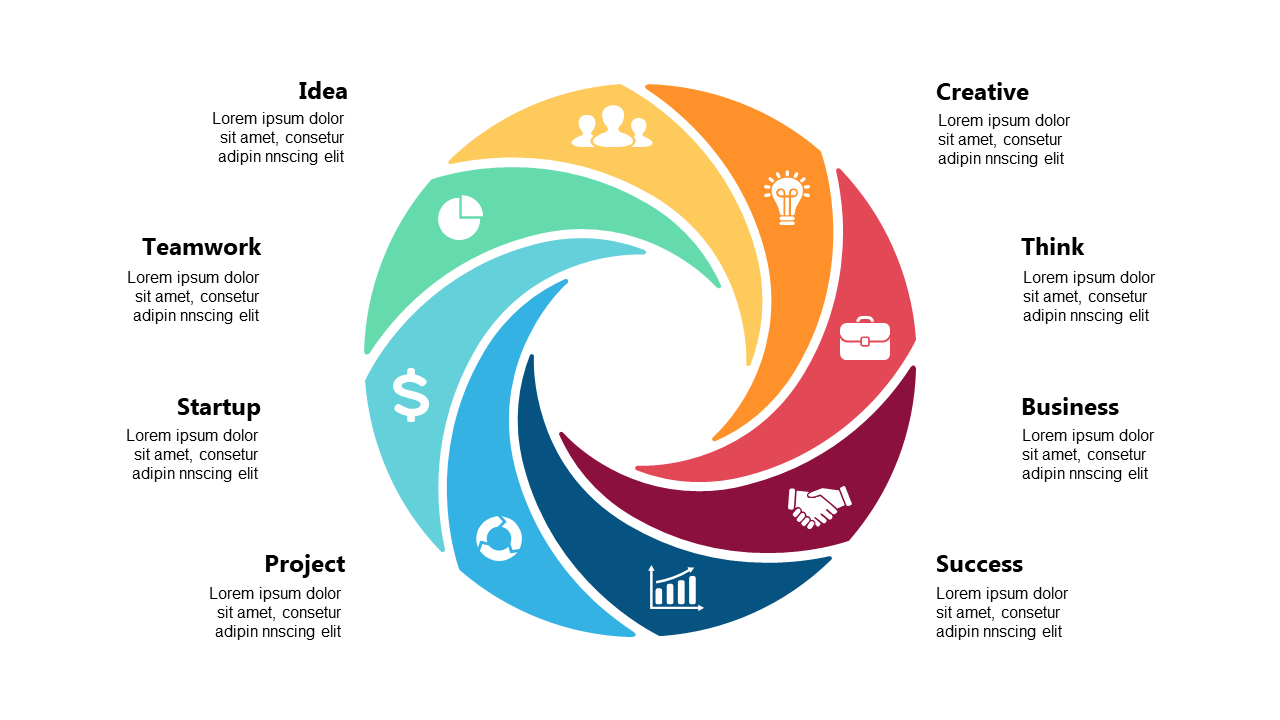
Struggling to keep your audience engaged during presentations? You’re not alone. A clear, visual process flow can make a huge difference in how your message is received. This slide presents a circular design divided into six distinct segments, each highlighted with an icon that represents a different stage of your process. It’s not just visually appealing; it’s also an effective way to convey complex information in a straightforward manner. A team lead can use this slide to lay out project phases during a meeting, ensuring everyone understands their role. An operations manager might find it helpful for illustrating workflow improvements and how each step integrates into the overall strategy. Meanwhile, a project manager can utilize it to track progress across various tasks, making it easier to communicate updates to stakeholders. This slide is customizable, allowing you to adjust colors or icons to match your brand or theme. $0.99 — add this single slide to any deck from the SlideSwift Slide Library. No subscription needed. Mix slides from any category to build your perfect deck.
Add more from this category to your custom deck