Visualize Sequential Steps with Icons in PowerPoint
Product Description
When tasked with presenting a multi-step process, clarity is your best friend. You might feel frustrated when your audience struggles to follow along, especially if the steps are intricate and interconnected.
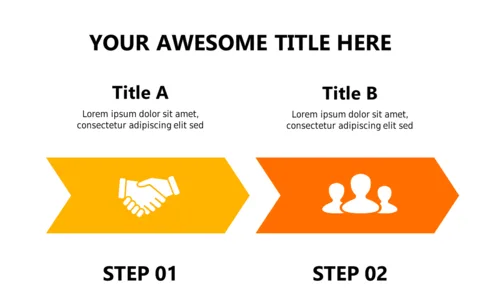
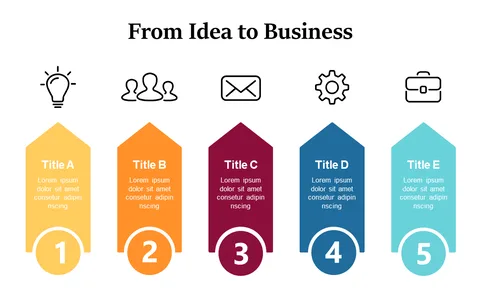
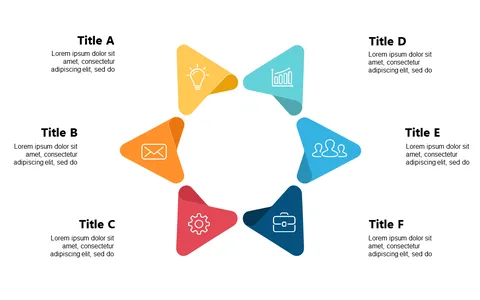
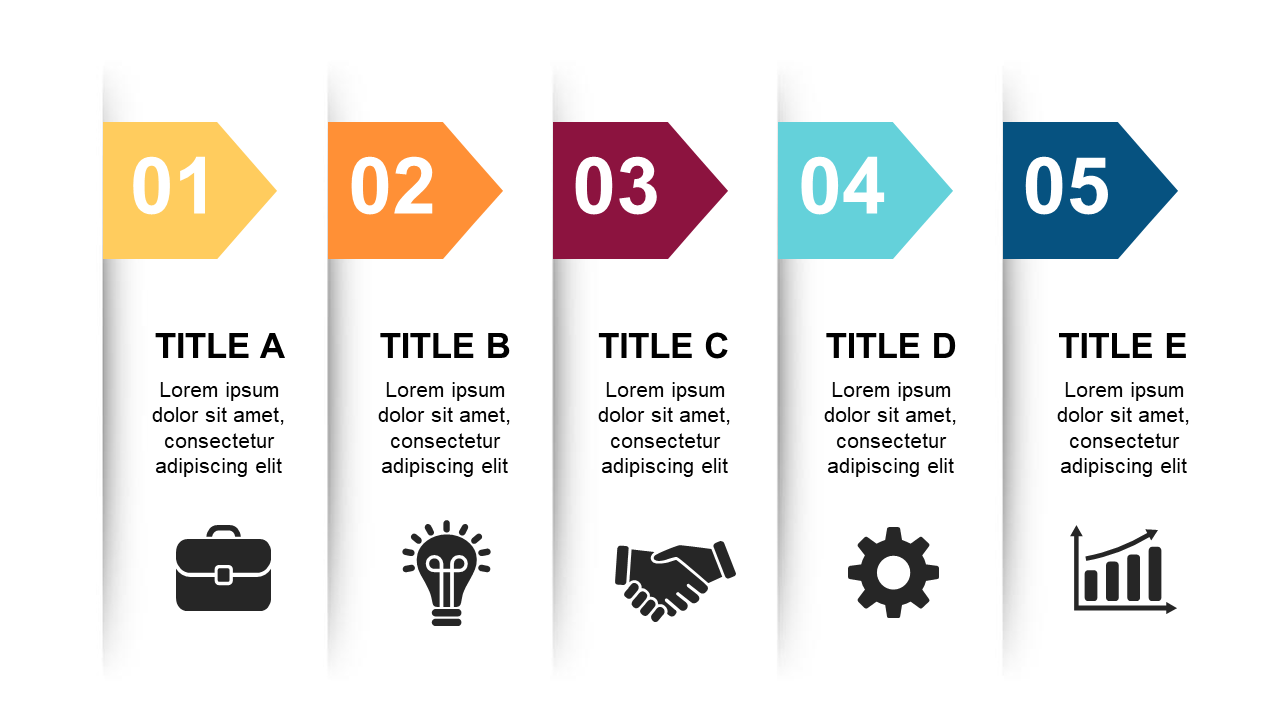
This slide resolves that issue by showcasing a clean layout of numbered steps paired with relevant icons, ensuring that your audience can quickly grasp the sequence of actions. Whether you’re a compliance officer detailing regulatory processes or a product manager explaining feature rollouts, this visual tool serves you well. It’s useful in various settings, from training sessions to status updates, where clear communication is paramount.
For only $0.99, this slide is readily available for download, making it a breeze to edit in PowerPoint or Google Slides. You’ll save time and keep your presentation engaging, allowing your audience to stay focused on the message.
$0.99 – Purchase Checkout
Added to cart