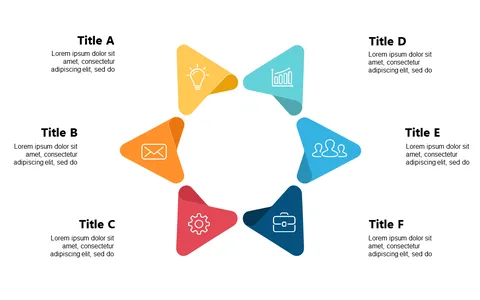
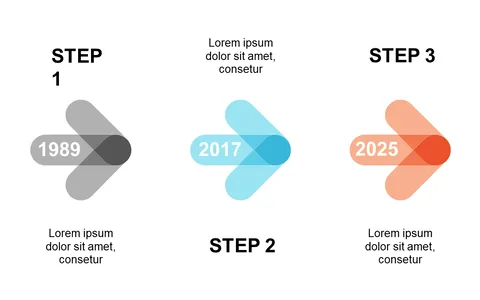
Present Workflows Clearly with Circular 6-Step Design

Product Description
Complex workflows often lead to miscommunication, especially when trying to convey multiple steps under tight deadlines. A circular 6-step design provides clarity while maintaining visual interest, allowing you to outline processes in a straightforward manner.
This slide ensures that your audience can easily follow along and understand the flow of information. Use this slide in client meetings, project kick-offs, or team briefings where clarity is paramount. Roles such as operations managers, product developers, and trainers can benefit from this design by visually representing the steps taken in project rollouts or training courses, significantly enhancing understanding.
At only $0.99, this slide is ready for immediate download and is easily editable in PowerPoint and Google Slides. Make it your own in minutes and bring your workflows to life for your audience.
$0.99 – Purchase Checkout
Added to cart