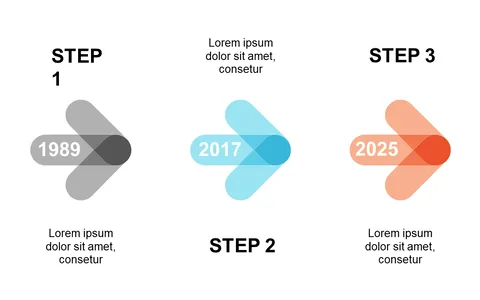
Diagonal Steps Layout for Process Flow Visualization
Product Description
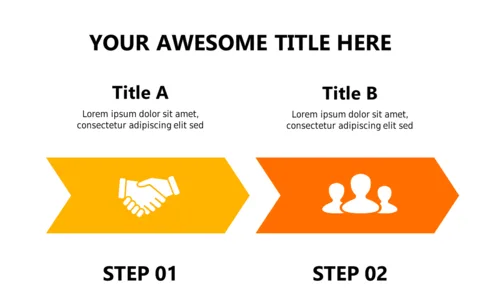
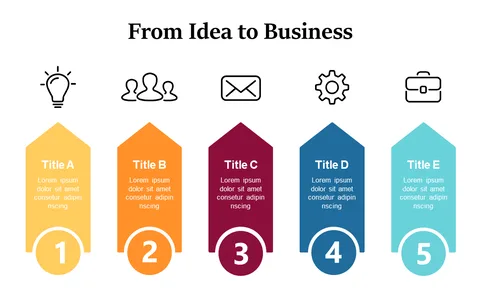
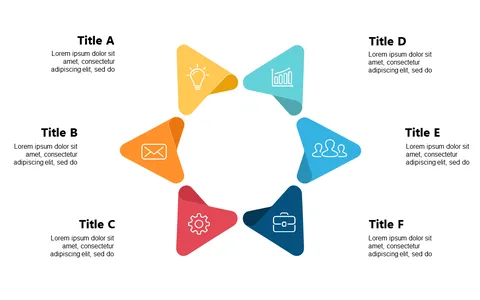
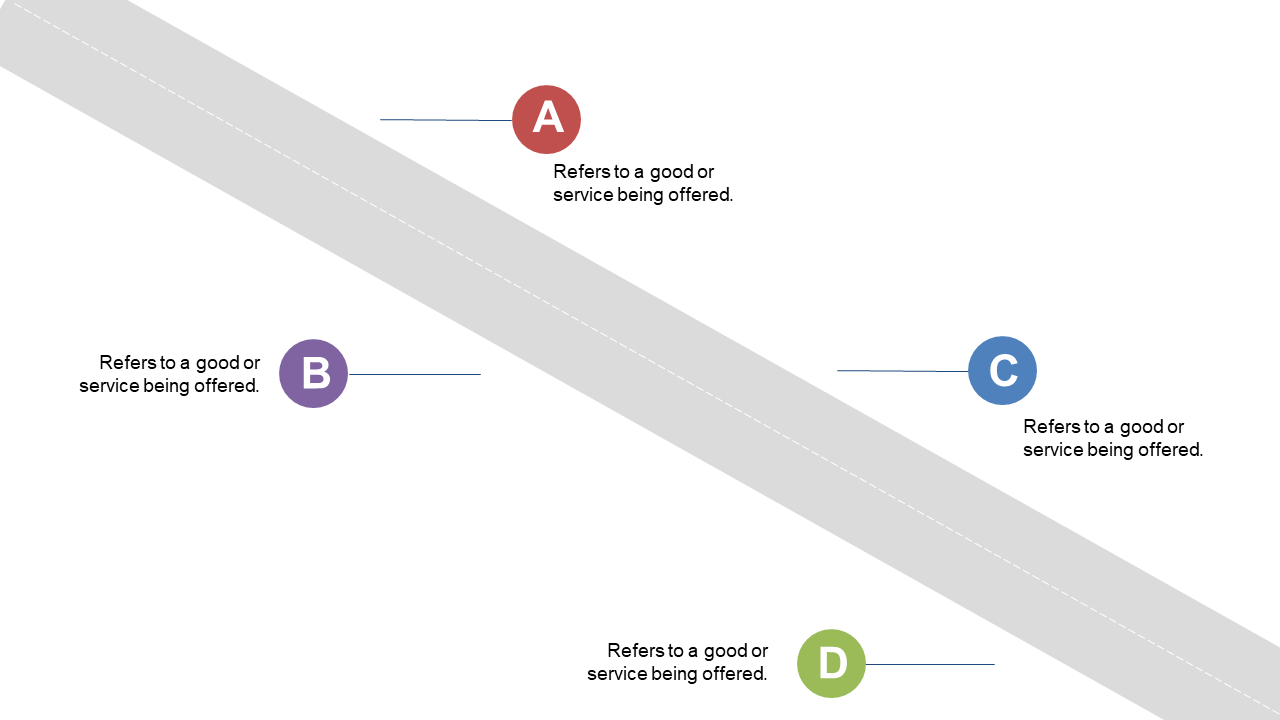
Presenting complex processes can often lead to miscommunication if the flow isn’t clear. The diagonal steps layout simplifies communication by visually guiding your audience through each stage, ensuring they grasp the progression without getting lost.
Ideal for sales professionals outlining the steps in a sales funnel, product managers discussing product development stages, or even HR teams presenting onboarding processes, this slide fits a variety of scenarios. Anyone who needs to illustrate a workflow clearly will find it invaluable.
For just $0.99, you can download this slide, which is fully editable in PowerPoint and Google Slides. It’s ready for you to customize in minutes, making it a quick solution for your presentation needs.
$0.99 – Purchase Checkout
Added to cart