Visual Project Life Cycle for Clarity in Presentation

Product Description
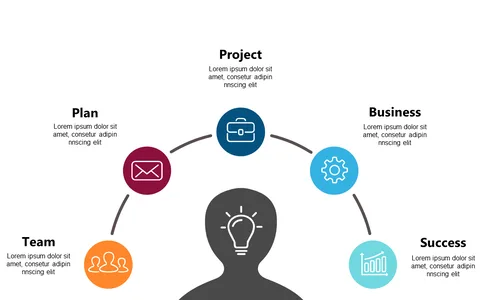
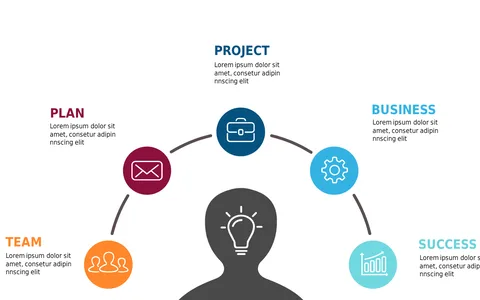
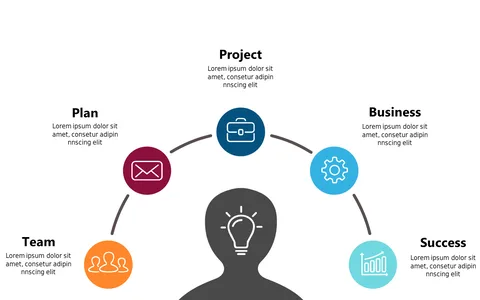
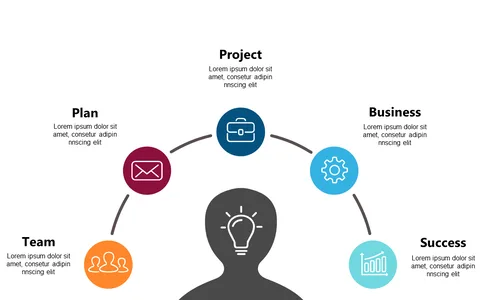
Communicating the various stages of a project can be difficult, especially when you’re trying to ensure everyone understands their roles and responsibilities. Without a clear visual representation, team members may misinterpret their tasks or overlook critical phases of the project life cycle. This slide helps bridge that gap by breaking down the four key phases: Initiating, Planning, Executing, and Closing.
As a project manager, you’ll find this slide invaluable during team meetings, project kick-offs, or stakeholder presentations. It’s perfect for consultants in various industries, helping them effectively communicate project phases to clients.
Whether you’re in IT, construction, or marketing, clarity in project phases is essential for keeping everyone aligned and informed. For just $0.99, this slide is an instant download that’s ready for you to customize in PowerPoint or Google Slides. With user-friendly text areas, you can easily add your specific project details and have it prepared in minutes.
$0.99 – Purchase Checkout
Added to cart