SlideSwift
By Category
💼Business 📊Infographics □Minimal 🕐Timelines ✨Neumorphic 🗑Diagrams 🔄Flow Charts ✨Glassmorphism 🎨Creative 🌍Abstract 🔄Cycle Diagrams 💎Isometric 🖼Illustrations 📱Social Media 🗺MapsBy Slide Type
🚀Pitch Deck 📌Roadmap 🔍SWOT Analysis 📅Timeline 📈Gantt Chart 🏢Org Chart 📋Funnel ⚖Comparison 📄Case Study 📋Agenda ⭐Icons & Lists 👏Thank You
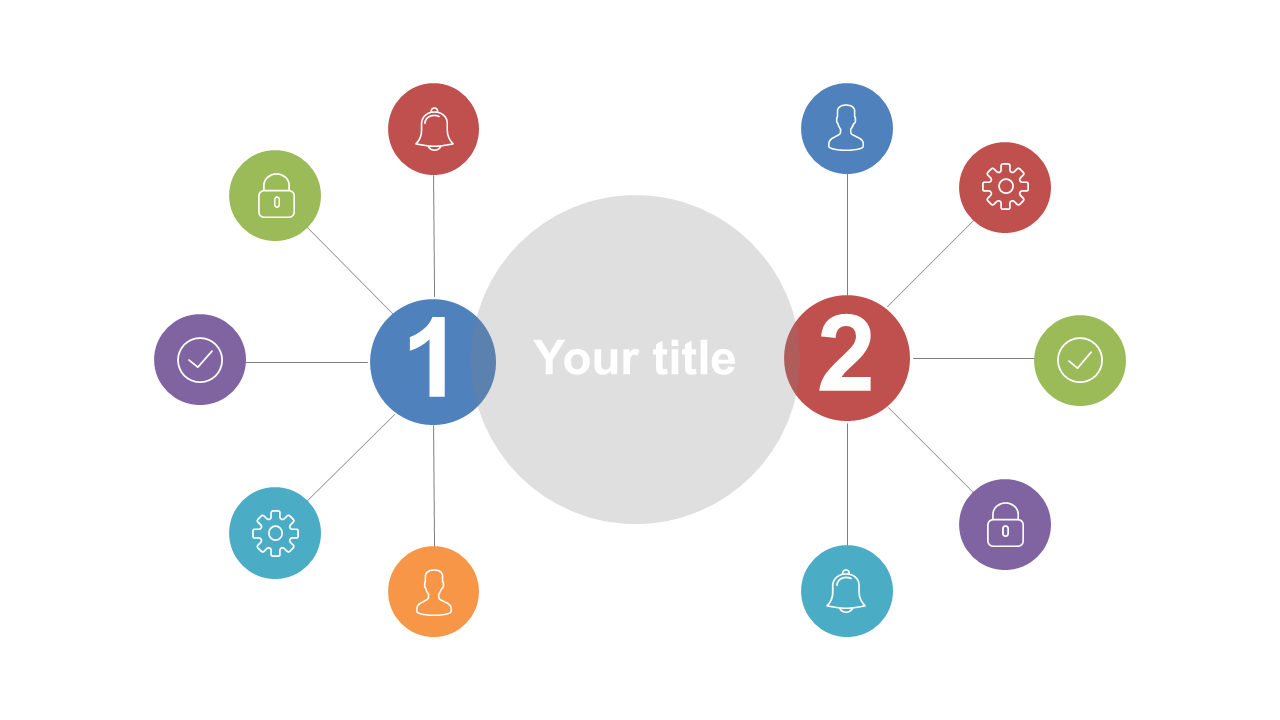
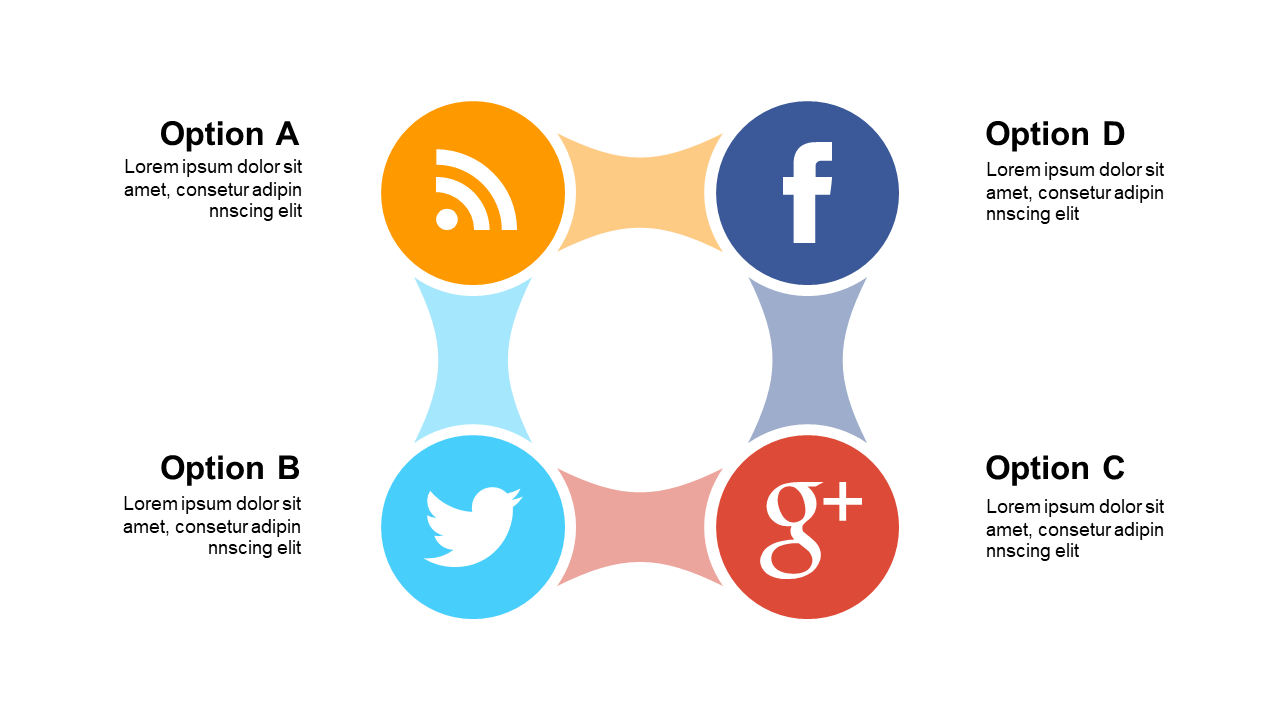
When you need to visualize complex relationships clearly, this Connected Nodes Layout is your go-to solution. The slide showcases a central focal point with connected nodes, allowing you to represent relationships and themes in a straightforward manner. As an operations manager, you can use this layout to depict workflows or team dynamics during your next meeting. If you’re a business analyst, this slide will help you illustrate data connections or project dependencies, making your insights more digestible for stakeholders. Architects can leverage this design to showcase how different project components interact, enhancing understanding during presentations. Customization is a breeze; simply adjust the text and icons to reflect your specific concepts or ideas. With its clean design and flexibility, this slide can fit seamlessly into any presentation you have planned. $0.99 — add this single slide to any deck from the SlideSwift Slide Library. No subscription needed. Mix slides from any category to build your perfect deck.
Add more from this category to your custom deck