SlideSwift
By Category
💼Business 📊Infographics □Minimal 🕐Timelines ✨Neumorphic 🗑Diagrams 🔄Flow Charts ✨Glassmorphism 🎨Creative 🌍Abstract 🔄Cycle Diagrams 💎Isometric 🖼Illustrations 📱Social Media 🗺MapsBy Slide Type
🚀Pitch Deck 📌Roadmap 🔍SWOT Analysis 📅Timeline 📈Gantt Chart 🏢Org Chart 📋Funnel ⚖Comparison 📄Case Study 📋Agenda ⭐Icons & Lists 👏Thank You
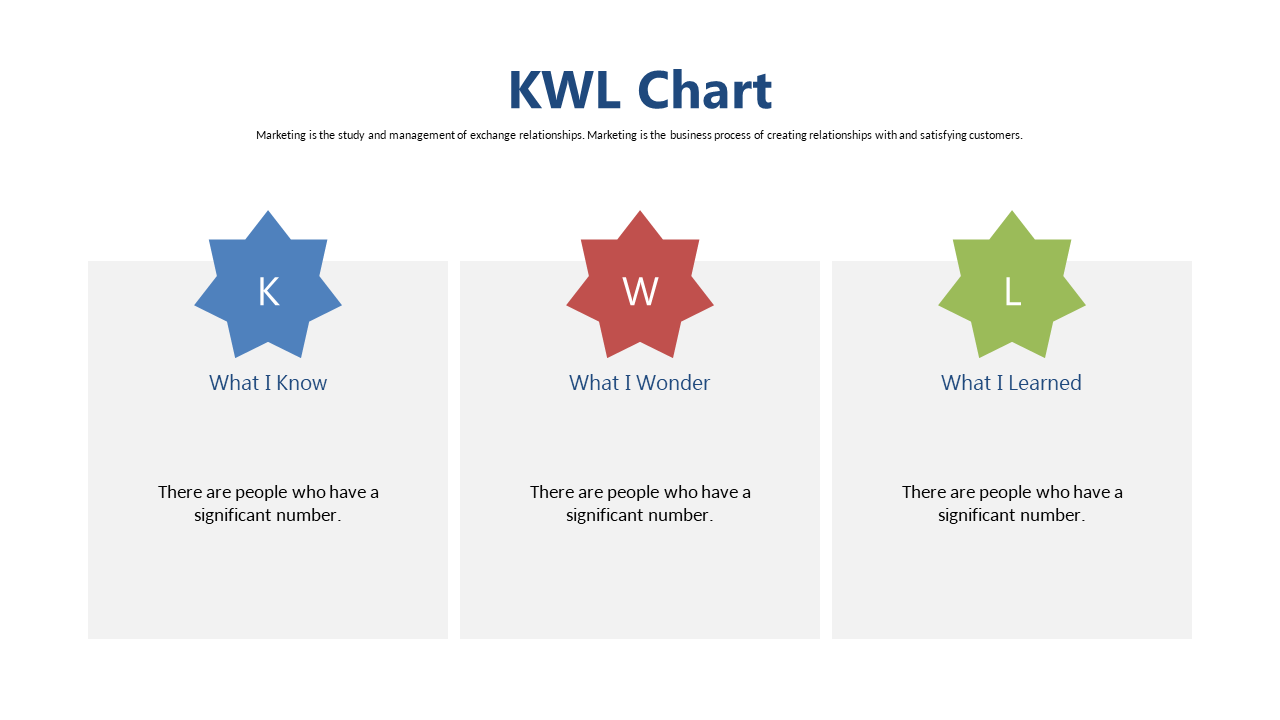
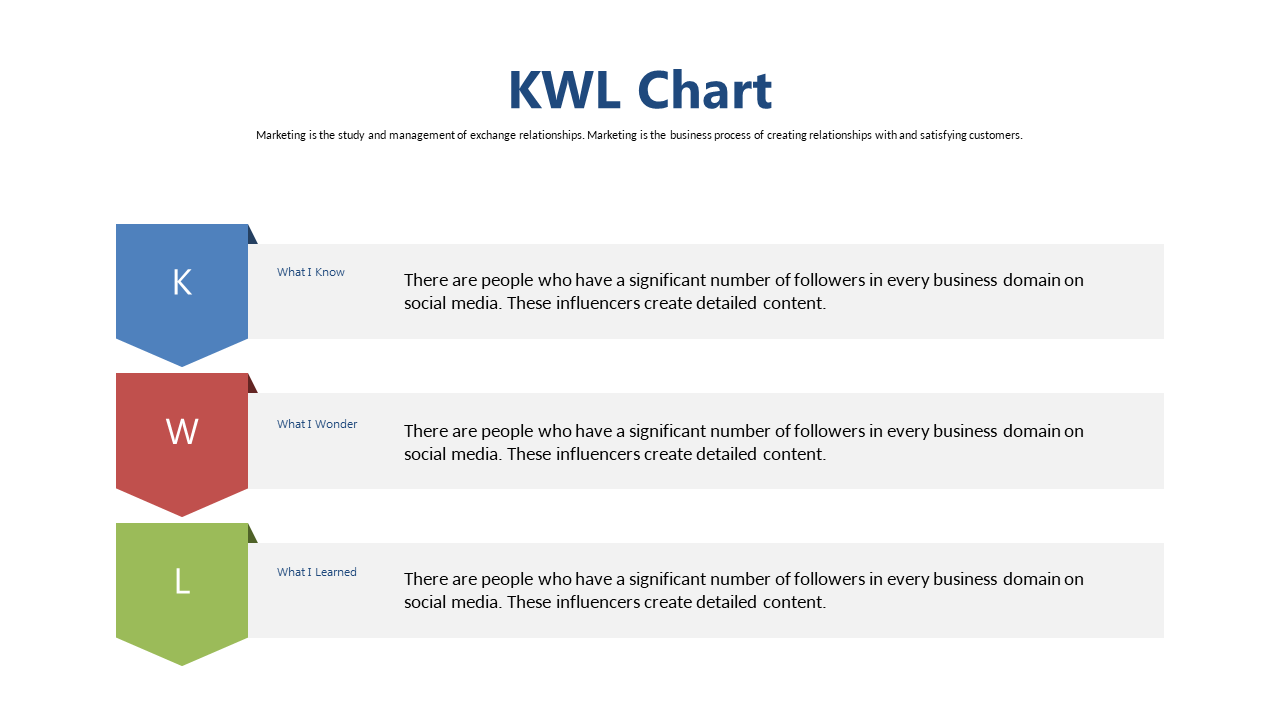
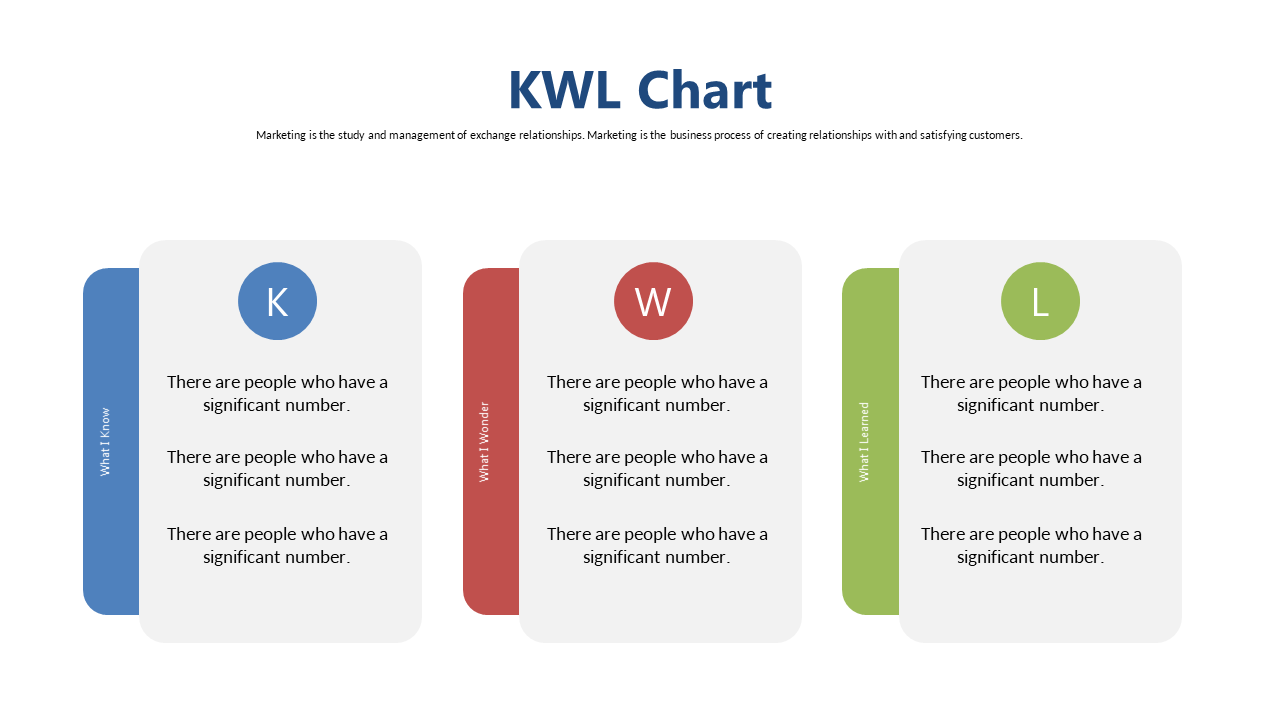
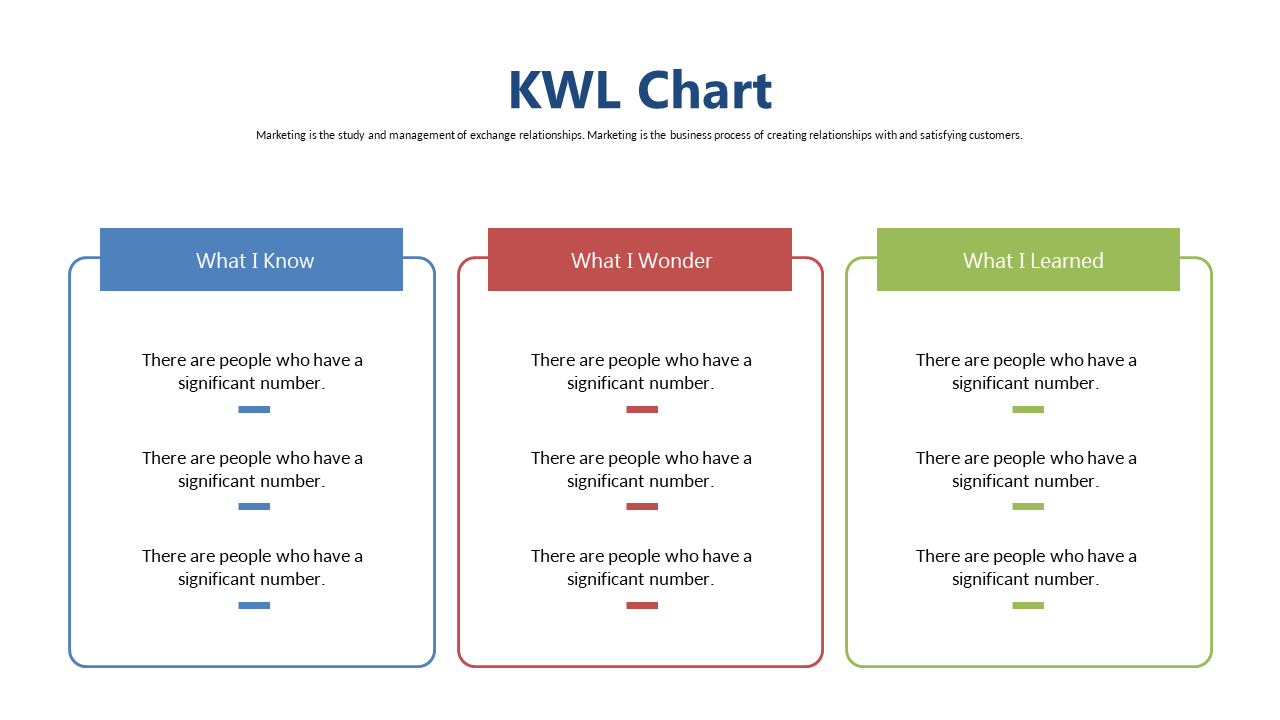
Every educator knows the challenge of engaging students in meaningful dialogue about their learning. The KWL chart slide provides a clear and structured way for learners to express what they know, what they wonder, and what they’ve learned. Visually, this slide is divided into three distinct columns labeled ‘What I Know’, ‘What I Wonder’, and ‘What I Learned’, making it easy to guide discussions and reflections. As a teacher, using this slide in your next lesson can help draw out students’ prior knowledge and encourage them to ask questions, fostering a more interactive classroom environment. For trainers, this layout serves as a valuable tool to assess participants’ understanding before and after sessions, ensuring that learning objectives are met. Instructional designers can incorporate this KWL chart into training materials, facilitating assessments of knowledge gaps and promoting critical thinking. The editable sections allow for tailored content to suit your specific audience and objectives. $0.99 — add this single slide to any deck from the SlideSwift Slide Library. No subscription needed. Mix slides from any category to build your perfect deck.
Add more from this category to your custom deck