Visualize Steps in Workflow with Arrow Diagram

Product Description
Handling multiple projects often means struggling to communicate the sequence of tasks clearly. Without a defined workflow, your audience might feel lost or confused about the steps they need to follow.
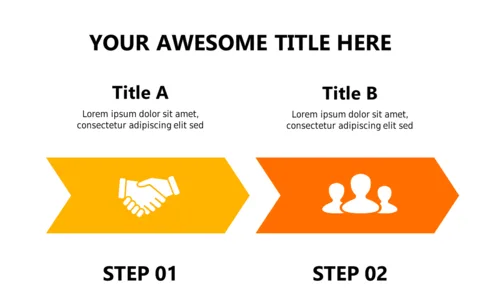
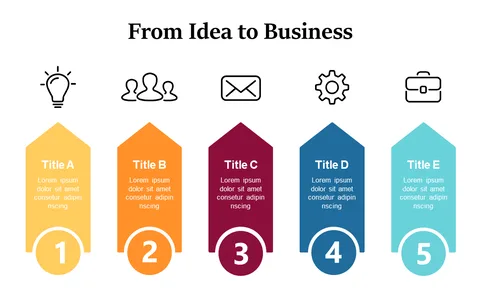
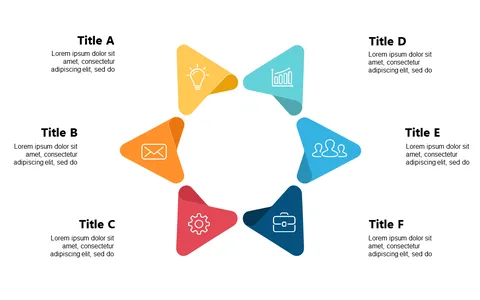
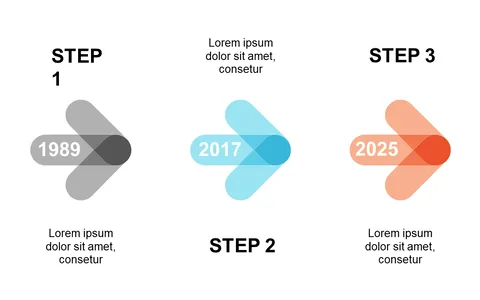
This arrow diagram slide makes it easy to map out each phase, ensuring everyone is on the same page. Consider using this slide if you’re a project manager leading a team through a new product launch or an operations manager presenting process improvements to stakeholders. It’s also great for training sessions, where clear visual cues can enhance learning and retention.
For just $0.99, you can download this slide today. It’s fully editable in PowerPoint and Google Slides, allowing you to customize the text and colors to fit your specific needs.
$0.99 – Purchase Checkout
Added to cart