SlideSwift
By Category
💼Business 📊Infographics □Minimal 🕐Timelines ✨Neumorphic 🗑Diagrams 🔄Flow Charts ✨Glassmorphism 🎨Creative 🌍Abstract 🔄Cycle Diagrams 💎Isometric 🖼Illustrations 📱Social Media 🗺MapsBy Slide Type
🚀Pitch Deck 📌Roadmap 🔍SWOT Analysis 📅Timeline 📈Gantt Chart 🏢Org Chart 📋Funnel ⚖Comparison 📄Case Study 📋Agenda ⭐Icons & Lists 👏Thank You
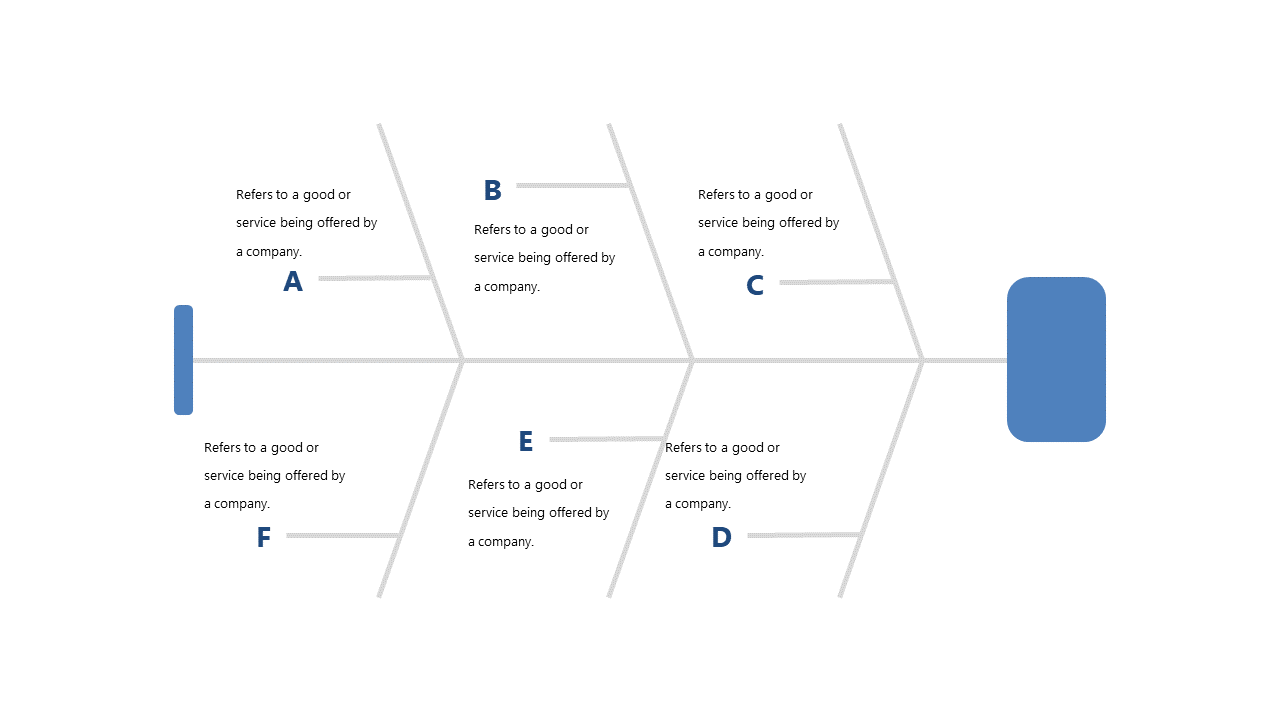
When you need to present multiple products or services, clarity is key. A clear visual can make all the difference in ensuring your team understands their options. This slide showcases a horizontal flow chart designed to compare features side by side, making it easy to visualize differences at a glance. Each section allows for easy editing of labels and descriptions, ensuring you can tailor the content to fit your specific needs. For a team lead, this slide can help in presenting a comparison of various tools your team is considering, allowing you to facilitate informed discussions. An operations manager can use this slide to illustrate how different service options stack up against one another, streamlining decision-making processes. Meanwhile, a project manager might employ this slide to compare vendors for an upcoming project, ensuring all stakeholders are on the same page. Customizing this slide is straightforward, so you can adjust it to meet your presentation goals. $0.99 — add this single slide to any deck from the SlideSwift Slide Library. No subscription needed. Mix slides from any category to build your perfect deck.
Add more from this category to your custom deck