SlideSwift
By Category
💼Business 📊Infographics □Minimal 🕐Timelines ✨Neumorphic 🗑Diagrams 🔄Flow Charts ✨Glassmorphism 🎨Creative 🌍Abstract 🔄Cycle Diagrams 💎Isometric 🖼Illustrations 📱Social Media 🗺MapsBy Slide Type
🚀Pitch Deck 📌Roadmap 🔍SWOT Analysis 📅Timeline 📈Gantt Chart 🏢Org Chart 📋Funnel ⚖Comparison 📄Case Study 📋Agenda ⭐Icons & Lists 👏Thank You
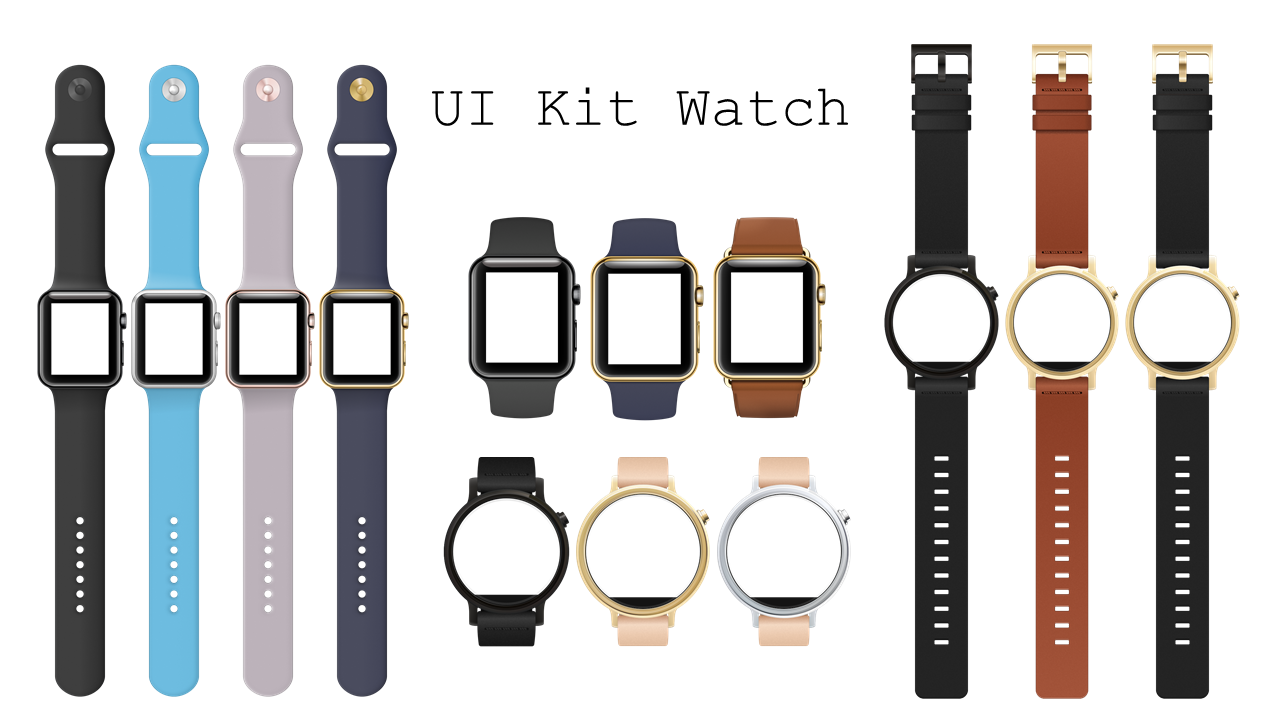
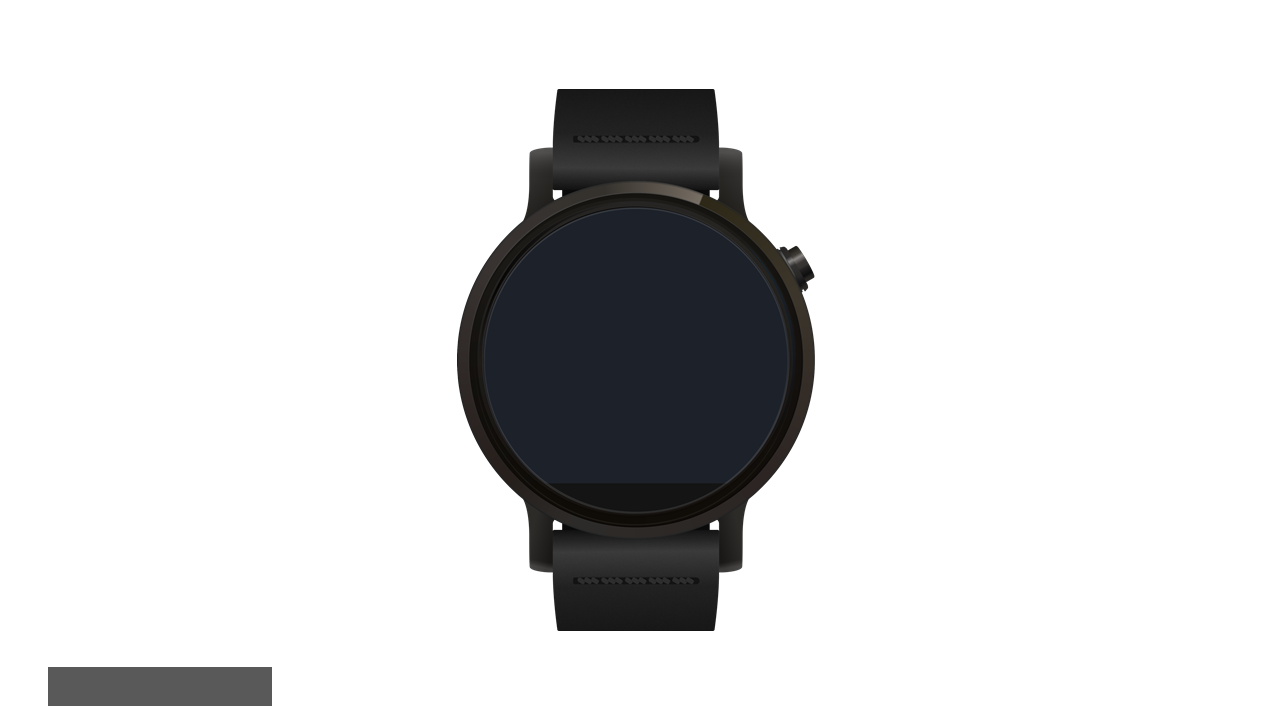
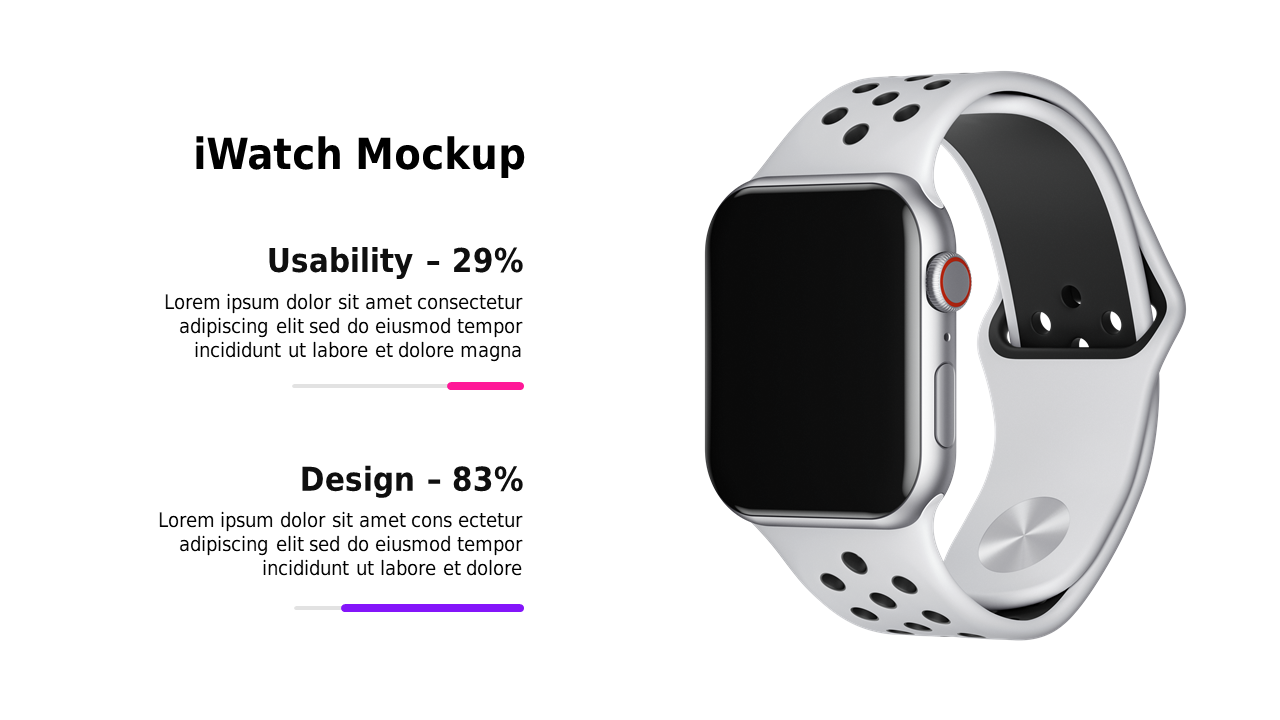
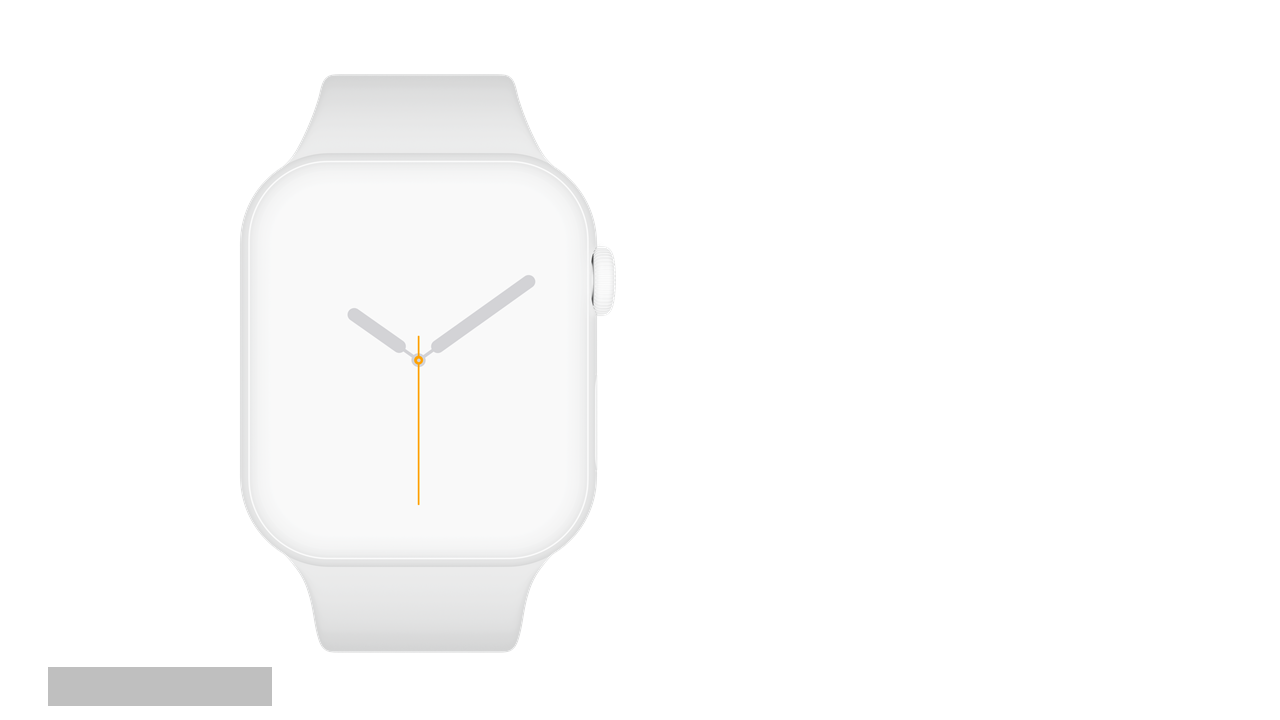
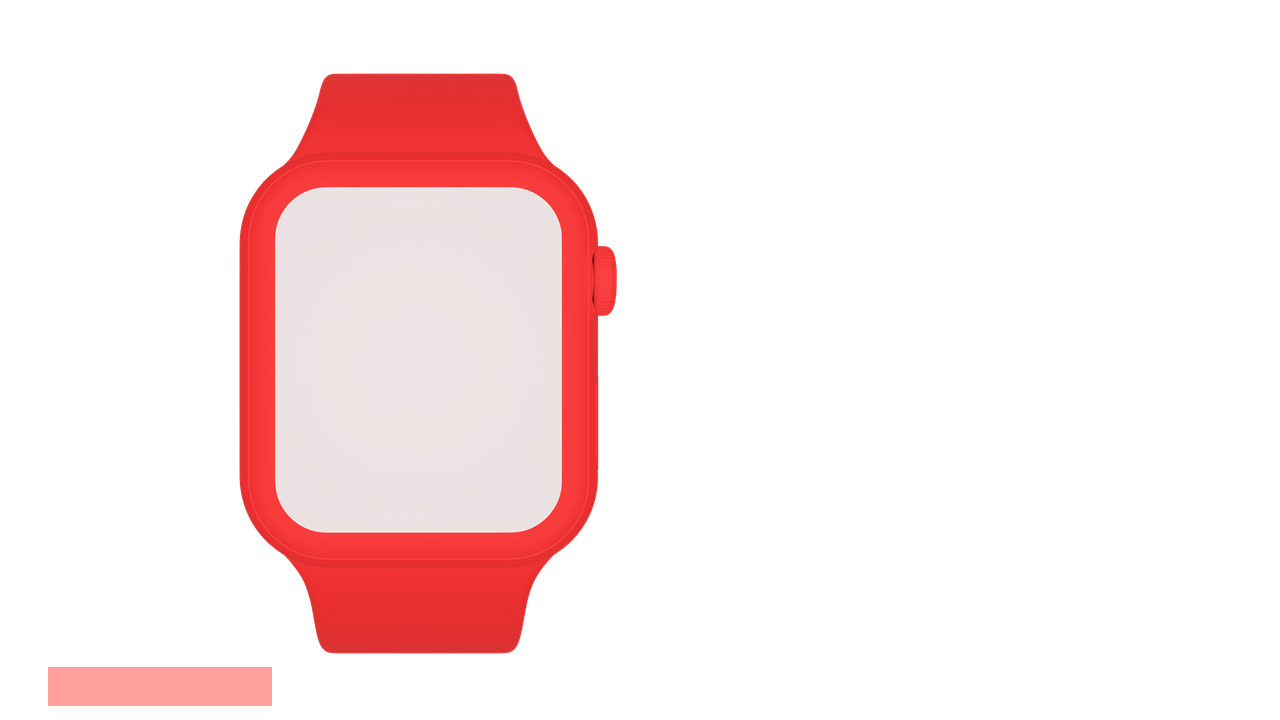
When you’re under pressure to present innovative smartwatch designs, it can feel overwhelming to find the right visuals. This slide gives you a clear, detailed view of various smartwatch user interface designs, making it easy to communicate your ideas visually. Each design is editable, allowing for customization to match your specific project needs. As a product manager, you can use this slide to illustrate key features and functionalities of your upcoming smartwatch application. For a CTO, this slide serves as a great way to highlight design elements during strategic discussions with stakeholders. Meanwhile, a tech lead can leverage this slide to guide the development team through user interface decisions, ensuring everyone is aligned on the visual aspects of the project. Customization options allow you to tweak colors and styles to fit your brand. $0.99 — add this single slide to any deck from the SlideSwift Slide Library. No subscription needed. Mix slides from any category to build your perfect deck.
Add more from this category to your custom deck