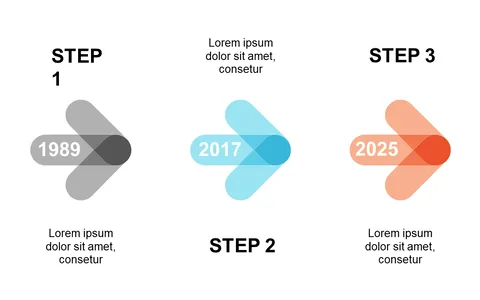
Present Step-by-Step Processes with Radial Layout

Product Description
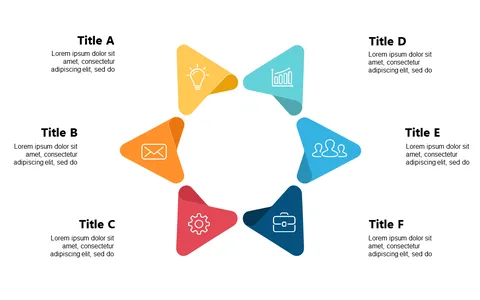
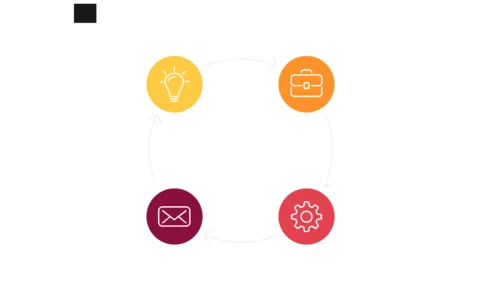
When you need to clarify intricate processes, presenting information in a simple yet engaging way is crucial. The radial layout allows you to break down step-by-step procedures dynamically, making it easier for your audience to grasp the connections between each component.
It turns complexity into clarity, keeping your presentation streamlined. This slide is ideal for consultants hosting workshops, educators explaining processes to students, or team leaders discussing project phases during meetings. By using this layout, you can make your explanation feel more organized and digestible, helping everyone understand the process from start to finish.
Available for only $0.99, this slide can be downloaded instantly and easily customized in PowerPoint or Google Slides. You’ll have a visually appealing, professional-looking presentation ready in just minutes.
$0.99 – Purchase Checkout
Added to cart