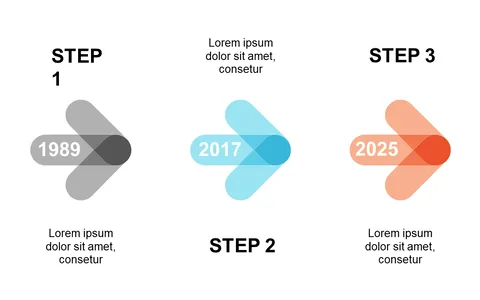
Visualize Key Actions with Step-by-Step Flow Layout

Product Description
Communicating a process can often feel like a daunting task, especially when trying to keep your audience engaged. You need clarity to ensure everyone understands each key action, and a step-by-step flow layout can simplify that. This slide features circular callouts designed to break down complex processes into digestible parts.
Consider using this layout during project kickoff meetings, where project managers need to outline phases clearly, or in training sessions for onboarding new employees. It’s ideal for consultants presenting methodologies or even educators explaining concepts.
With this visual aid, you can capture your audience’s attention while effectively guiding them through the process. For just $0.99, you can download this slide and start using it in minutes. It’s fully editable in PowerPoint and Google Slides, making it easy to customize for your specific needs.
$0.99 – Purchase Checkout
Added to cart