✦ Slide Picker: Pick individual slides from 7,486+ designs — $0.99/slide. No subscription. Mix any category. Explore → | ✏ Edit Online After Purchase — No software needed
Home›Process Flow›Visualize Key Steps with Circular Flow Diagram

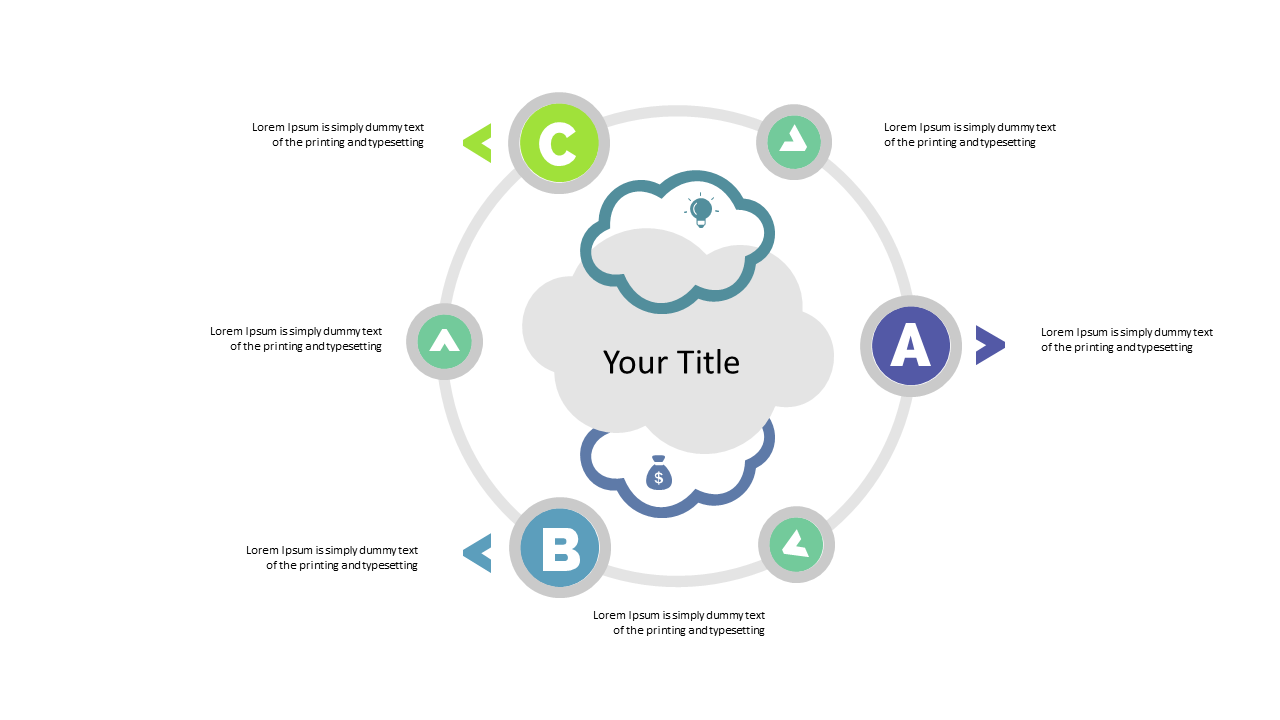
Visualize Key Steps with Circular Flow Diagram

✨ Slide Library 🛡 7-Day Money-Back Guarantee ✏️ Edit in Slide Editor 🔒 Available after purchase PowerPoint Google Slides

Product Description

Simplifying complex processes is no easy task, especially when your audience struggles to keep up with multiple steps. This circular flow diagram takes that burden off your shoulders by breaking down key steps into easy-to-follow visuals.

You’ll be amazed at how clarity can enhance your presentations. This slide is perfect for project managers outlining development phases, sales teams tracking customer journeys, or educators simplifying lesson plans. Whether you’re presenting at a team meeting, a client briefing, or a classroom lecture, this visual tool will make your message resonate with your audience.

For just $0.99, you can instantly download this slide and customize it to fit your needs. It’s fully editable in PowerPoint and Google Slides, allowing for quick adjustments that ensure it’s ready to go in minutes.

$0.99 – Purchase Checkout

Added to cart

✅ Instant delivery ✅ Fully editable ✅ PowerPoint & Google Slides
Category:
$0.99
Per slide · No minimum · Pay only for what you pick
Checkout →
✓ $0.99/slide No minimum order
✓ Mix any category No subscription
✦ Upgrade to Full Deck
Get all 20 Process Flow slides
$5.99 one-time
Arrow Process Flow — Standard Format PowerPoint Templates Arrow Process Flow — Standard Format PowerPoint Templates Arrow Process Flow — Standard Format PowerPoint Templates
🌗Light & Dark themes both included
✏️Edit in browser — no software needed
🔍Preview all 20 slides in PDF before buying
🛡7-Day Money-Back — zero risk
⚡Instant download — lifetime access

More Process Flow Slides

Add more from this category to your custom deck