Illustrate Processes with Circular Diagram and Icons
Product Description
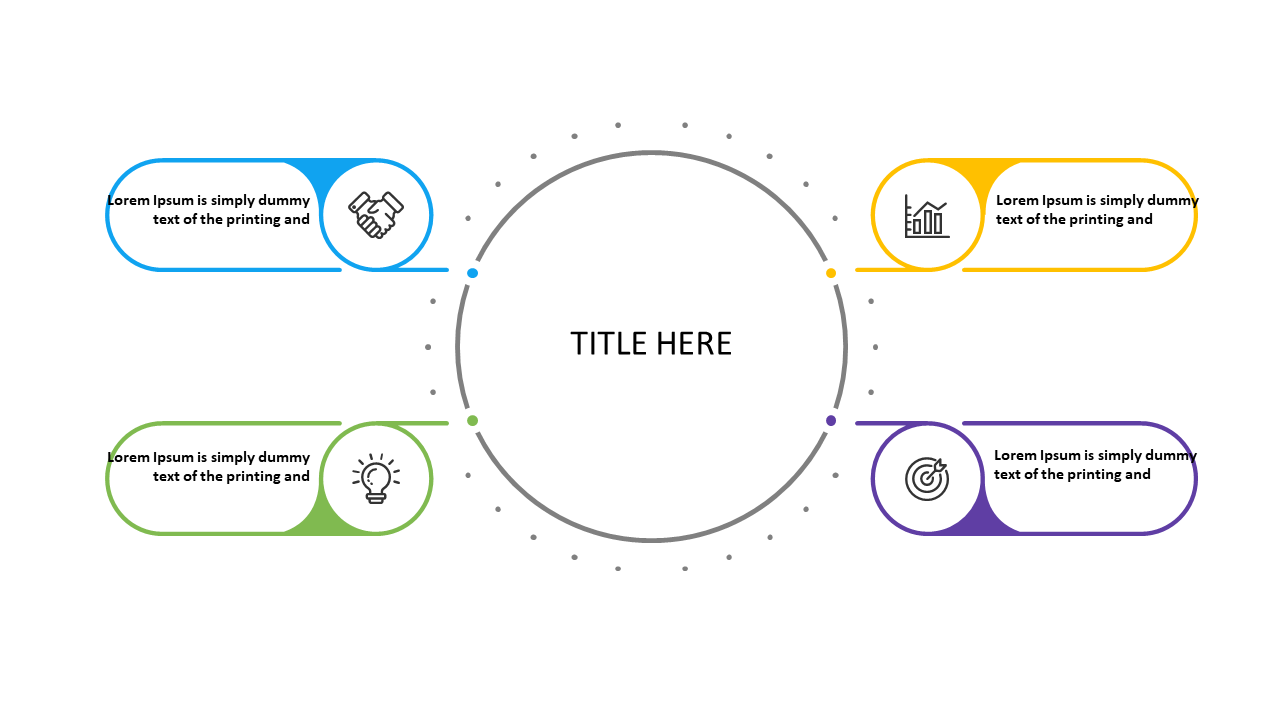
Presenting complex processes can often lead to confusion, especially when you’re trying to keep your audience engaged. This slide provides a circular diagram that simplifies the data into four distinct sections, each with its own icon, making it easy for your viewers to grasp the information at a glance.
As a business analyst, you might find this slide invaluable during team meetings or project updates where you need to explain workflows or processes. It works perfectly for project planning sessions, where clarity is essential, or even during stakeholder presentations to illustrate how different components interconnect.
For just $0.99, you can download this slide instantly and start editing it in PowerPoint or Google Slides. Customize the icons and text to fit your specific needs in minutes and watch your audience better understand your data.
$0.99 – Purchase Checkout
Added to cart