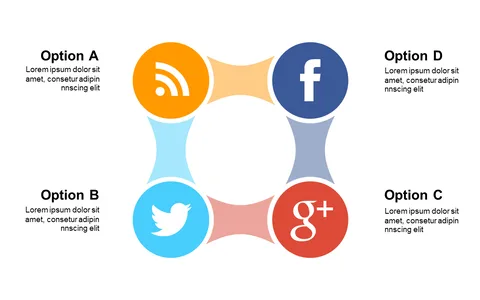
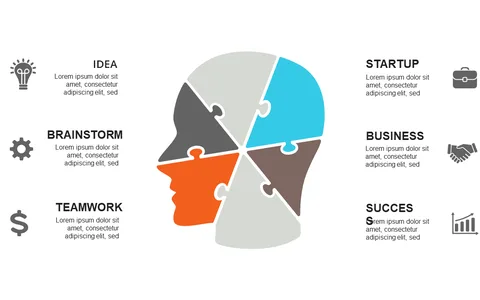
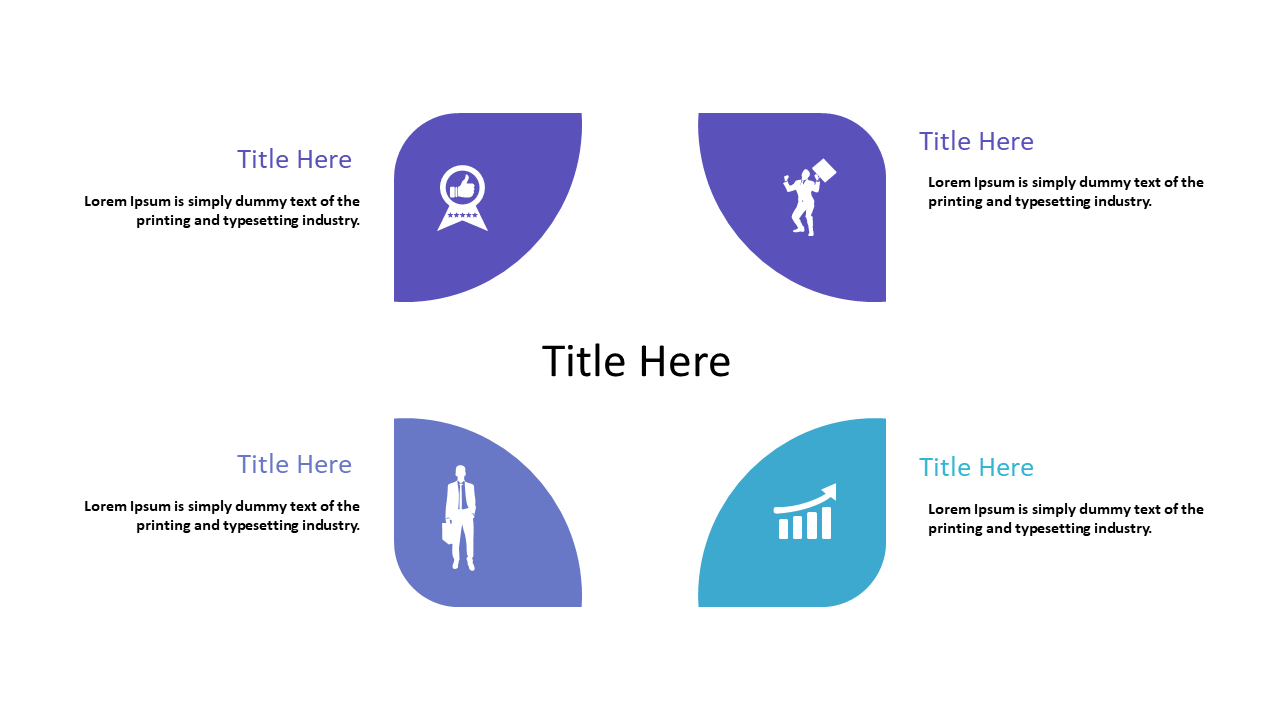
Present Topics with Quadrant Layout and Icons
Product Description
Presenting multiple topics can often create information overload for your audience. This quadrant layout helps you organize your content visually, making it easier for viewers to digest and understand complex ideas.
By structuring information in this way, you enhance clarity and keep your audience focused on key points. This slide is suitable for consultants and marketing professionals who need to present various strategies or concepts during team briefings or client meetings. Its design encourages a clear discussion of each topic while allowing for easy navigation through your presentation.
For only $0.99, you can instantly download and customize this slide in PowerPoint or Google Slides. Editing is straightforward, so you can have a polished, organized presentation ready in no time.
$0.99 – Purchase Checkout
Added to cart