✦ Slide Picker: Pick individual slides from 7,486+ designs — $0.99/slide. No subscription. Mix any category. Explore → | ✏ Edit Online After Purchase — No software needed
Home›Process Flow›Illustrate 8-Step Workflows with Circular Diagram

Illustrate 8-Step Workflows with Circular Diagram

✨ Slide Library 🛡 7-Day Money-Back Guarantee ✏️ Edit in Slide Editor 🔒 Available after purchase PowerPoint Google Slides

Product Description

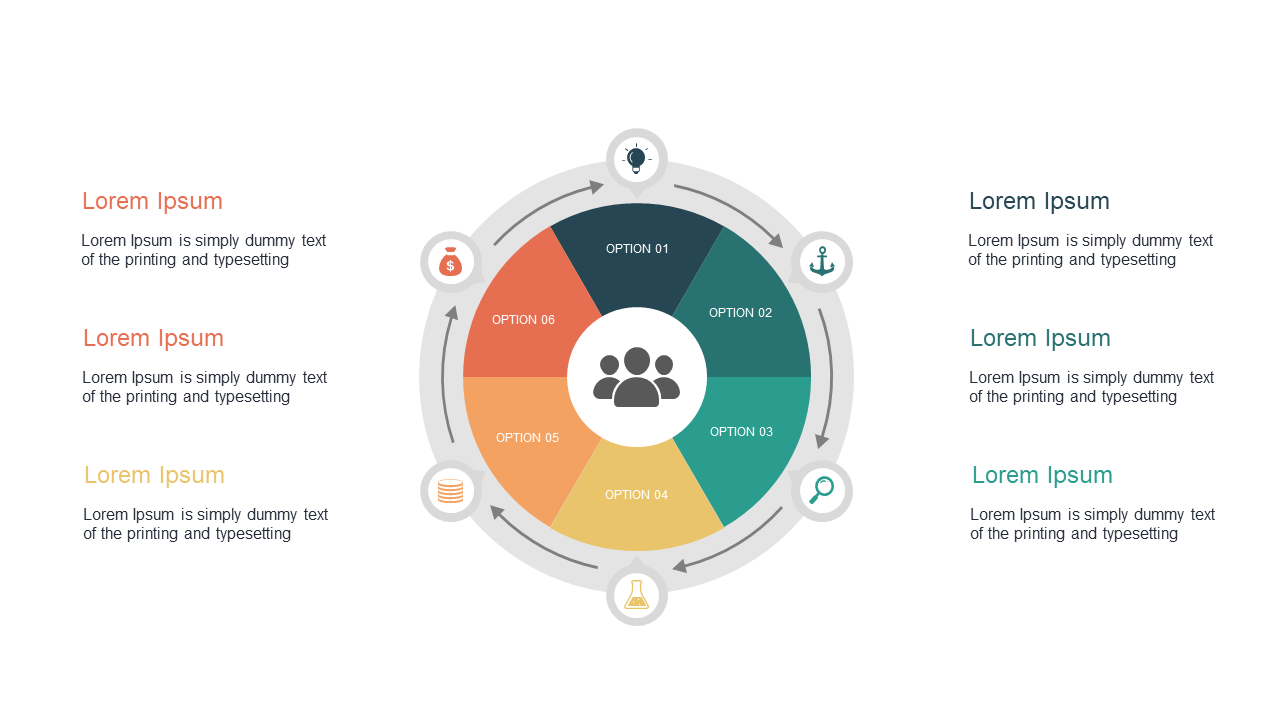
When managing multiple projects, it’s critical to convey workflows in a way that everyone can understand. An 8-step circular diagram breaks down complex processes into manageable sections, making it easier for your audience to follow along.

This visual clarity ensures that each step is highlighted and understood, reducing the risk of confusion. Ideal for project managers, product developers, and service leaders, this slide can be used in project kick-offs, progress reports, or stakeholder meetings. Whether you’re in the tech sector, construction, or consulting, this template helps you articulate your workflows effectively.

You can download this slide for just $0.99, and it’s fully editable in PowerPoint and Google Slides. Get started right away and enhance your communication with a professional design that makes an impact.

$0.99 – Purchase Checkout

Added to cart

✅ Instant delivery ✅ Fully editable ✅ PowerPoint & Google Slides
Category:
$0.99
Per slide · No minimum · Pay only for what you pick
Checkout →
✓ $0.99/slide No minimum order
✓ Mix any category No subscription
✦ Upgrade to Full Deck
Get all 20 Process Flow slides
$5.99 one-time
Arrow Process Flow — Standard Format PowerPoint Templates Arrow Process Flow — Standard Format PowerPoint Templates Arrow Process Flow — Standard Format PowerPoint Templates
🌗Light & Dark themes both included
✏️Edit in browser — no software needed
🔍Preview all 20 slides in PDF before buying
🛡7-Day Money-Back — zero risk
⚡Instant download — lifetime access

More Process Flow Slides

Add more from this category to your custom deck