SlideSwift
By Category
💼Business 📊Infographics □Minimal 🕐Timelines ✨Neumorphic 🗑Diagrams 🔄Flow Charts ✨Glassmorphism 🎨Creative 🌍Abstract 🔄Cycle Diagrams 💎Isometric 🖼Illustrations 📱Social Media 🗺MapsBy Slide Type
🚀Pitch Deck 📌Roadmap 🔍SWOT Analysis 📅Timeline 📈Gantt Chart 🏢Org Chart 📋Funnel ⚖Comparison 📄Case Study 📋Agenda ⭐Icons & Lists 👏Thank You
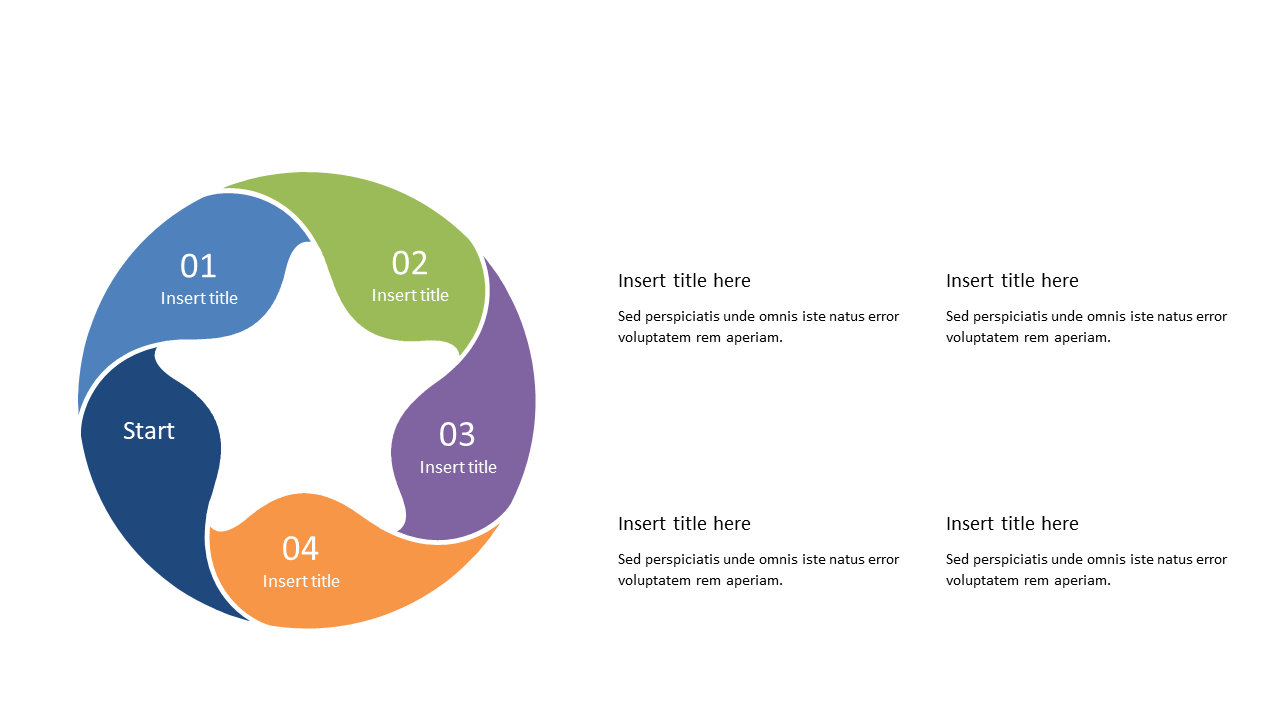
When you’re tasked with explaining intricate workflows, clarity is key. This slide offers a visually appealing circular design, segmented into four distinct parts that allow you to break down processes step-by-step. Each segment includes dedicated areas for titles and descriptions, ensuring that every aspect of your workflow is communicated effectively. As a business analyst, you can use this slide to present data-driven processes in client meetings, transforming complex information into digestible visuals. For team leads, this slide is perfect for outlining project steps during team briefings, making it easier for everyone to grasp their roles. Operations managers can leverage this layout to illustrate operational sequences in training sessions, enhancing understanding among new hires. Plus, the slide is fully editable, so you can customize colors, fonts, and content to match your branding. $0.99 — add this single slide to any deck from the SlideSwift Slide Library. No subscription needed. Mix slides from any category to build your perfect deck.
Add more from this category to your custom deck