Illustrate Processes with an 8-Section Diagram

Product Description
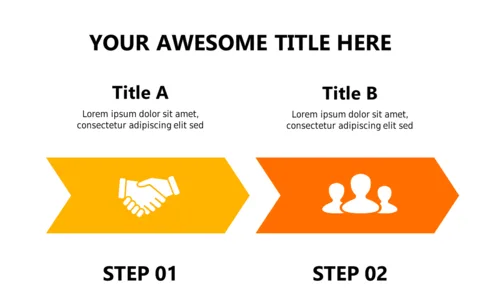
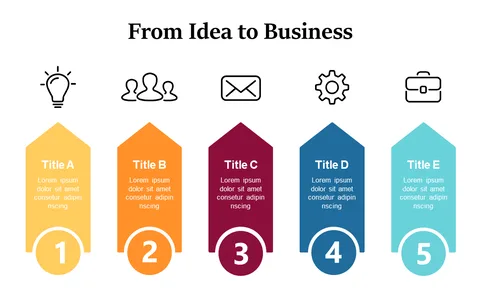
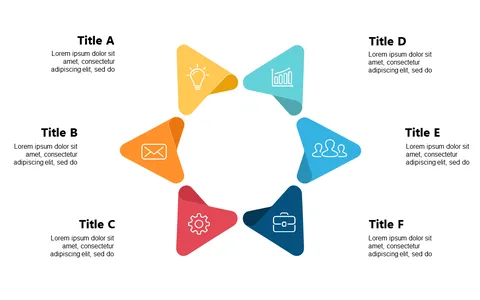
Complex workflows can often leave your audience baffled, struggling to make sense of intricate details. This slide addresses that common issue by providing an eight-section diagram that simplifies your message and visually connects the dots between different processes.
It’s perfect for making clarity a priority in your presentations. Consider using this slide if you’re a project manager detailing a product launch, a business analyst mapping out operational workflows, or a team leader presenting a strategy session. The circular layout naturally guides viewers through each section, making it an ideal fit for brainstorming sessions and collaborative discussions where understanding process flow is vital.
For just $0.99, you can instantly download this slide and edit it to fit your needs. It’s designed for easy use with PowerPoint and Google Slides, allowing you to customize it quickly and efficiently, so you can focus on delivering your message with confidence.
$0.99 – Purchase Checkout
Added to cart