Show Action Steps Progression in PowerPoint

Product Description
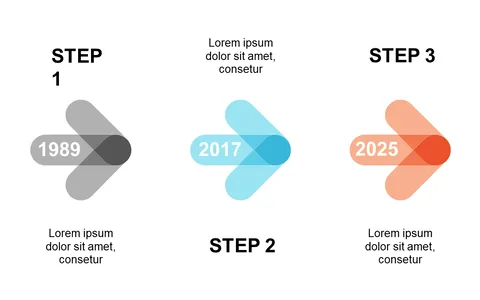
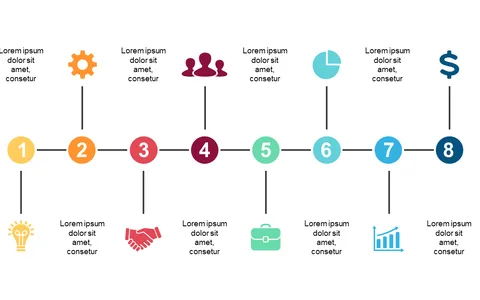
Communicating project progress is essential, yet it can often be challenging to ensure everyone is on the same page. The Show Action Steps Progression in PowerPoint slide takes the guesswork out of project updates, clearly illustrating each step in a visually appealing manner to keep your audience informed.
This slide is perfect for project managers updating teams or stakeholders, team leads conducting sprint reviews, or consultants discussing project timelines with clients. Use it in status meetings, strategic sessions, or any scenario where project clarity is key.
At just $0.99, this slide is an instant download and can be easily customized in PowerPoint or Google Slides. Keep your project on track with this effective visual tool!
$0.99 – Purchase Checkout
Added to cart