SlideSwift
By Category
💼Business 📊Infographics □Minimal 🕐Timelines ✨Neumorphic 🗑Diagrams 🔄Flow Charts ✨Glassmorphism 🎨Creative 🌍Abstract 🔄Cycle Diagrams 💎Isometric 🖼Illustrations 📱Social Media 🗺MapsBy Slide Type
🚀Pitch Deck 📌Roadmap 🔍SWOT Analysis 📅Timeline 📈Gantt Chart 🏢Org Chart 📋Funnel ⚖Comparison 📄Case Study 📋Agenda ⭐Icons & Lists 👏Thank You
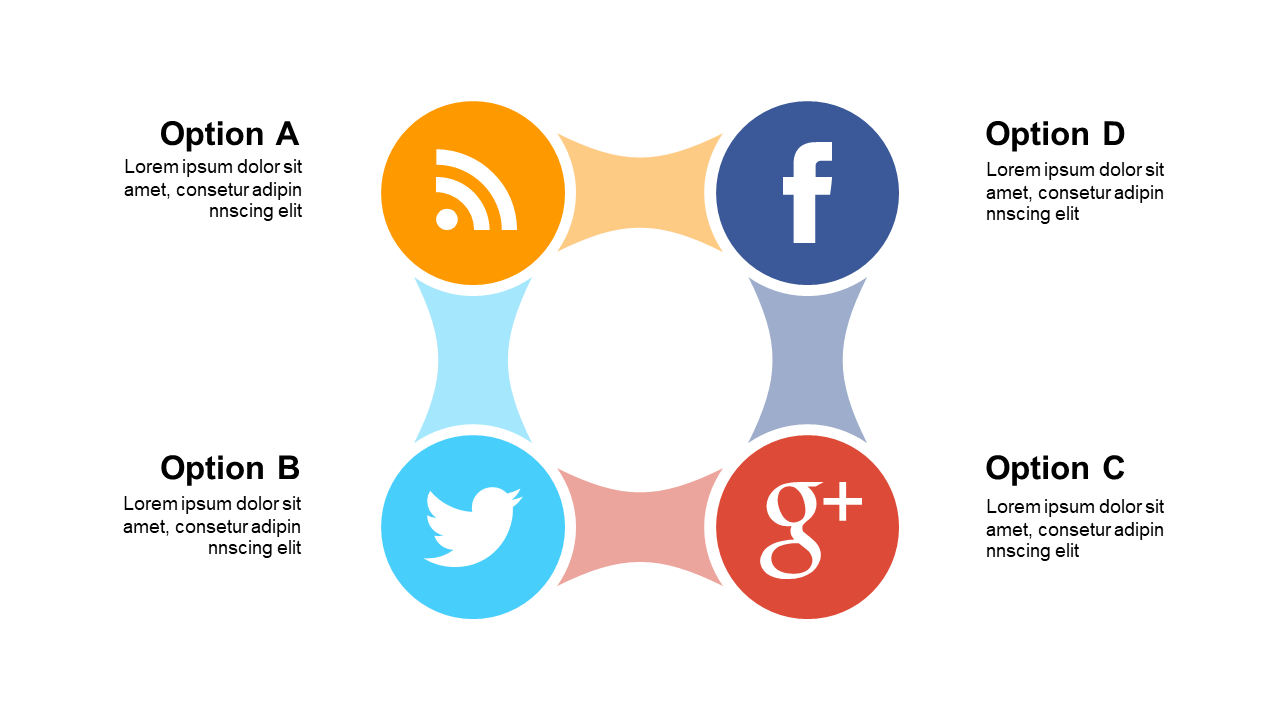
When you’re tasked with conveying complex phases or concepts, a simple linear layout just won’t cut it. You need a design that captures attention and illustrates connections, and this circular puzzle layout does just that. With editable text areas in each segment, this slide allows you to customize the content easily, giving your audience a clear understanding of each phase. As an architect, you can use this slide to showcase different stages of a project, highlighting how each phase interacts with the next. For a consultant, this layout can be instrumental in presenting strategic recommendations by visually representing different options and their impacts. An operations manager can also benefit from this design by mapping out workflows and processes, making it easy for teams to grasp intricate systems. You can easily tailor the text and colors to fit your brand or presentation style. $0.99 — add this single slide to any deck from the SlideSwift Slide Library. No subscription needed. Mix slides from any category to build your perfect deck.
Add more from this category to your custom deck