SlideSwift
By Category
💼Business 📊Infographics □Minimal 🕐Timelines ✨Neumorphic 🗑Diagrams 🔄Flow Charts ✨Glassmorphism 🎨Creative 🌍Abstract 🔄Cycle Diagrams 💎Isometric 🖼Illustrations 📱Social Media 🗺MapsBy Slide Type
🚀Pitch Deck 📌Roadmap 🔍SWOT Analysis 📅Timeline 📈Gantt Chart 🏢Org Chart 📋Funnel ⚖Comparison 📄Case Study 📋Agenda ⭐Icons & Lists 👏Thank You
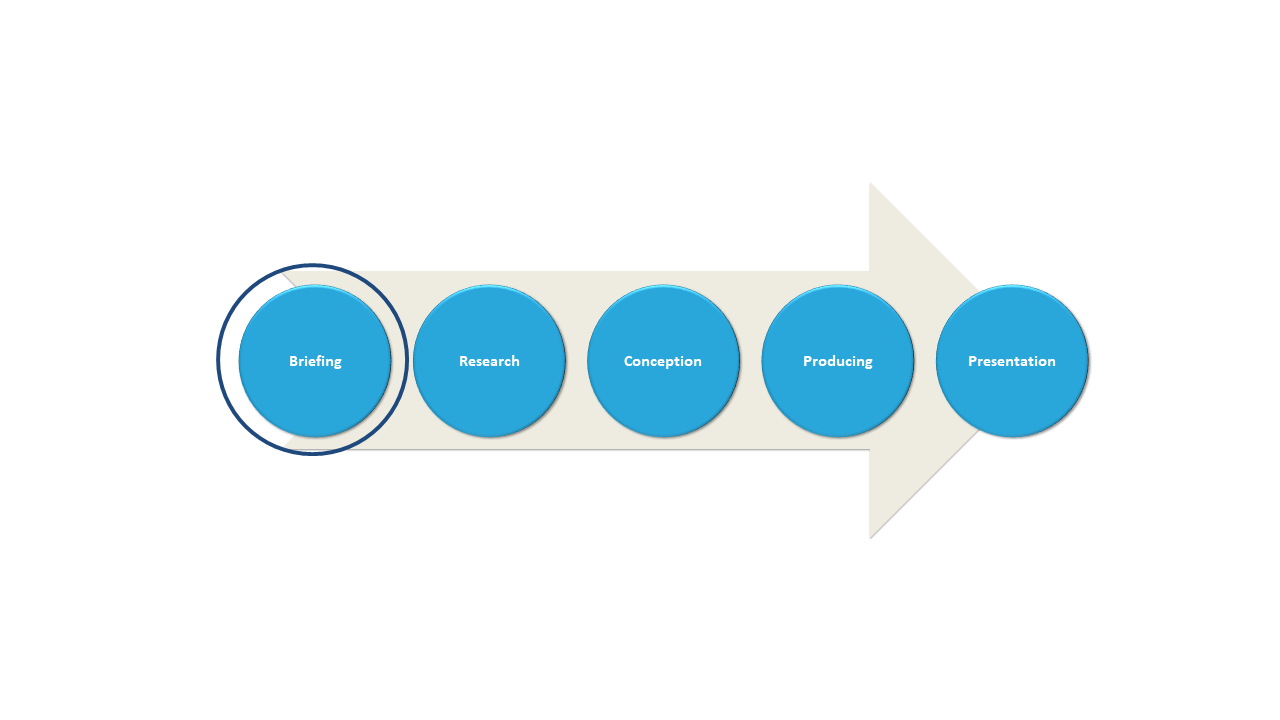
Managing multiple project phases can often lead to confusion, especially when trying to convey each step to your team. By using this circular flow slide, you can effectively illustrate the different phases, making it easier for everyone to grasp the overall process without getting lost in details. The visual format keeps your presentation dynamic and engaging.
This slide is perfect for project managers in industries like construction or software development who need to present phases during status meetings or client briefings. You’ll find it helpful during sprint retrospectives, project kick-offs, or strategy sessions where clarity is crucial. The circular design encourages a smooth transition from one phase to the next, enhancing your team’s understanding.
For just $0.99, you can download this slide instantly and get started right away. It’s fully editable in PowerPoint and Google Slides, so
you can customize it to fit your project needs without hassle.
$0.99 – Purchase Checkout
Added to cart
Add more from this category to your custom deck