Showing 502 slides
in Presentation Essentials

View full slide →
✓
Use colored rectangles to effectively highlight key points in your presentation.
View full slide →
✓
Highlight key points visually using this editable colored rectangle layout.
View full slide →
✓
Use this flexible 4-quadrant layout for clear business presentations.
View full slide →
✓
Effectively present critical information using this visually engaging four-step layout.
View full slide →
✓
Present categories effectively using this customizable 6-box overview slide.
View full slide →
✓
Use this 4-quadrant PowerPoint layout to summarize key business points effectively.
View full slide →
✓
Present segmented information clearly using this editable 4-quadrant layout.
View full slide →
✓
Utilize this 4-quadrant grid in PowerPoint for structured data presentation.
View full slide →
✓
Edit this 4-quadrant layout to effectively visualize your business topics.
View full slide →
✓
Create engaging presentations with this colorful block text layout featuring editable callouts for PowerPoint and Google Slides.
View full slide →
✓
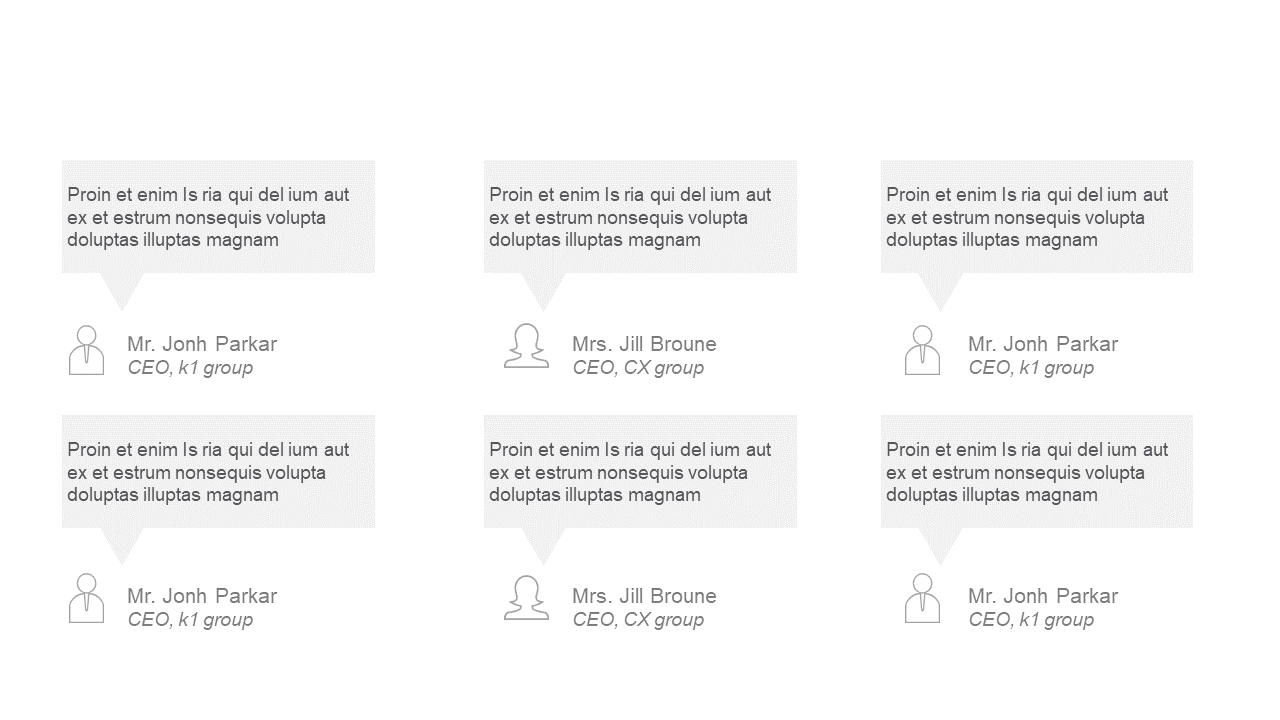
Showcase customer feedback effectively with this clean testimonial layout.
View full slide →
✓
Emphasize key messages with this editable inspiring quote layout.
 SlideSwift