Showing 502 slides
in Presentation Essentials

View full slide →
✓
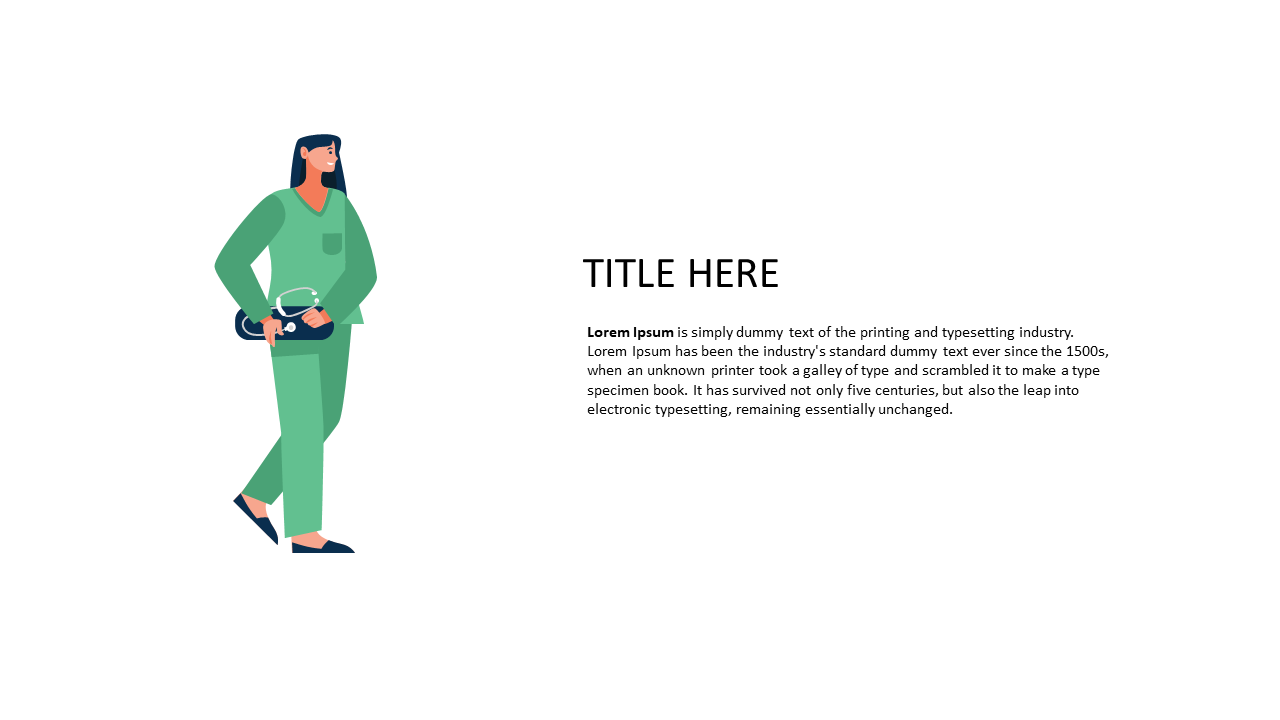
Use an engaging character layout to convey narratives in presentations.
View full slide →
✓
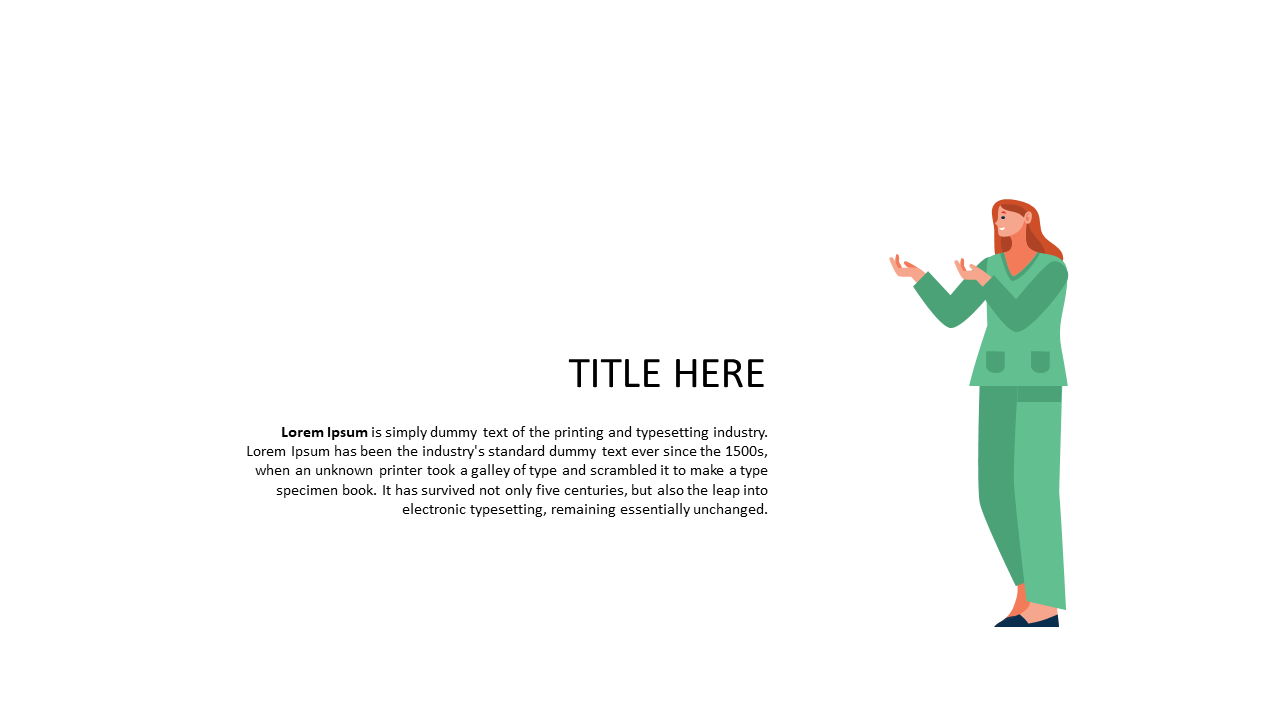
Use an illustrative layout for engaging business topic introductions.
View full slide →
✓
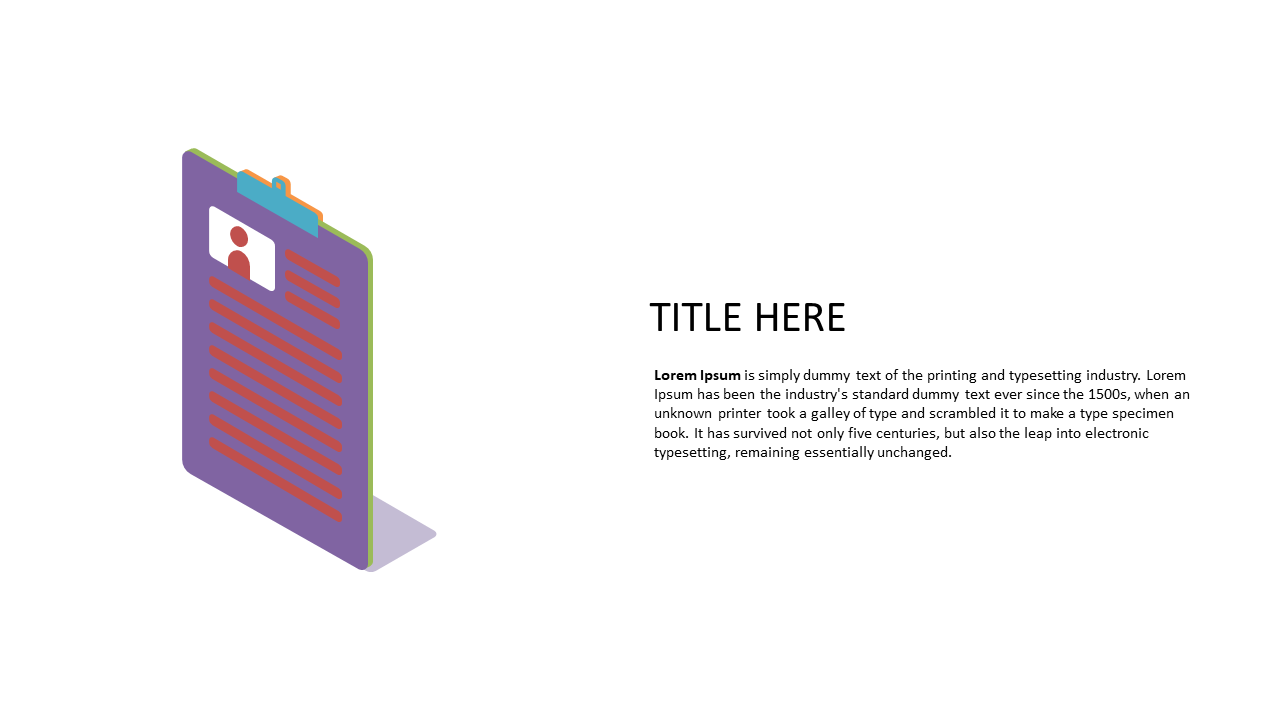
Engage your audience with a 3D resume slide for PowerPoint and Google Slides.
View full slide →
✓
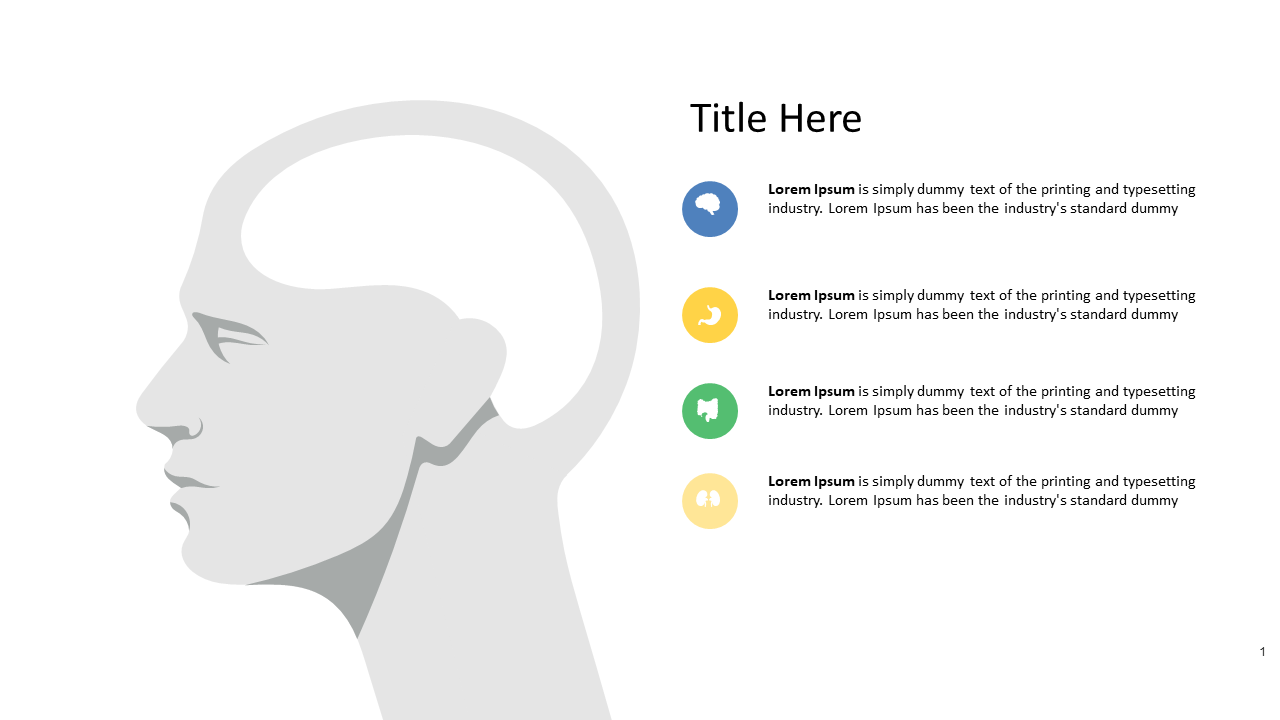
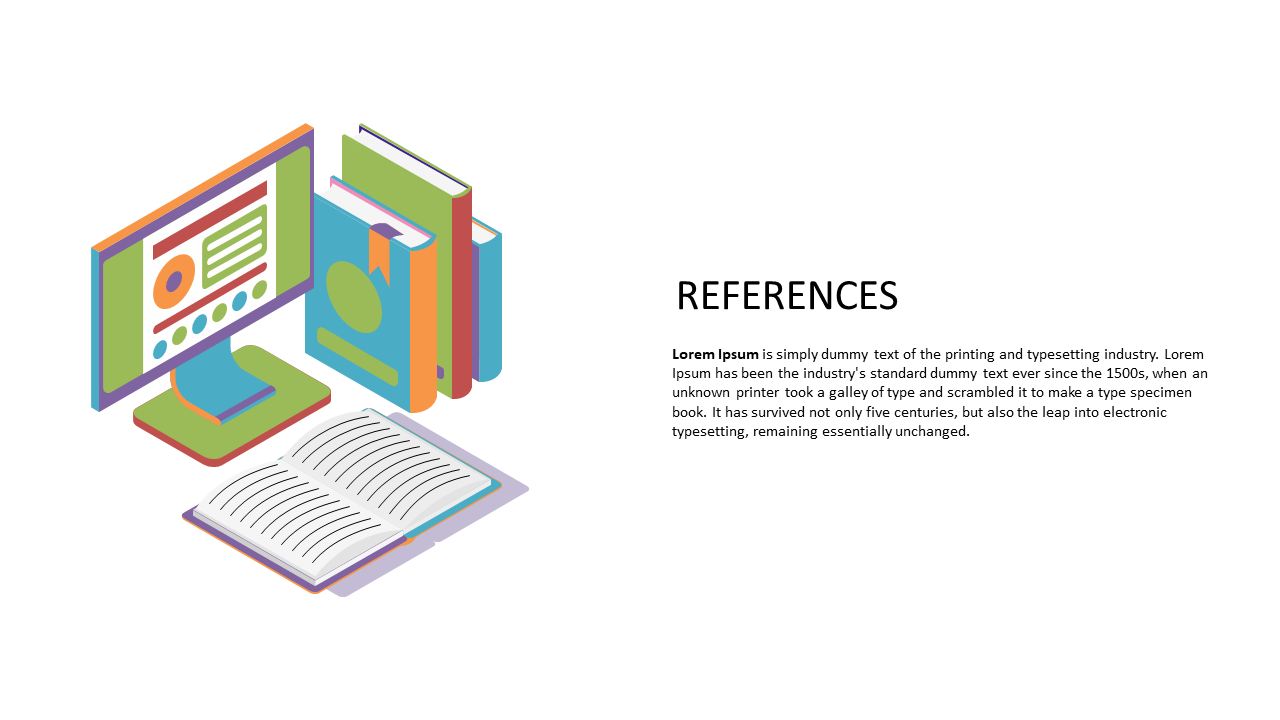
Enhance educational presentations with an illustrated slide layout.
View full slide →
✓
Enhance your personal branding presentations with a profile silhouette layout.
View full slide →
✓
Use this engaging 3D pillars layout to emphasize key points in your presentations.
View full slide →
✓
Create modern presentations with this engaging minimalist character slide layout.
View full slide →
✓
Introduce team members effectively with this engaging circle profile layout.
View full slide →
✓
Customize this circle profile layout for effective team introductions in presentations.
View full slide →
✓
Engage audiences with this circular character layout for personal branding.
View full slide →
✓
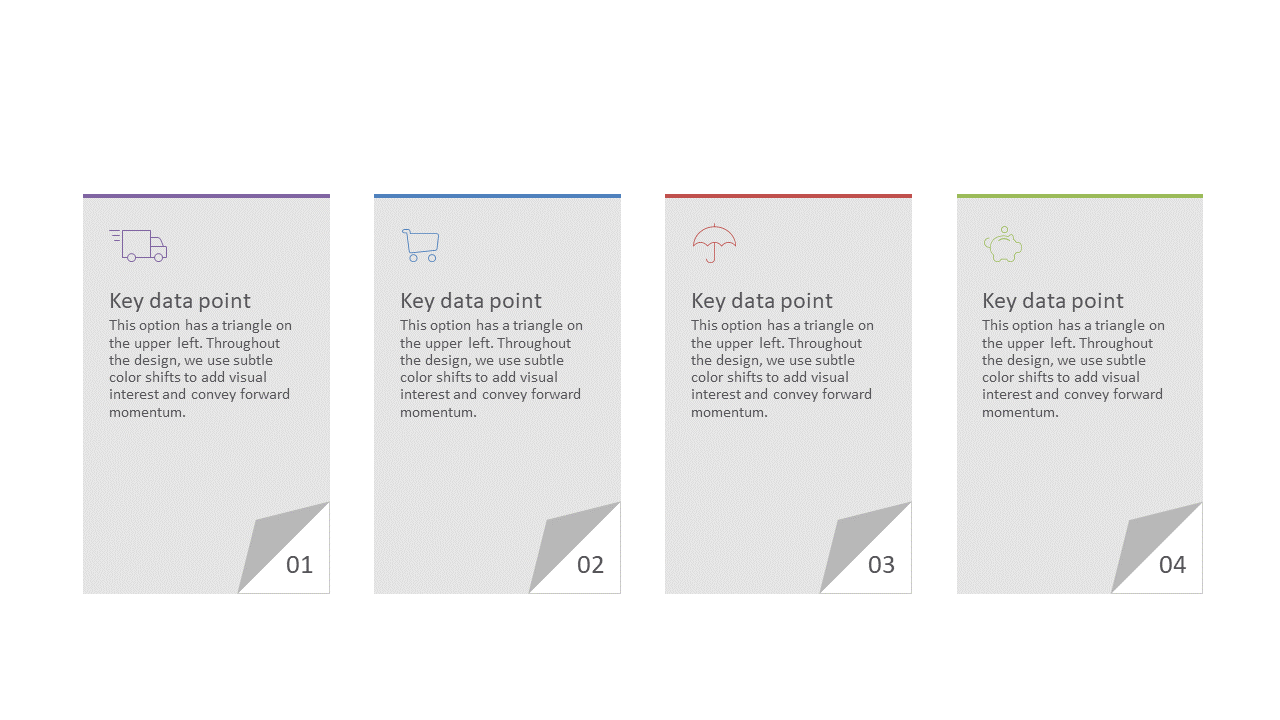
Present key data points succinctly with these editable color-coded information cards in PowerPoint and Google Slides.
View full slide →
✓
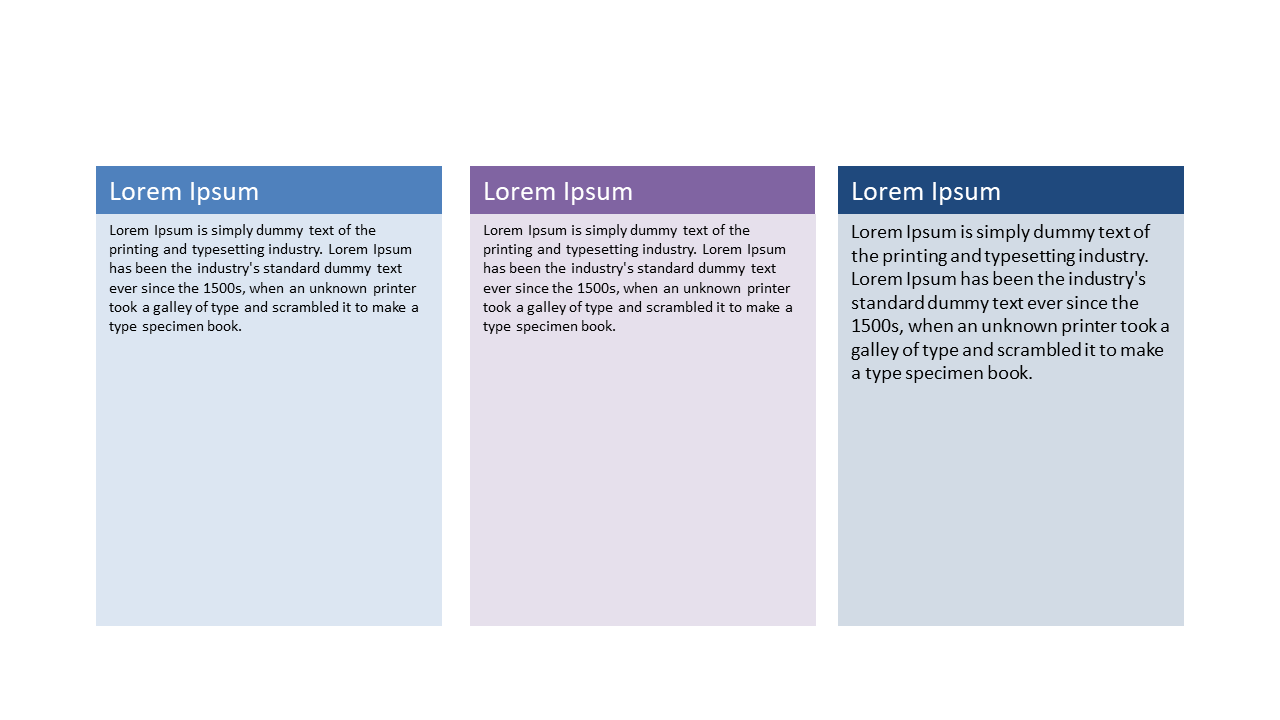
Organize key points effectively using this three-column layout for presentations.
 SlideSwift