Showing 502 slides
in Presentation Essentials

View full slide →
✓
Use this title and content layout V5 to effectively highlight key points in your presentations.
View full slide →
✓
Highlight key points in your presentations using this title and content layout V6 for PowerPoint and Google Slides.
View full slide →
✓
Create impactful presentations with this text and image layout for PowerPoint and Google Slides.
View full slide →
✓
Use this minimalist text slide to highlight key points in your PowerPoint or Google Slides presentations.
View full slide →
✓
Present different categories effectively with this icon-based layout in PowerPoint or Google Slides.
View full slide →
✓
Highlight key points in your presentations with this title and content layout for PowerPoint and Google Slides.
View full slide →
✓
Use this title and content layout V2 to emphasize key points in PowerPoint and Google Slides.
View full slide →
✓
Emphasize key points in your presentations with this title and content layout V3 for PowerPoint and Google Slides.
View full slide →
✓
Classify ideas effectively with a four-part layout for dynamic presentations.
View full slide →
✓
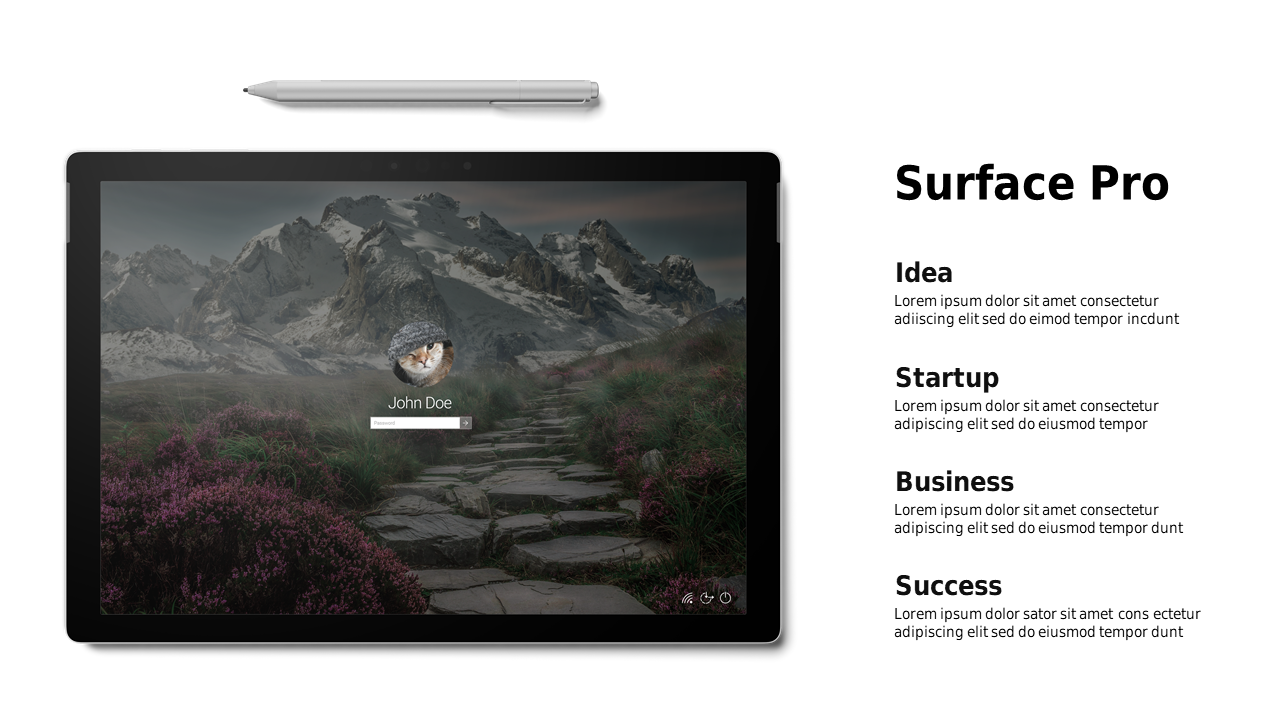
Create a professional product showcase with customizable text blocks for PowerPoint.
View full slide →
✓
Engage your audience with a customizable product showcase slide for presentations.
View full slide →
✓
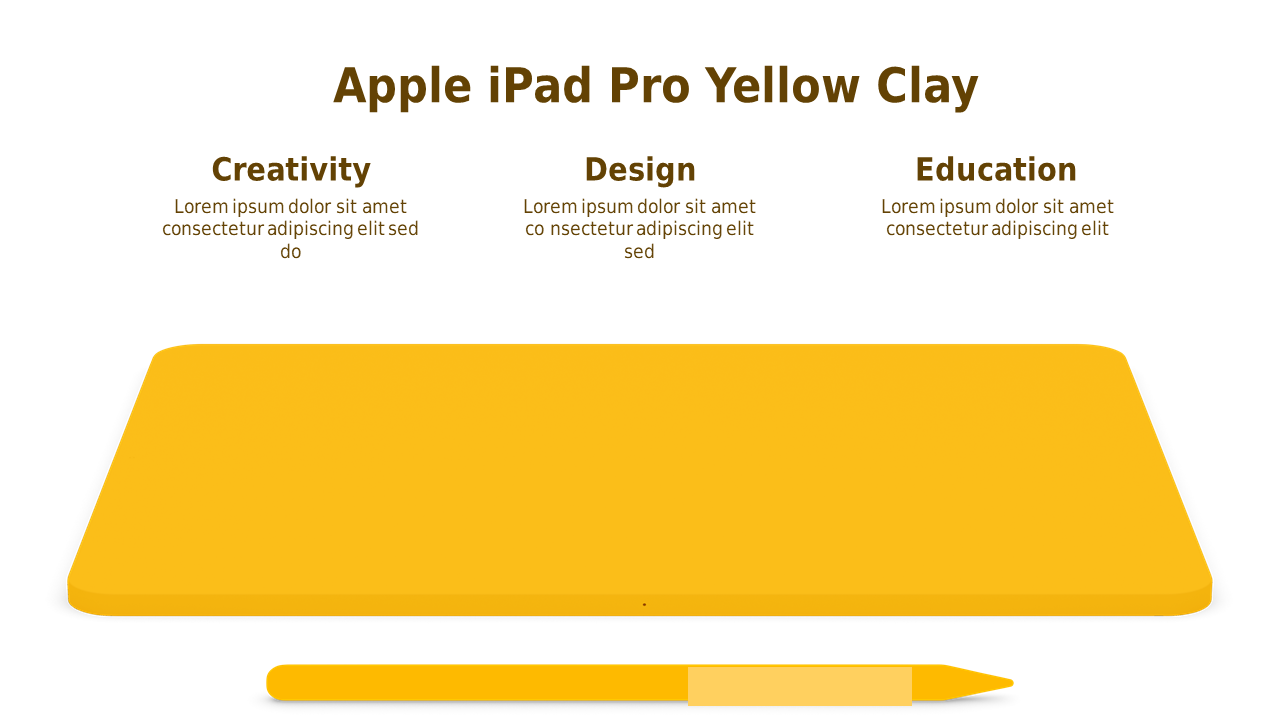
Utilize a vibrant product display slide for effective marketing presentations.
 SlideSwift