Showing 502 slides
in Presentation Essentials

View full slide →
✓
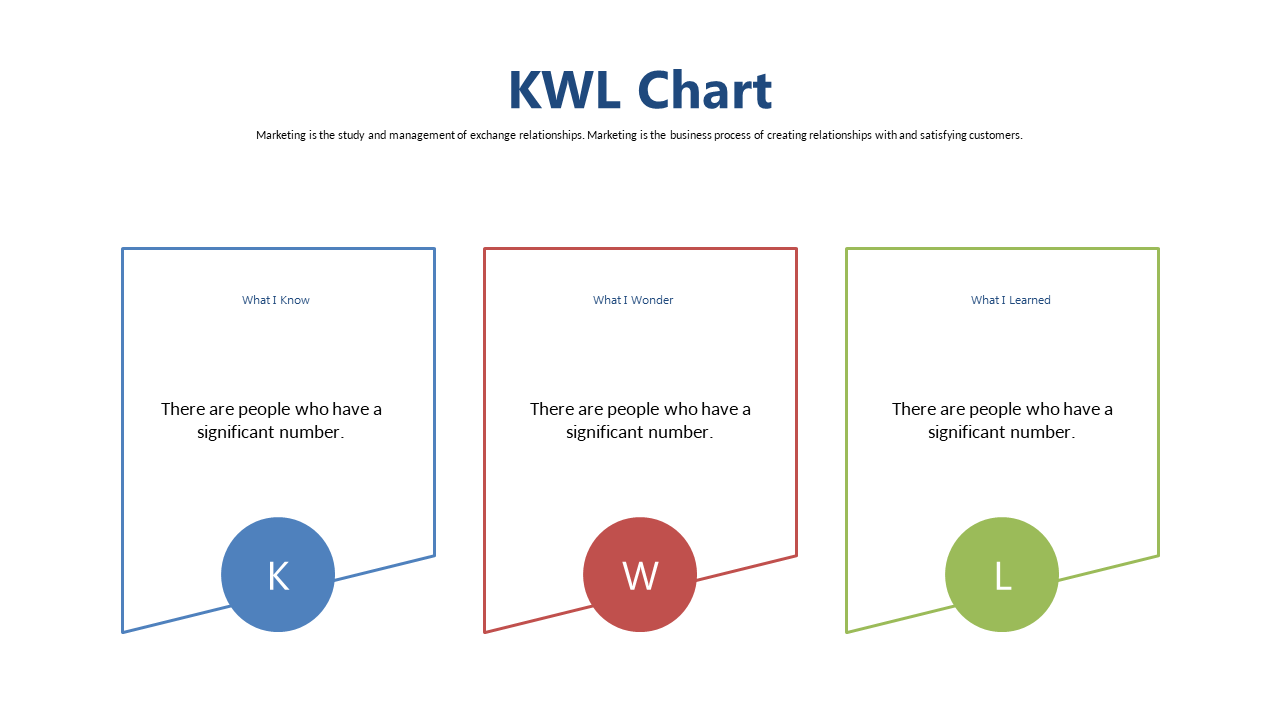
Showcase lessons learned with this editable chevron layout in your presentations.
View full slide →
✓
Use this bold text layout to highlight key messages in your presentations.
View full slide →
✓
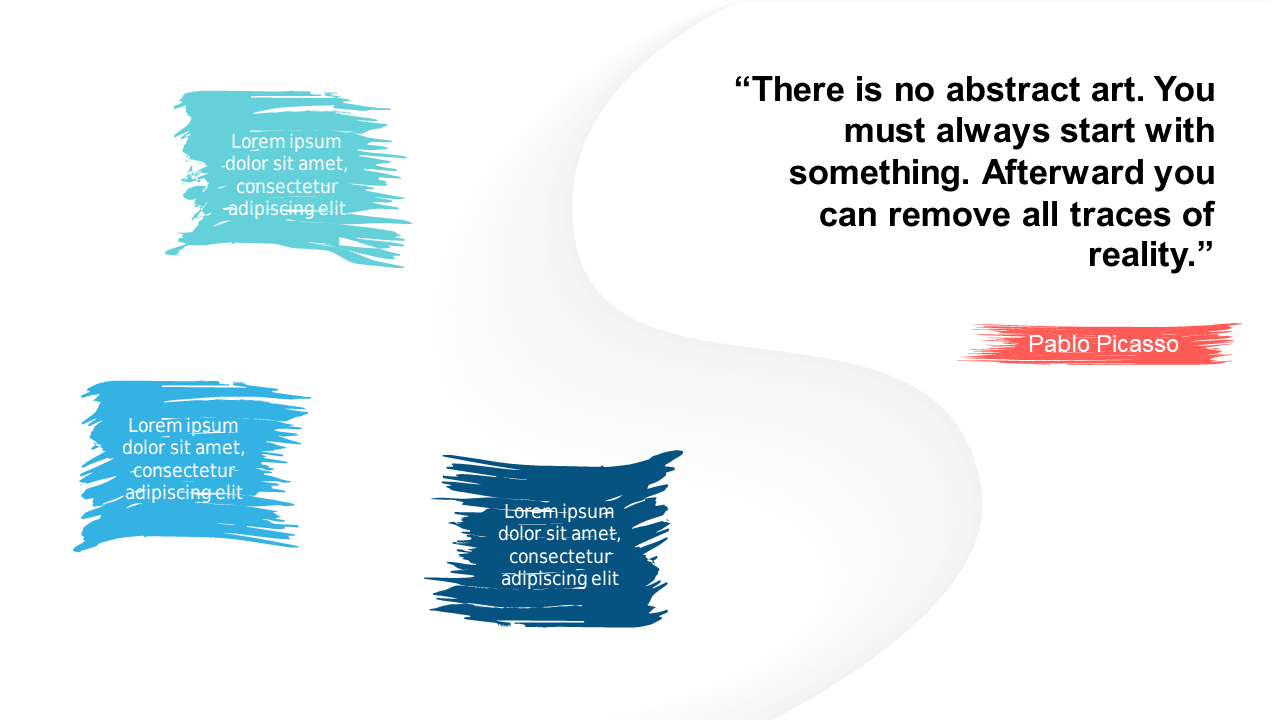
Emphasize impactful quotes with an artistic slide in PowerPoint.
View full slide →
✓
Highlight key points in presentations using customizable callout shapes.
View full slide →
✓
Use this grid layout to make your presentations visually engaging.
View full slide →
✓
Customize this grid layout for impactful presentations in PowerPoint.
View full slide →
✓
Highlight key points in your presentations using vibrant text boxes.
View full slide →
✓
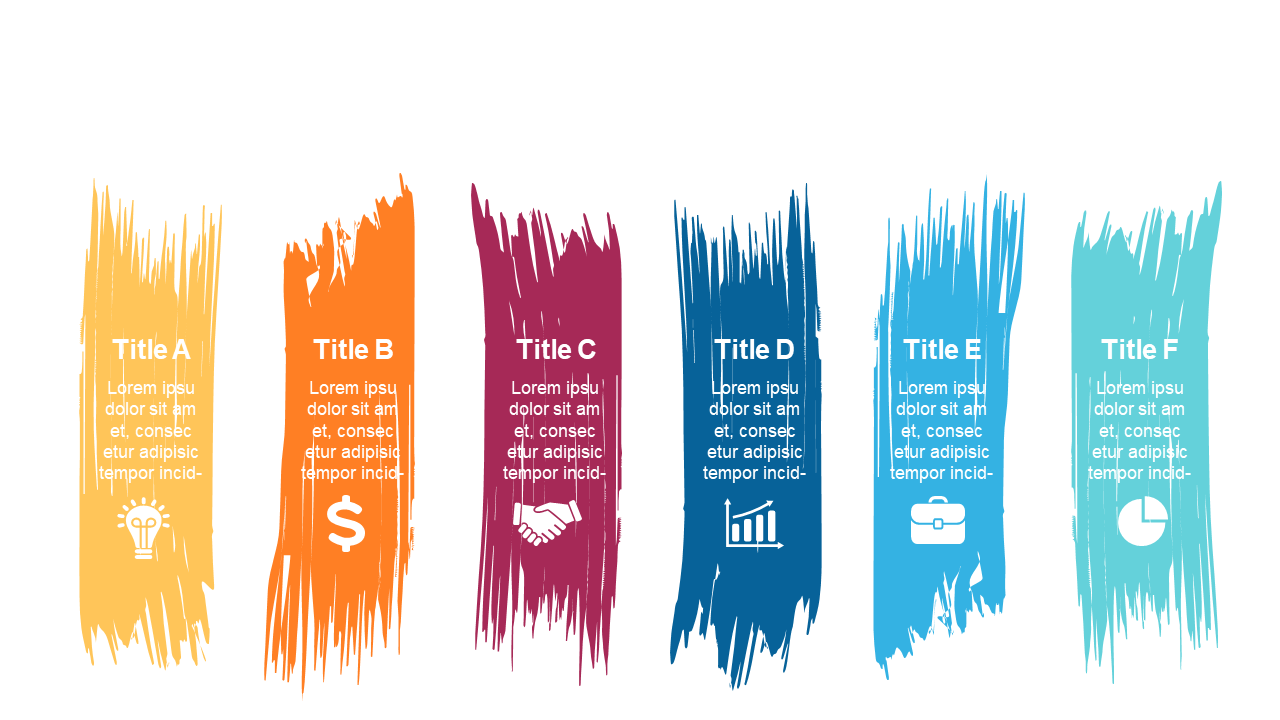
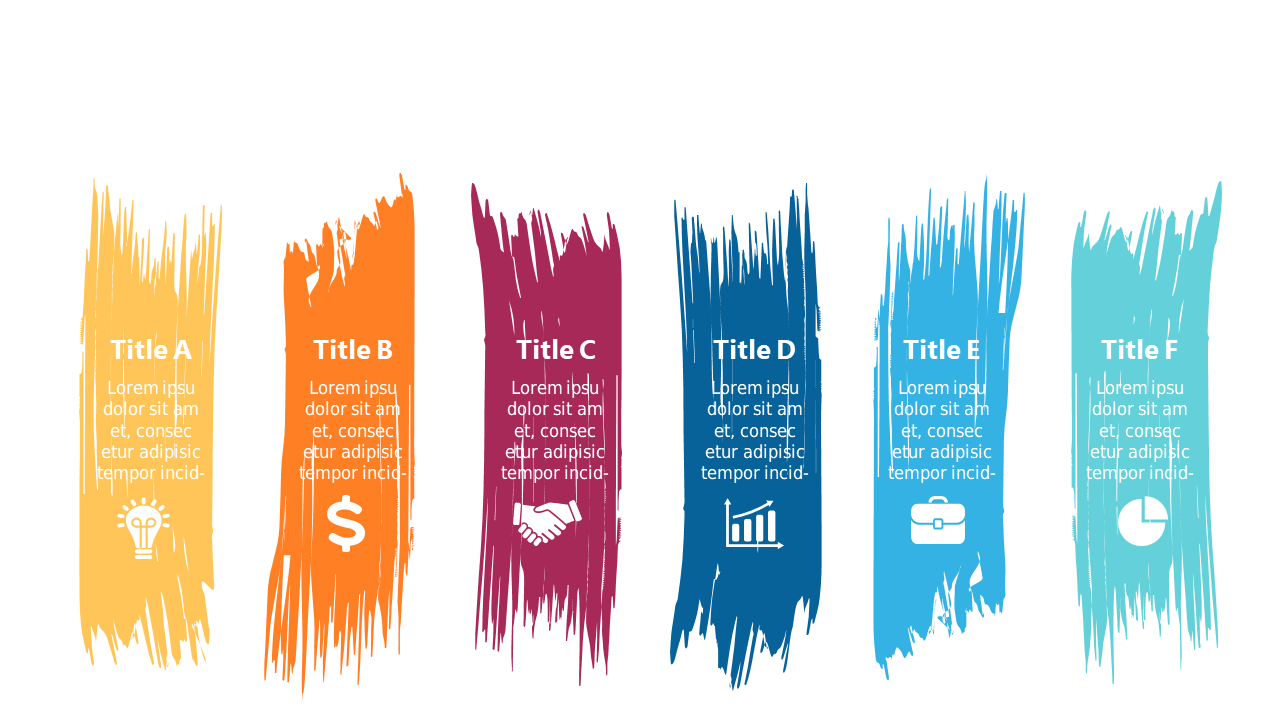
Enhance your slides with colorful brushstroke text boxes.
View full slide →
✓
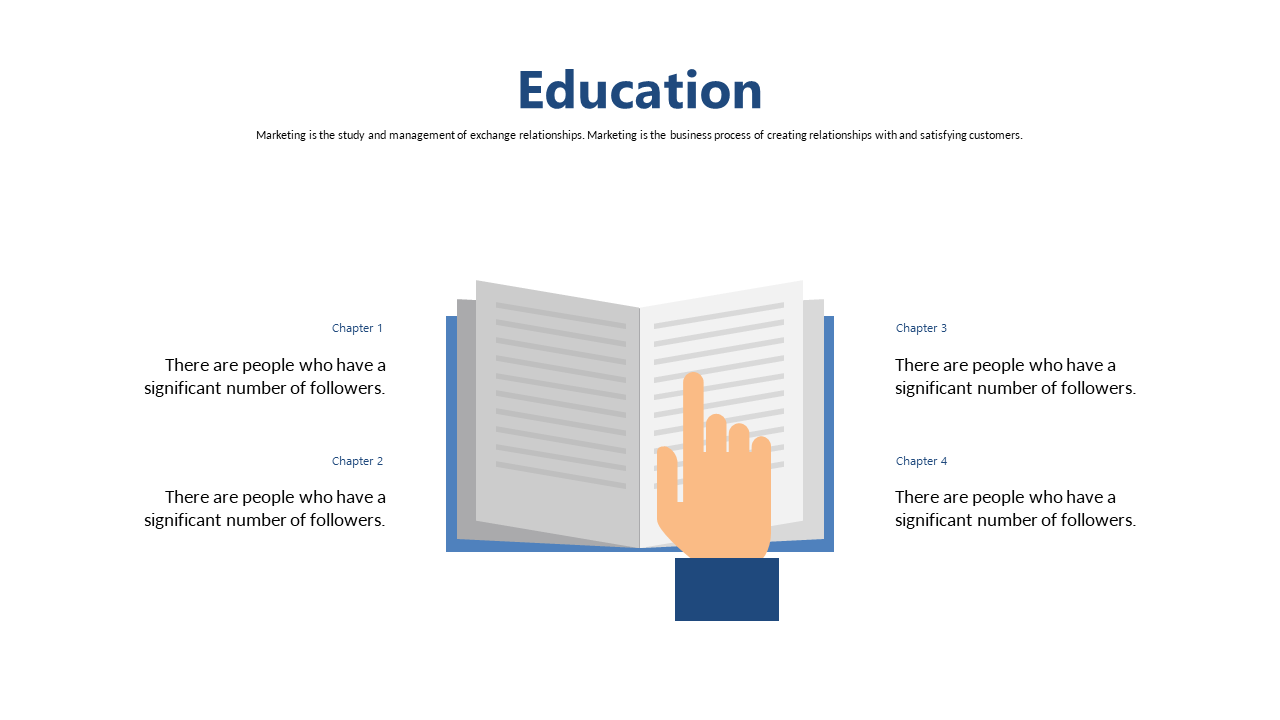
Engage your audience by outlining key education topics with this layout.
View full slide →
✓
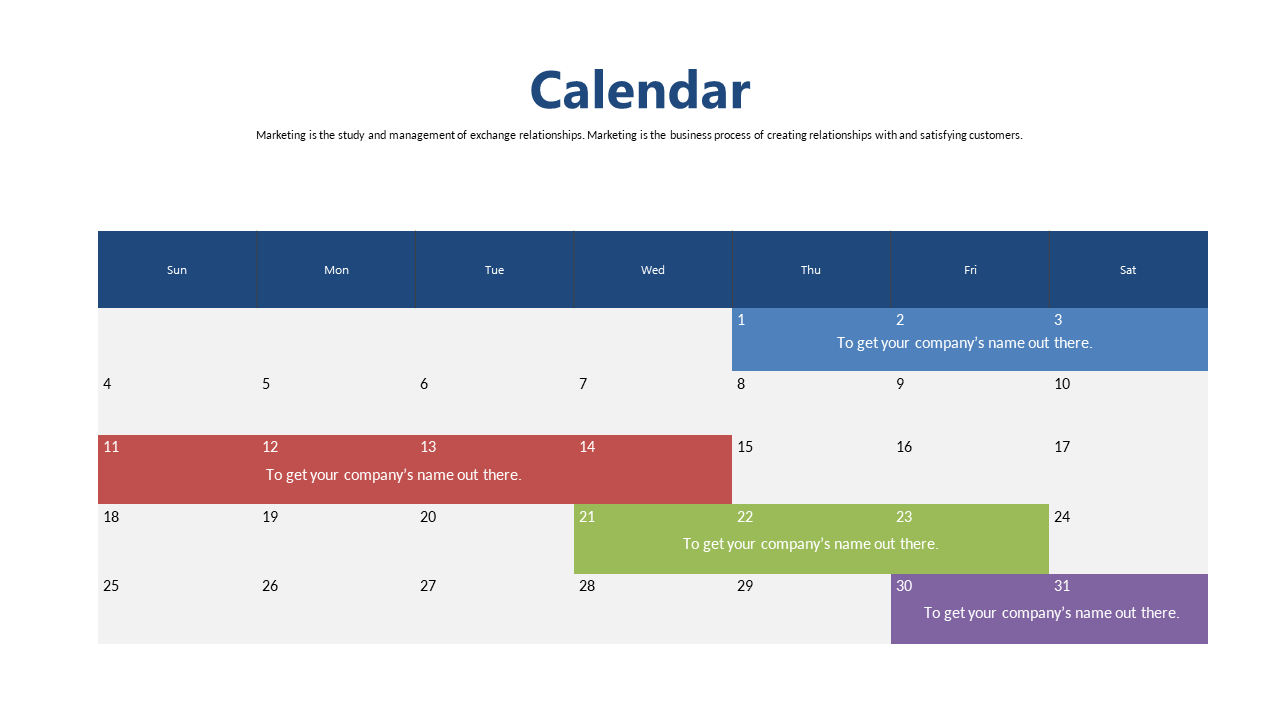
Organize activities and deadlines using this editable weekly calendar layout.
View full slide →
✓
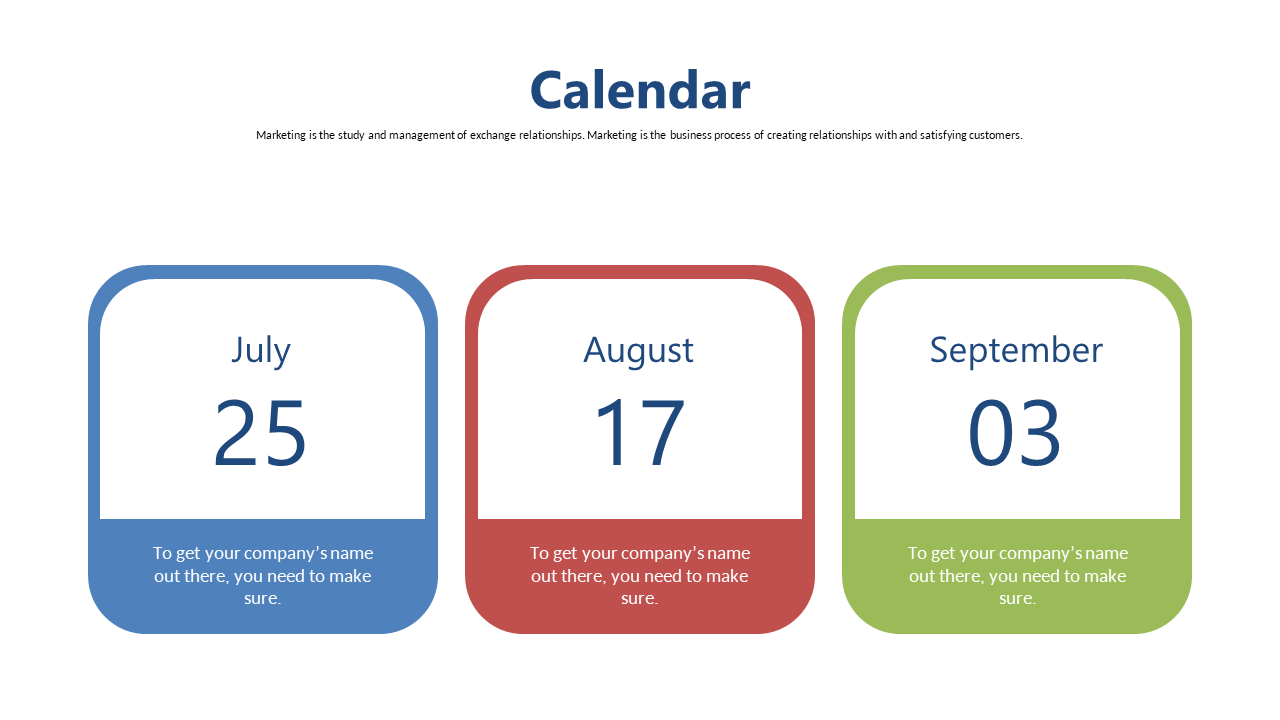
Present timelines and promotional activities with a customizable quad color calendar.
View full slide →
✓
Use this quad color calendar to effectively highlight important dates in presentations.
 SlideSwift