
If your slide deck still looks like it was made in 2015, your audience will notice — even if they can’t say exactly why. Presentation design has moved fast over the last few years, and the difference between a deck that gets forwarded around the office and one that gets ignored often comes down to a handful of design choices.
Here are the 7 biggest PowerPoint trends US businesses are using right now, and how you can apply them to your next presentation — even if you’re not a designer.
1. Dark Mode Slides Are No Longer Just for Tech Companies
Dark-themed presentations used to be reserved for software demos and product launches. That’s changed. HR decks, sales pitches, and financial reports are now routinely using dark backgrounds with light text, because they:
- Feel more premium and modern
- Reduce eye strain in dim conference rooms
- Make charts, icons, and photos pop with higher contrast
The easiest way to adopt this trend without redesigning everything from scratch is to use a template that already comes in both Light and Dark versions, so you can switch based on the room, the audience, or your company’s brand mood.
2. Minimal Text, Maximum Visual Hierarchy
The “wall of bullet points” slide is dying. Audiences scan, they don’t read. The trend now is:
- One core idea per slide
- Large, bold headline text
- Supporting visuals (icons, simple charts, photos) instead of paragraphs
If you’re used to cramming five bullet points onto a slide, try cutting it down to one sentence and one visual. It forces clarity — and it’s far more memorable in a meeting.
3. Custom Color Systems Instead of Default Office Themes
Anyone who’s sat through a hundred presentations can spot the default PowerPoint blue-and-orange theme instantly — and it signals “this wasn’t customized for us.” Companies are now standardizing around a small set of brand-consistent colors (usually 4-6 variants) used across every deck, every department, every quarter.
This is also why color-variant template bundles have become popular — instead of manually recoloring every chart and shape, teams pick a template that already exists in their brand’s color palette.
4. Built-In Iconography Over Stock Photos
Generic stock photos (the laptop-and-coffee-cup shot, the handshake photo) are increasingly seen as filler. The trend is shifting toward custom icon sets and flat illustration styles that match the deck’s color theme — they look more intentional and load faster when shared digitally.
5. Infographic-Style Data Slides
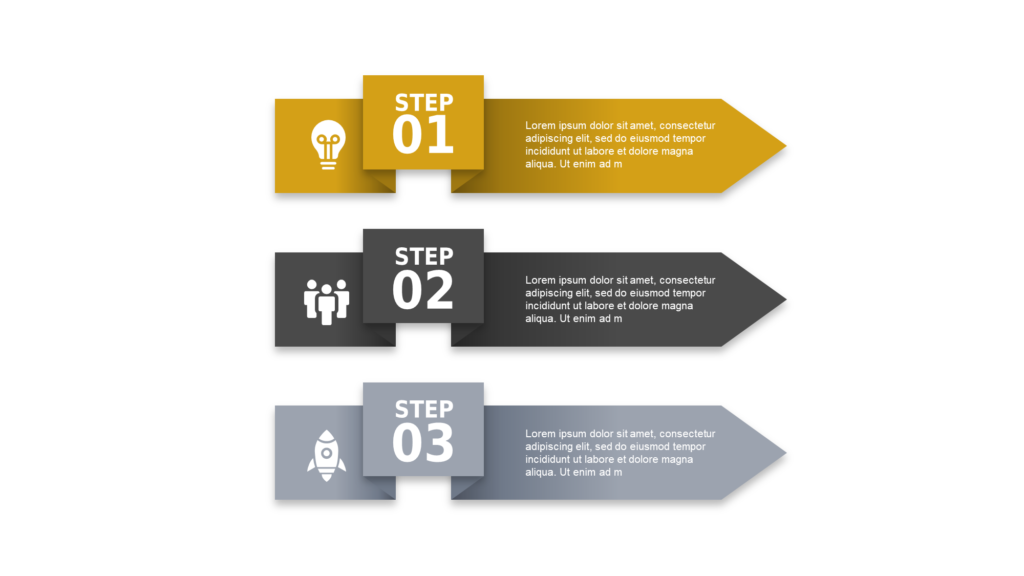
Raw tables of numbers are being replaced by infographic layouts: timelines, comparison grids, process flows, and hexagon/pyramid frameworks that visually organize information instead of just listing it. This is especially common in business strategy decks, sales proposals, and quarterly reviews where you need to communicate a process or a comparison at a glance.
6. Templates Built for Both PowerPoint and Google Slides
With hybrid and remote teams, it’s common for one person to build a deck in PowerPoint and another to edit it in Google Slides. Templates that are designed to work cleanly in both formats (without broken fonts or shifted layouts) are becoming the standard expectation, not a bonus feature.
7. Reusable Template Libraries Instead of One-Off Designs
Hiring a designer for every single presentation isn’t realistic for most teams. The trend among growing businesses is building (or buying) a library of templates they can reuse across categories — pitch decks, internal reports, training materials — so every presentation has a consistent, professional look without starting from zero each time.
Bringing These Trends Into Your Own Presentations
You don’t need a design team to apply any of this. The fastest way to modernize your decks is to start from a template that already reflects these principles — clean typography, intentional color systems, Light & Dark theme options, and infographic-style layouts — and customize it with your own content.
At SlideSwift, every template in our library is built with these exact trends in mind: 6 color variants, Light & Dark themes, and infographic-driven layouts across 27+ categories. Browse our free templates to get started, or explore the full library if you need something for a specific use case.
Looking for a template for your next presentation? Browse our PowerPoint template library — free and premium options available, with both Light and Dark themes in every category.